EASY-ROTOR-CONTROL M V2.2 Instructions
___________________________________________________________________________
© Ing.-Büro E. Alba de Schmidt web : www.schmidt-alba.de
Tannenstr. 16 Page 36 of 44 email : erc@schmidt-alba.de
86836 Untermeitingen / Germany
This document is for the user only. Any publishing (printed or in electronic form) is not allowed.
6.7 Mechanical integration into the desktop-housing
Mount the 4 rubber-feet to the desktop housing
using 4 screws 2.9x6.5mm.
Remove the protection-foil from the LCD and mount
the HID into the desktop-housing with 4 Allen-screws
using the Allen-tool provided with the kit.
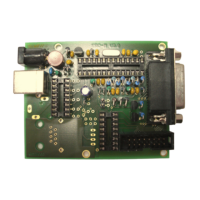
Mount the ERC-M-PCB to the housing with Allen-
screws.
Fold the 15-pole flat-ribbon-cable as shown and put
the DSUB-connectors as shown and mount the
female-DSUB-connector to the back-panel of the
housing with the 2 UNC-distance-bolts and 2 washers
from the DSUB-mounting kit.


 To Next Page
