CutSkill 60
OPERATING MANUAL
INTRODUCTION 2-4 0-5574
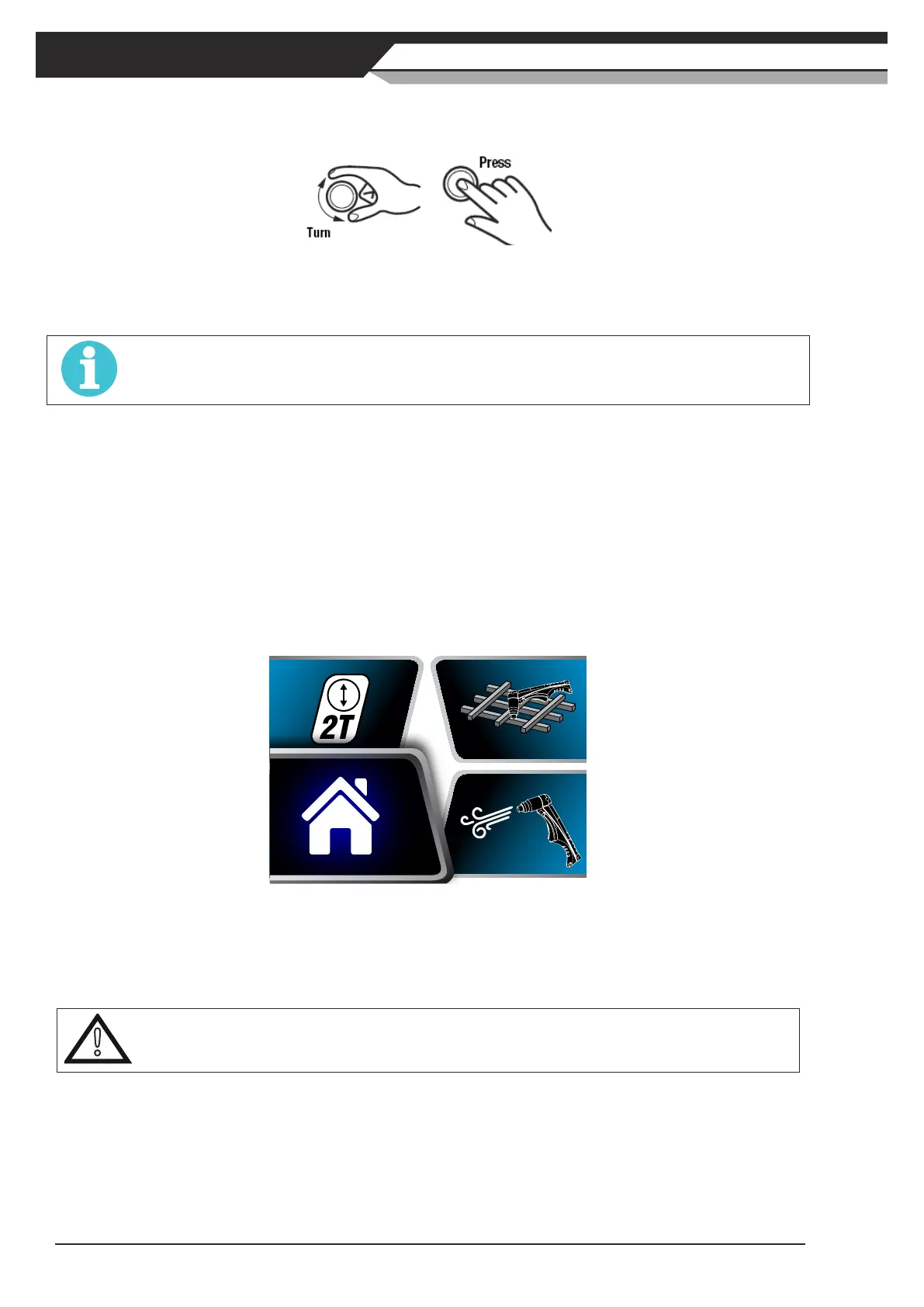
2.ControlKnob
TurnorpresstheControlKnobtoselectfromthemenuorchangevalues.
To adjust the cutting current:
• Turnclockwisetoincreasecuttingcurrent;
• Turnanti-clockwisetodecreasecuttingcurrent.
NOTE
In gouging mode, the maximum output current is limited to 50A.
To select an option from the displayed menu:
• Optionswillbehighlightedinsequenceateveryturn;
• Turnclockwiseoranti-clockwisetochangeselection;
• PresstheControlKnobtoconrmtheselection;
• SelecthomeiconandpressControlKnobtoexitmenu.
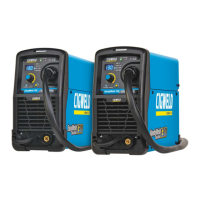
3. LCD Screen
A LCD screen is installed on the front panel to display cutting mode, cutting current, air pressure, and error
information.PresstheControlKnobformorethan2secondstoenterthemenuforcuttingmodeselection.
Detailed LCD operation method is introduced in Section 2.05.
Figure 2-4: LCD Screen
4. Work Cable Terminal
Connect work cable to the power source via this Dinse terminal, and the clamp on the other side to the work
piece.
!
CAUTION
Loose terminal connections can cause overheating and result in the male plug being fused in the Dinse terminal.
5. Input Supply ON/OFF Switch
This switch is used to turn the unit ON/OFF. When this switch is turned ON the LCD Screen on the front panel
will illuminate and the fan will run.
6. Gas Inlet Port
The gas inlet port can accept a 1/4" NPT male plug. A Nitto air fitting nipple and a - 1/4" male plug is supplied
in the package for connection of air line to the compressed air.



 To Next Page