Page 33
Location Selected tel. number Preset tel. number
1 3331234567 0717506065
2 3339876543 0717506066
3 0733434343 0717506067
4 0733445566 0717506068
5 0733778899 0717506069
- when selecting tel. number 3331234567, 3G.next will make a call
to 0717506065;
- when selecting number 3339876543 , 3G.next will make a call to
0717506066;
- etc;
- when selecting any number not included in the “Selected
telephone number” column, 3G.next will send a call to the first
telephone number included in the “Preset telephone number”
column.
Entering preset numbers
It allows to enter up to 5 telephone numbers receiving any outgoing call
sent out by 3G.next.
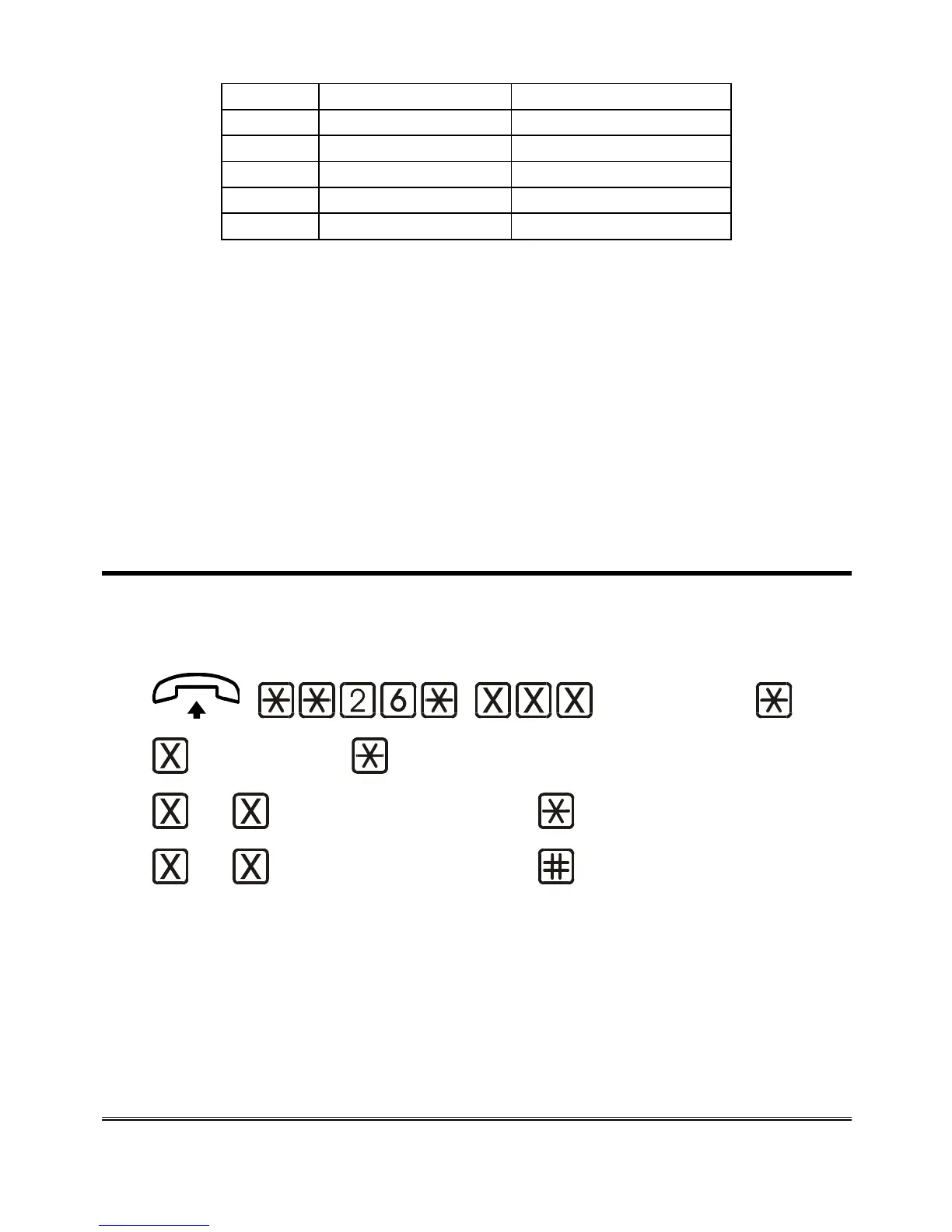
(password)
(location)
... (telephone number)
... (telephone number) (confirmation)
Lift the handset and dial : **26*.
Enter the programming password.
Dial: *.
Enter the desired telephone number location (from 1 to 5) in the
related table.
Dial *.



 To Next Page