Page 40
CLIP disabled
CLIR depends on the provider
Roaming enabled
Battery check disabled / 4h
External power failure control disabled
Relay-based notifications disabled
Transmitter gain +6dB
Receiver gain -8dB
Relay settings monostable 1s
Note: restoring factory default does not modify the
programming password and the settings entered for
the “Automatic Converter” service.
RESET
You can reset 3G.next gateway at any time, without powering it off, with
the following code:
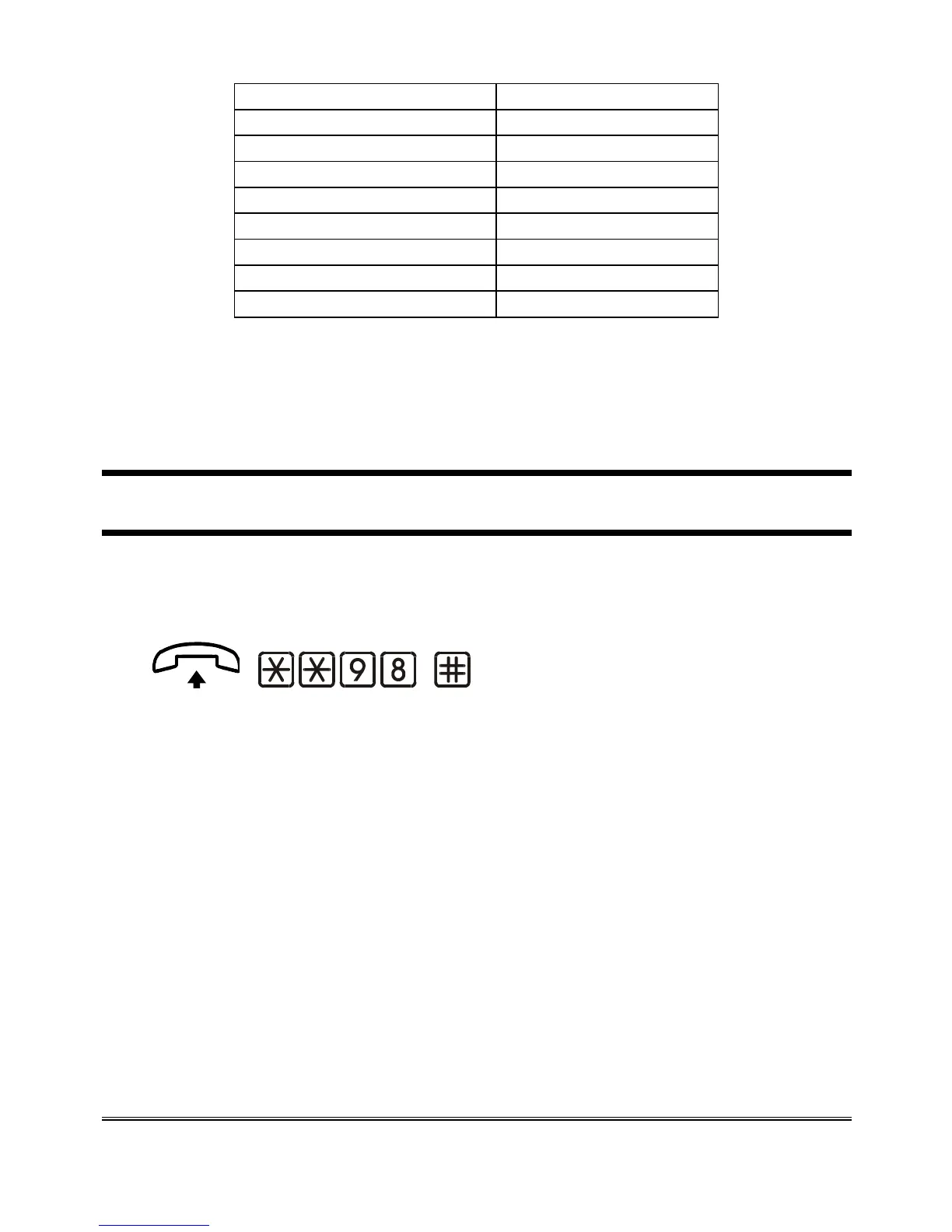
(confirm)
Lift the handset and dial: **98.
Dial # to confirm.
Hang up.
Note: resetting 3G.next gateway does not modify its
programming profile.



 To Next Page