1.
2.
3.
4.
5.
6.
7.
8.
9.
10.
11.
For more information, consult the section performing an optical tracing > tracing environment > captioned screen. (p.21)
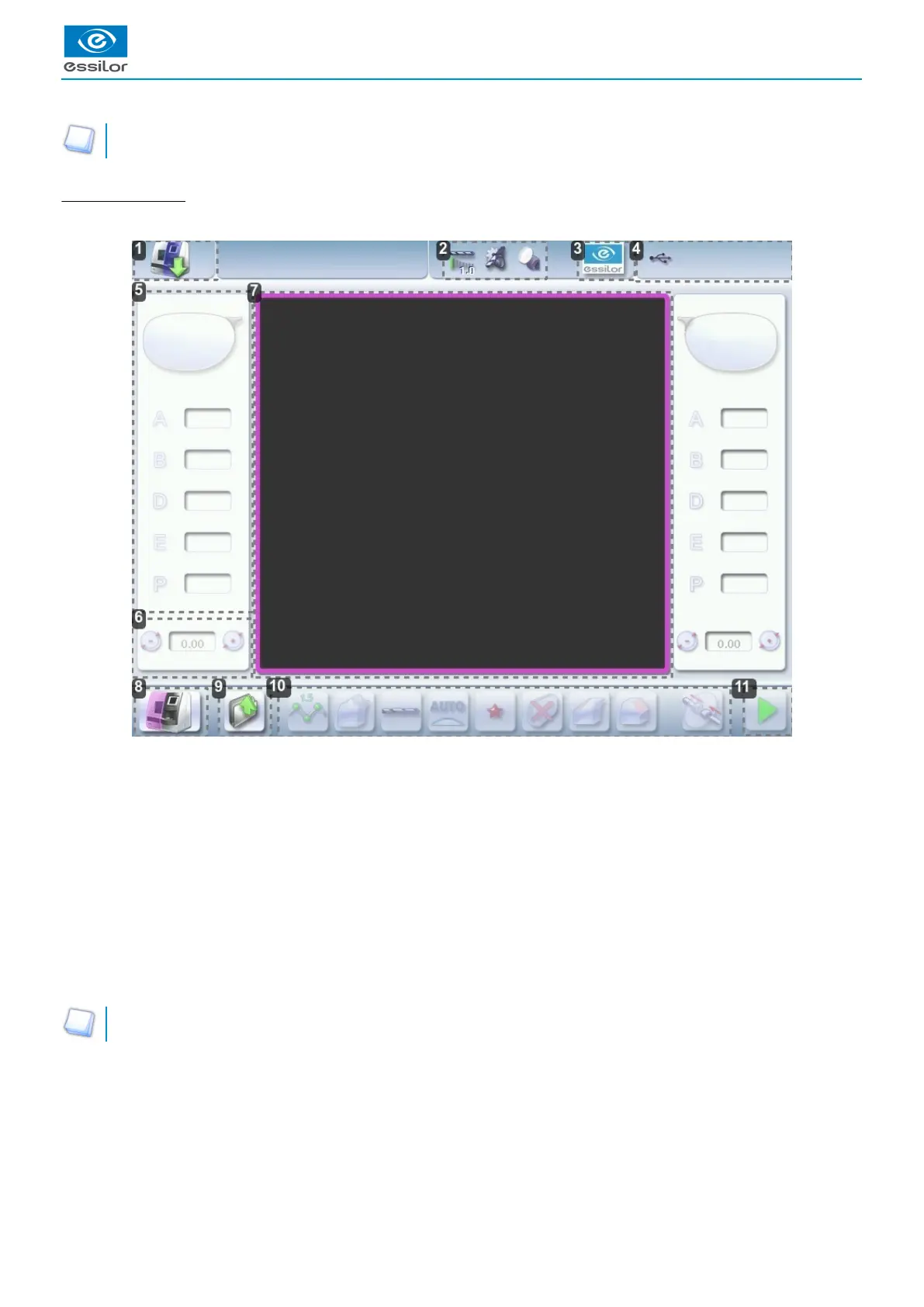
Edging screen (edger)
Main menus of the edging screen:
Icon for accessing the tracer-centerer-blocker work screen
Tool wear indicators
Settings
Devices connected
Active eye and information on the shape
Size increase / reduction
Work area
Edger icon
Job call
Actions available on the present screen
Start the edging cycle
For more information, refer to the section .Edging a lens > Edger environment > Menu screen (p.83)



 To Next Page
 Loading...
