5
4
3
2
1
5
4
3
2
1
5
4
3
2
1
1.
2.
7. Make a backup of the jobs and display configuration
Connect the backup USB key to the tracer-centerer-blocker.
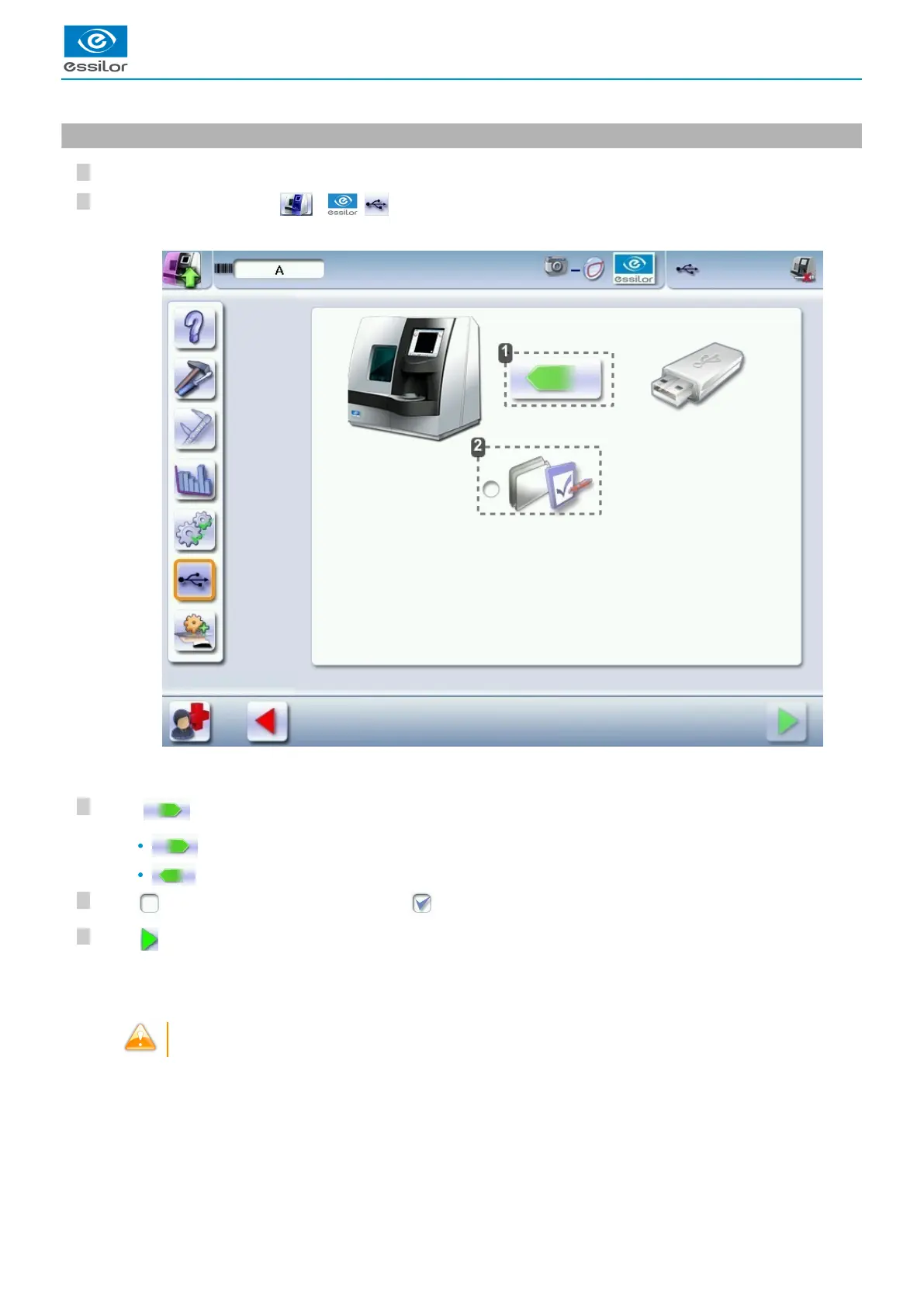
From the work screen, select > > .
Data import/export
Customise the display
Press to select the action to perform.
: perform a backup
: import a backup.
Click to backup the customized tracer display: .
Press to start the operation.
Number of product “M16XXX” - Serial number of the product “” - Optician - Date “” - Hour “XXhXXmXXs”.
It is advisable to backup your jobs regularly.
The following screen is displayed:>
Once the backup is performed, a file is created on the backup key:>



 To Next Page
 Loading...
