1.
2.
3.
This chapter describes the procedures relating to the optical tracing of patterns, demo lenses and recut lenses:
description of the tracing environment (p.21)
manage and store shapes, (p.24)
trace a pattern, a demo or a recut lens (p.27).
1. The tracing environment
This section describes the tracing screen and explains how to manage the jobs:
description of the tracing screen (p.21)
jobs and work modes (p.22)
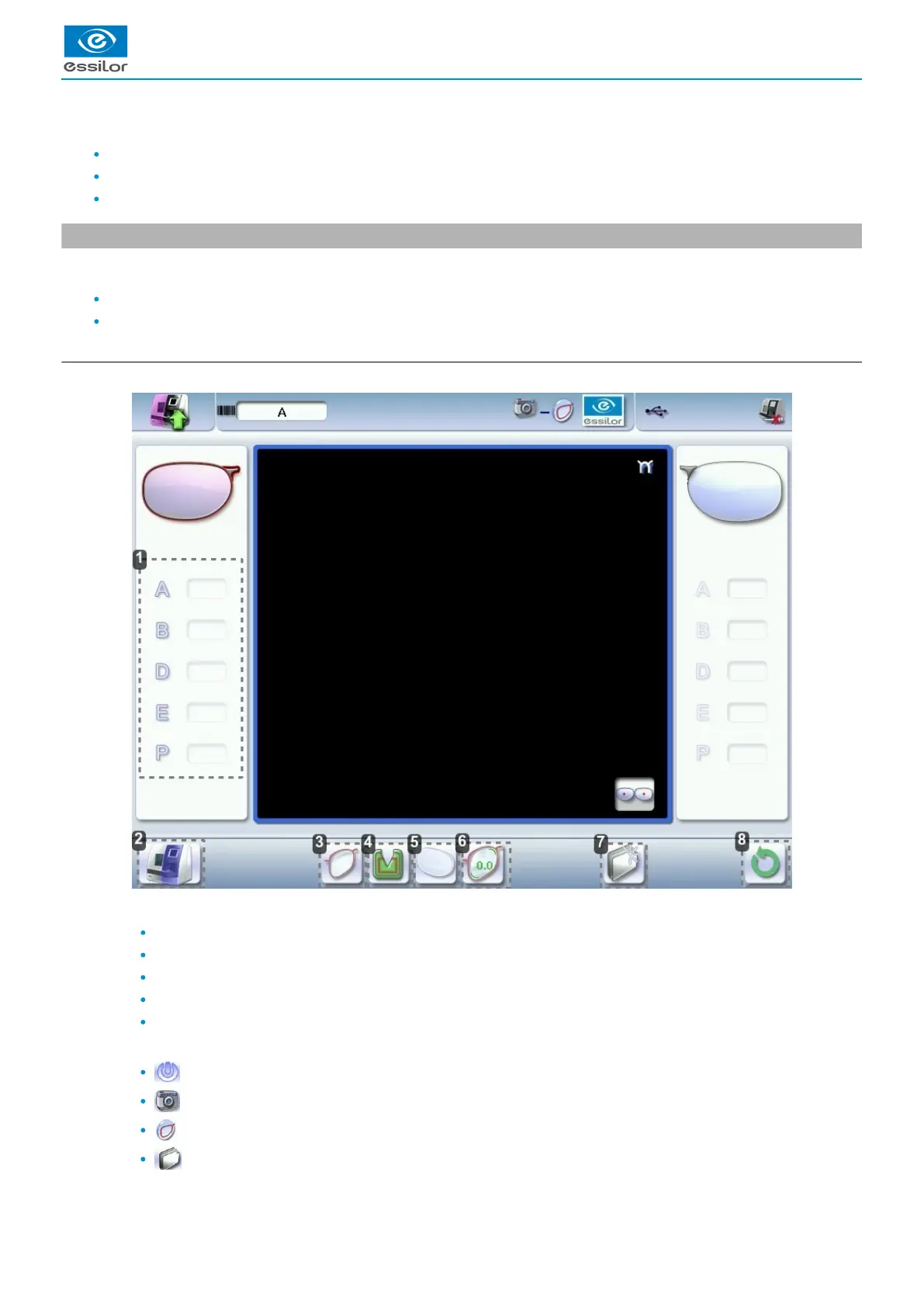
a. Menu screen
Menu screen
Dimensions display
A: A-dimension
B: B-dimension
D: D-dimension
E: Larger radius from the Boxing center
P: Perimeter
Function buttons
Machine shutdown
Optical tracing
Centering
Shape management



 To Next Page
 Loading...
