7
6
5
4
3
2
1
4
3
7
6
5
4
3
2
1
4
3
Connect the line connector cord of the external power supply to the tracer (cf image 6, shown above) and to the outlet, after
you ave made sure that it is grounded.
If necessary check the outlet grounding with your electrician.
Start the tracer.
When using it with:
Delta T: refer to the user manual of the edger to configure the installation suitably.
A login PC and edger, you can combine the two installations described above.
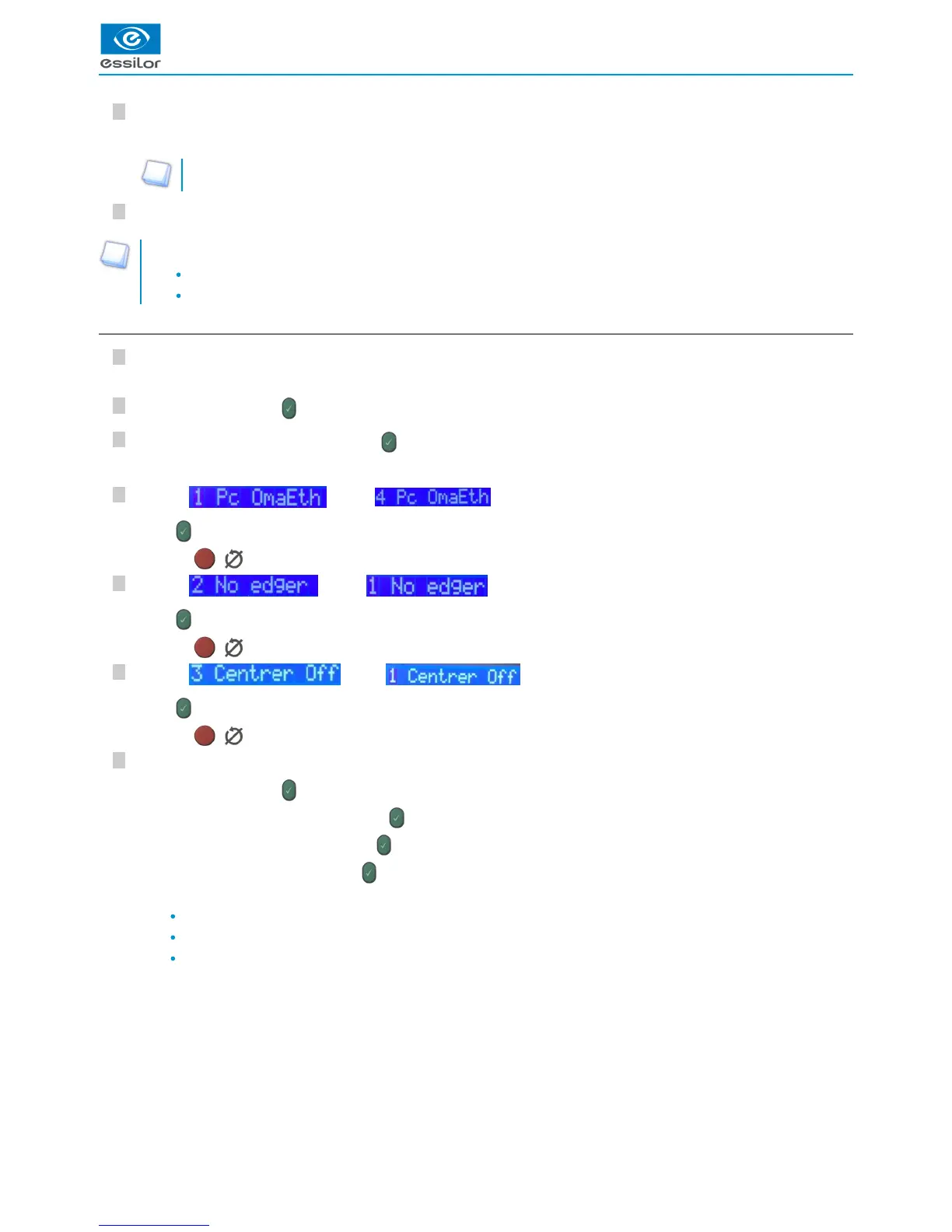
c. Login with a Delta 2 edger
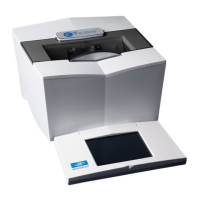
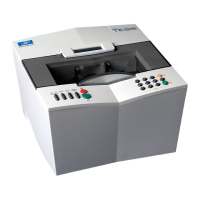
Connect the RJ-45 cable of the tracer to the edger.
Then to the tracer:
Press simultaneously on and “1”.
Press on “6. Communicate” then press on .
In the menu “1. Protocol”:
Click on then on .
Press to confirm.
Press on ( ) to exit the menu.
Click on then on .
Press to confirm.
Press on ( ) to exit the menu.
Click on then on .
Press to confirm.
Press on ( ) to exit the menu.
Then, configure the IP addresses as follows:
Press simultaneously on and “1”.
- Press on “6. Communicate” then press on .
- Press on “2. Parameters” then press on .
- Lastly, press on “3. IP” then press on .
Enter the elements below:
Static mode
IP: 192.168.128.12
Mask: 255.255.255.0


 To Next Page