2
1
1
3
2
1
1
1. Initialization
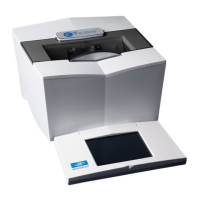
Power up the tracer.
2. Tracing
If you wish to assign a job number
Enter the desired job number, between 1 and 200 (beyond your job will not be memorized).
Press to confirm.
Press on ( ) of the tracer to launch tracing.
If you wish to work on the current job
Press on ( ) of the tracer to launch tracing.
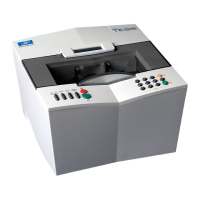
Working on the current job allows for a simplified identification of the job between the tracer and the edger.
In this case, the jobs are not memorized.
If you work with barcodes
Scan the barcodes.
Press on ( ) of the tracer to launch tracing.
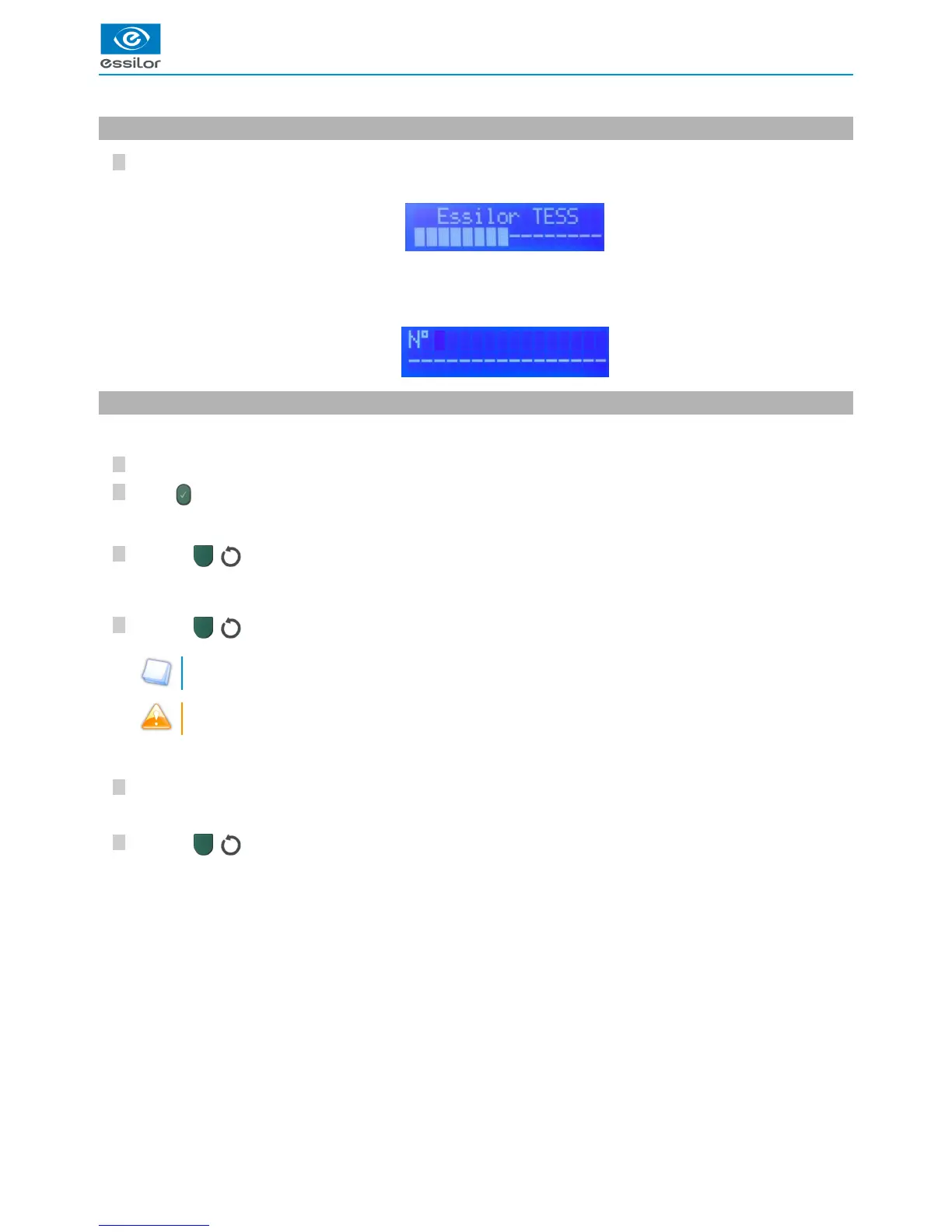
The display indicates:>
A beep indicates that the initialization phase is successful.
RE and LE LEDs light up on the tracer.
>
The tracer systematically requests if you want to add a job number.>
The job number is displayed.>
The number is displayed on the screen.>


 To Next Page