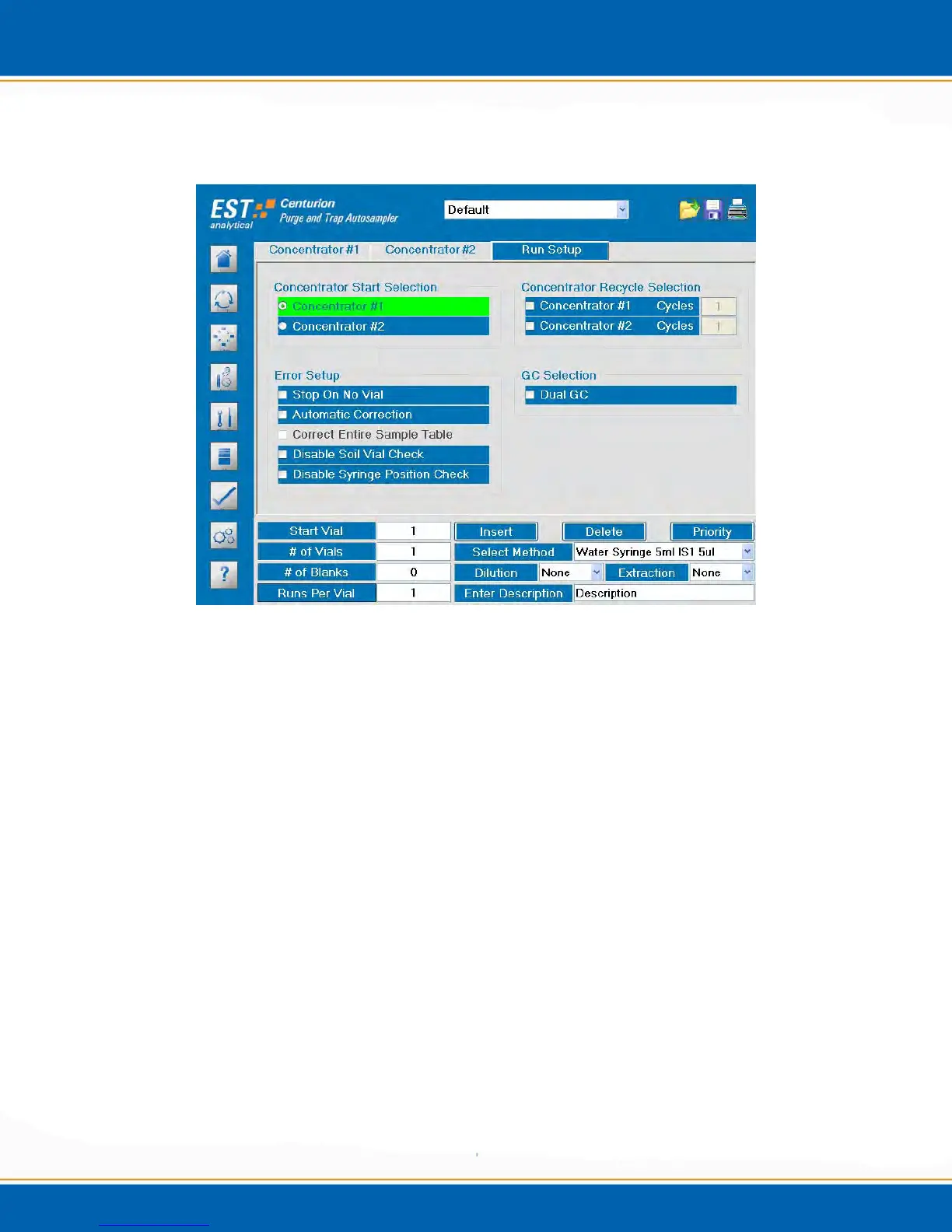
3.9.3 Run Setup: <click> on the Run Setup tab and the screen will appear as shown in Figure
3t.
Figure 3t: Run Setup Tab
Concentrator Start Selection: In dual concentrator mode select Concentrator
#1 or Concentrator #2 to begin the sequence.
Error Setup
Stop On No Vial: Select Stop On No Vial and the Centurion will stop if no
sample vial is detected in the sample tray. The autosampler will make three
attempts to sense a vial before stopping. If Stop On No Vial is not selected and a
vial is not sensed in the tray position the Centurion will run a false sample to keep
the GC sequence on track and will then continue to the next vial in the Centurion
sequence.
Automatic Correction (Dual Mode): Select Automatic Correction. In dual
concentrator mode if the Centurion does not receive a purge ready signal from
one of the concentrators the autosampler will continue to run the remaining
sequence of the active concentrator. If Automatic Correction is not selected, the
Centurion will not accept the next purge ready signal from the active concentrator
and the sequence will not continue.



 To Next Page