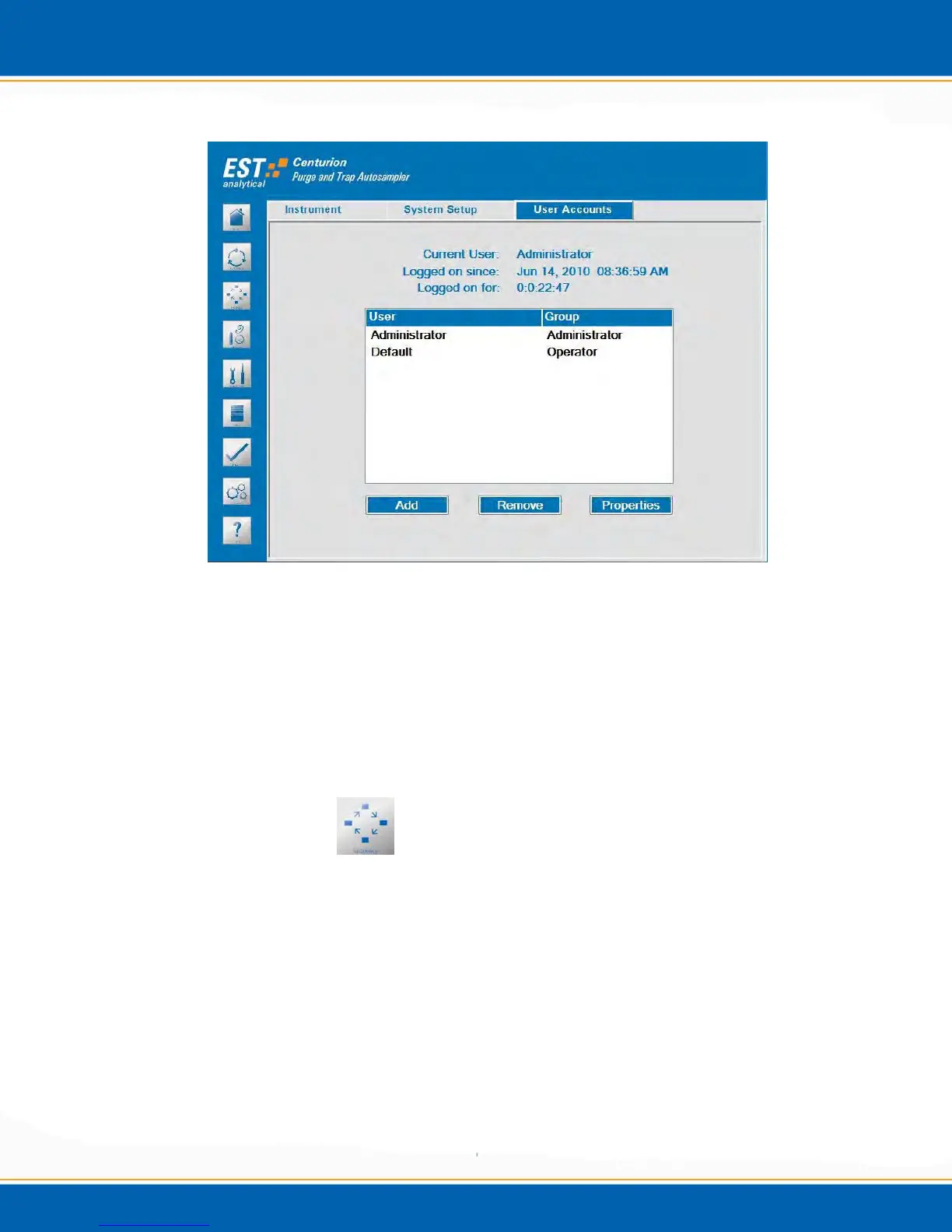
Figure 3j: Options Screen User Accounts Tab
Add: This selection allows for the addition of Centurion users.
Remove: This selection allows for the removal of Centurion users.
Properties: This selection allows for the level of access to a specific user. The
user(s) will be identified and set up by an authorized Field Service Engineer
during installation.
3.9 Sequence Screen
The Sequence Screen provides the ability to create a sequence of water and/or soil
samples using the Centurion methods. <click> the Sequence icon and the screen will
appear as shown in Figure 3k. This screen will contain two or three tabs: Concentrator
#1 and Run Setup. (Concentrator #2 if the unit has the Dual Mode option.) The
following steps for Concentrator #1 also apply to Concentrator #2.
NOTE: The water sample sequence range is from tray position 1 through 100. The
soil sample sequence range is from tray position 1 through 90.



 To Next Page