Saving the Run Log: <click> the Save icon. The Run Log can be saved.
Opening a saved Run Log: <click> the Open icon. All previously saved Run
Logs are available.
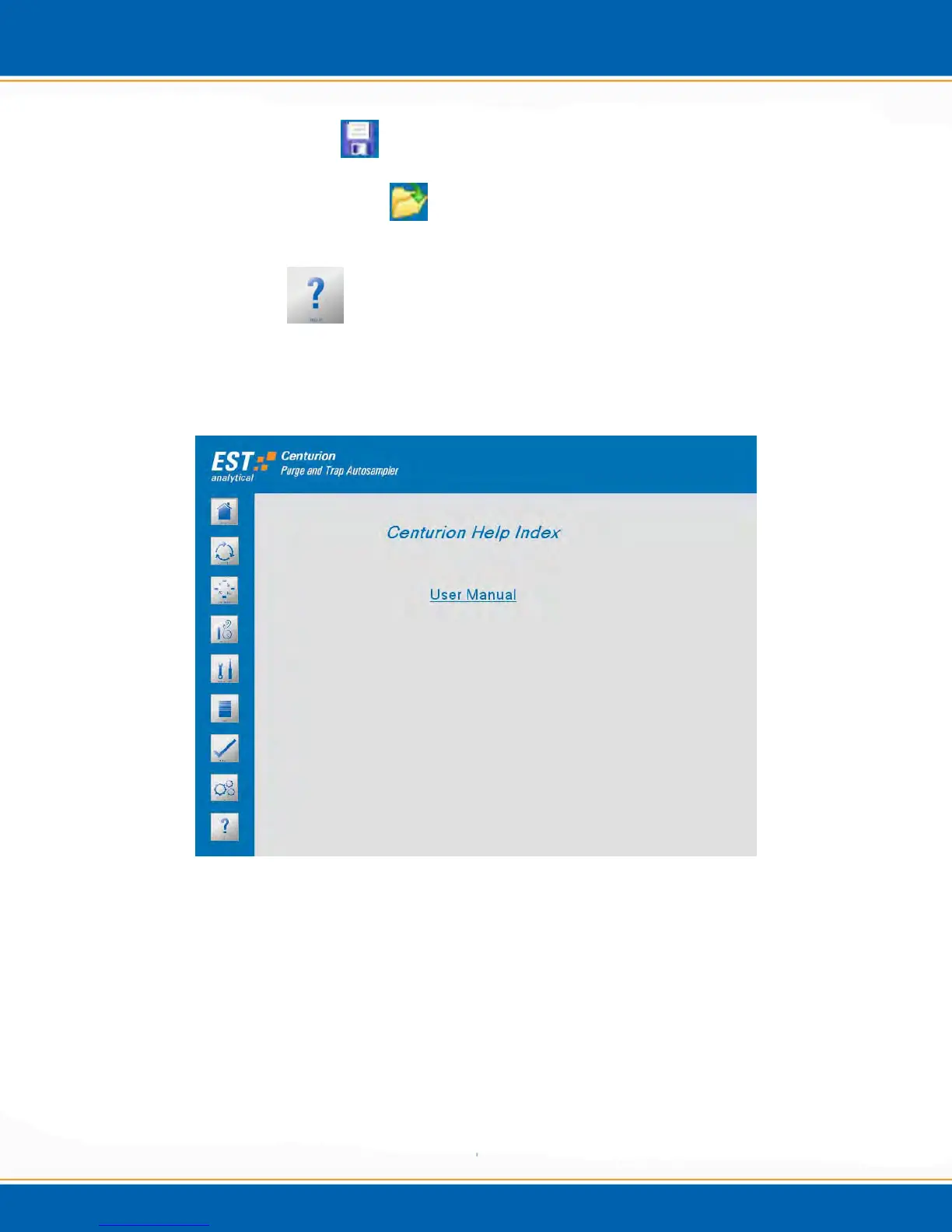
3.13 Help Screen
<click> the Help icon and the Help screen will appear as shown in Figure 3kk. The Help
screen provides the ability to view help files that are stored locally on the Centurion
application.
Figure 3kk: Centurion Help Screen
Centurion Manual: <click> on Centurion Manual the user can view a PDF version of
the operation manual.



 To Next Page