Figure 3ii: Abort Sequence Popup
3.12 Run Log
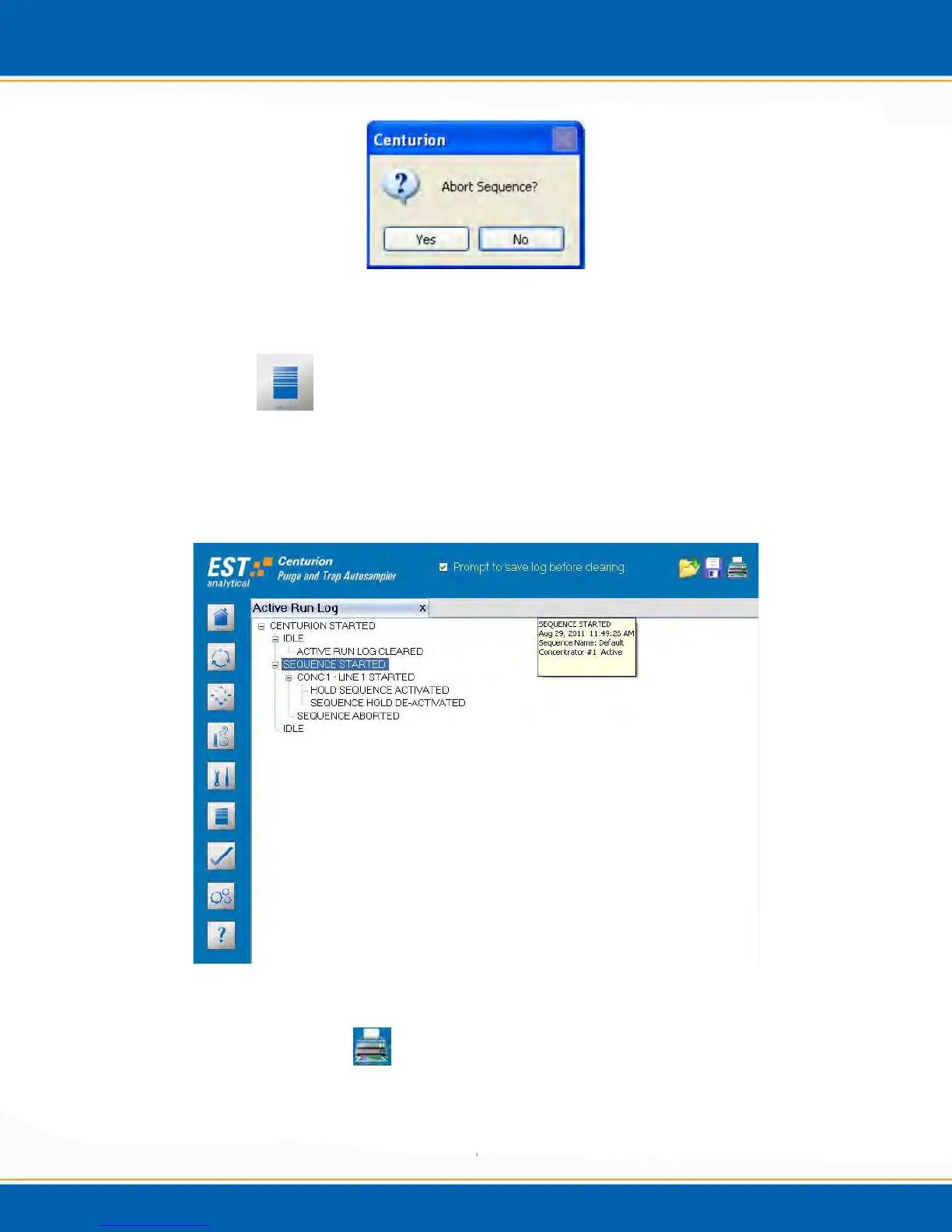
The Run Log is a routinely updated listing of the Centurion functions performed during a
sample sequence. <click> on the Run Log screen icon. The Run Log screen will appear
as shown in Figure 3jj. Prior to starting a sample sequence a popup will appear as
previously shown in Figures 3bb, 3cc and 3dd with the choice to clear or save the run log.
Figure 3jj: Run Log Screen
Printing the Run Log: <click> the Printer icon. The Run Log can be printed if
the Centurion is interfaced to a printer.



 To Next Page