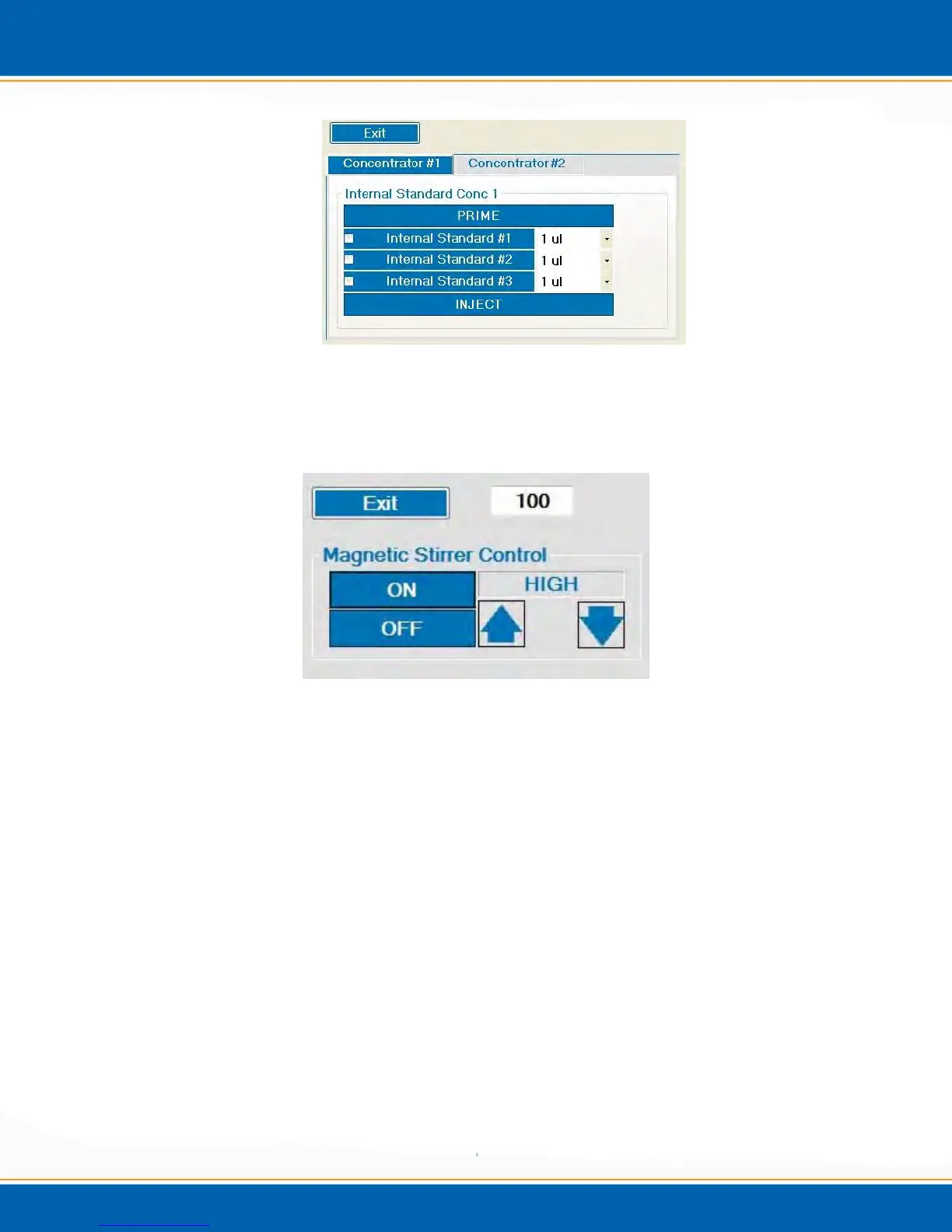
Figure 4ar: Internal Standard Manual Operation Menu
4.6.7 Stirrer Calibration: <click> Stirrer and a popup will appear as shown in `
Figure 4as.
Figure 4as: Stirrer Calibration Menu
Use the up and down arrows to change the stirrer control to High, Medium or Low. Use
the keyboard to manually enter your stirrer speed from 1 to 100. Note: If you exit the
stirrer calibration the software will maintain that speed until you manually change the
speed or you exit the application.
4.7 Leak Checking Centurion WS Soil Pathway
Verify the Encon Evolution passes leak check.
Place 40ml Vial with 10mls of water in soil cup and move the cup to the sampling
position.
Go into the Digital IO Screen, see Figure 4am and turn on
o C1 purge cutoff
o C1 soil transfer
Start leak check procedure on the Encon Evolution.
If the Encon Evolution passes leak check, the Centurion Soil pathway is leak tight.



 To Next Page