16
BASIC FUNCTIONS
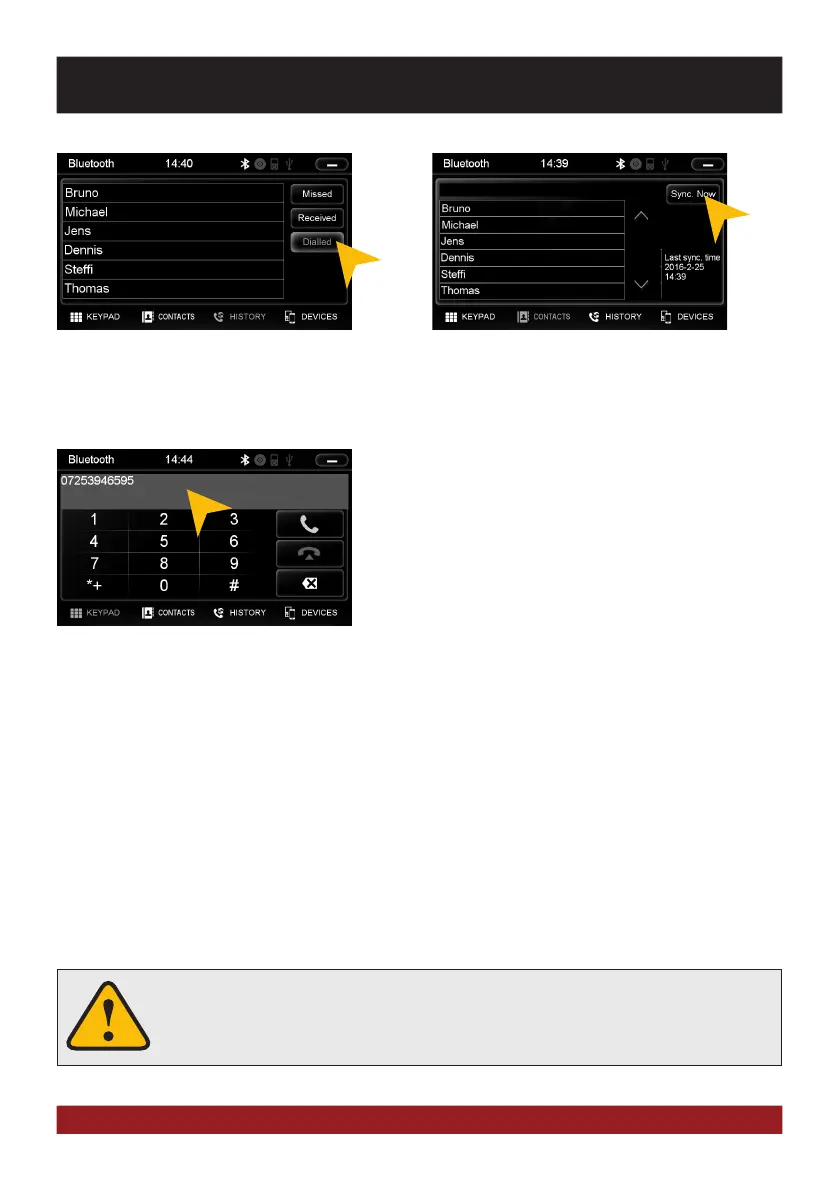
Tap on „Dialled“ to display the already trans-
acted phone calls.
KEYPAD
Tap on „Keypad“ to enter phone numbers manually. Then
enter the desired number and then tap the green phone icon
to start dialing. Tap the red phone icon to end the phone call.
You can dial with the paired mobile phone, but this is not rec-
ommended while driving and may be illegal in your country.
To synchronize your contacs and call history
tap on „Sync. Now“.
An incoming call should not be accepted automatically by the device. If this occurs
and the call is automatically answered, disconnect the phone and pair it again.



 To Next Page