34
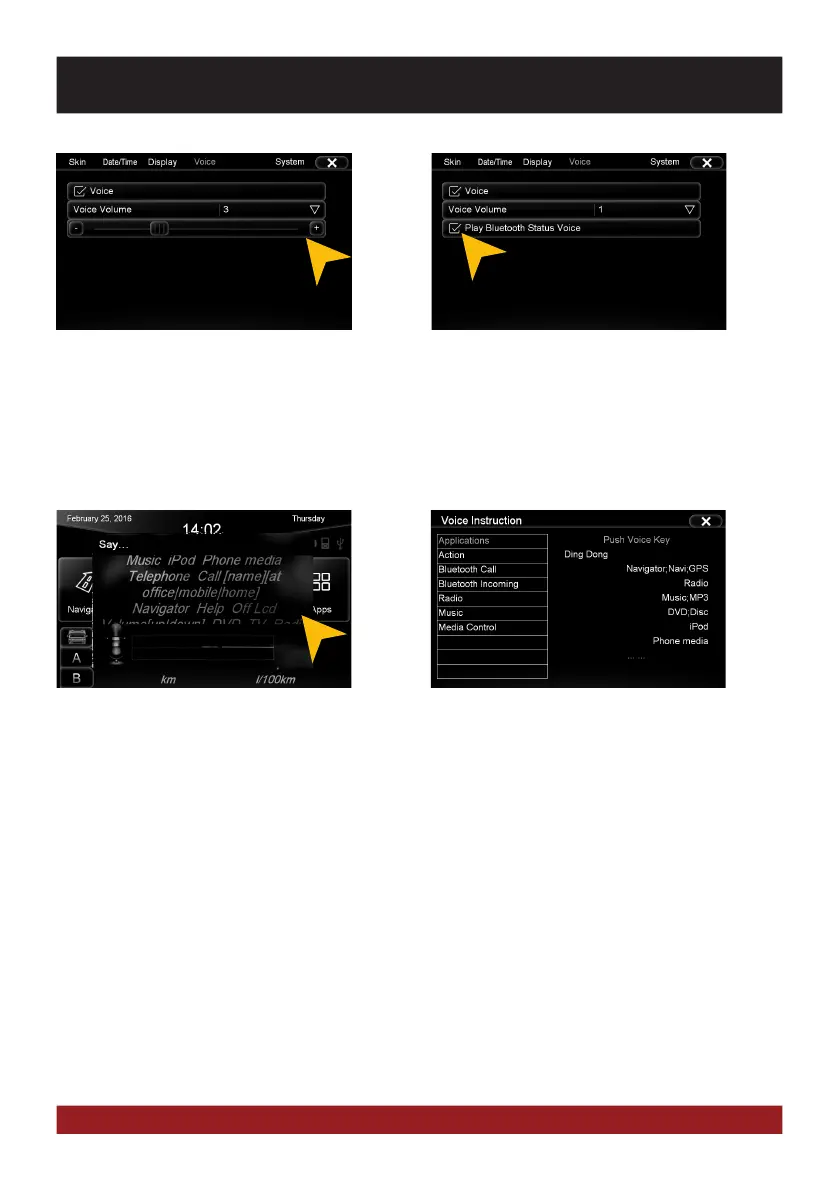
Press the button „Mute“ on the device once
briefly to start the voice control.
On the screen, possible command examples
are shown. Besides the source selection you
can also target the title name of e.g. a song
on your USB stick.
When you speak no command, the voice
control function will be disabled after about
10 seconds (time out).
Say „Help“ to view a list of possible voice
commands.
Under „Voice Volume“ you can adjust the
volume of the speech output (0-10).
The unit will inform you after the activation of
the voice control about the connected devic-
es such as USB sticks or inserted SD cards.
If „Play Bluetooth Status Voice“ is activated,
an audible confirmation of the Bluetooth™
connection is issued whenever you connect
or disconnect a paired Bluetooth™ device.
BASIC FUNCTIONS



 To Next Page