EasyManua.ls Logo

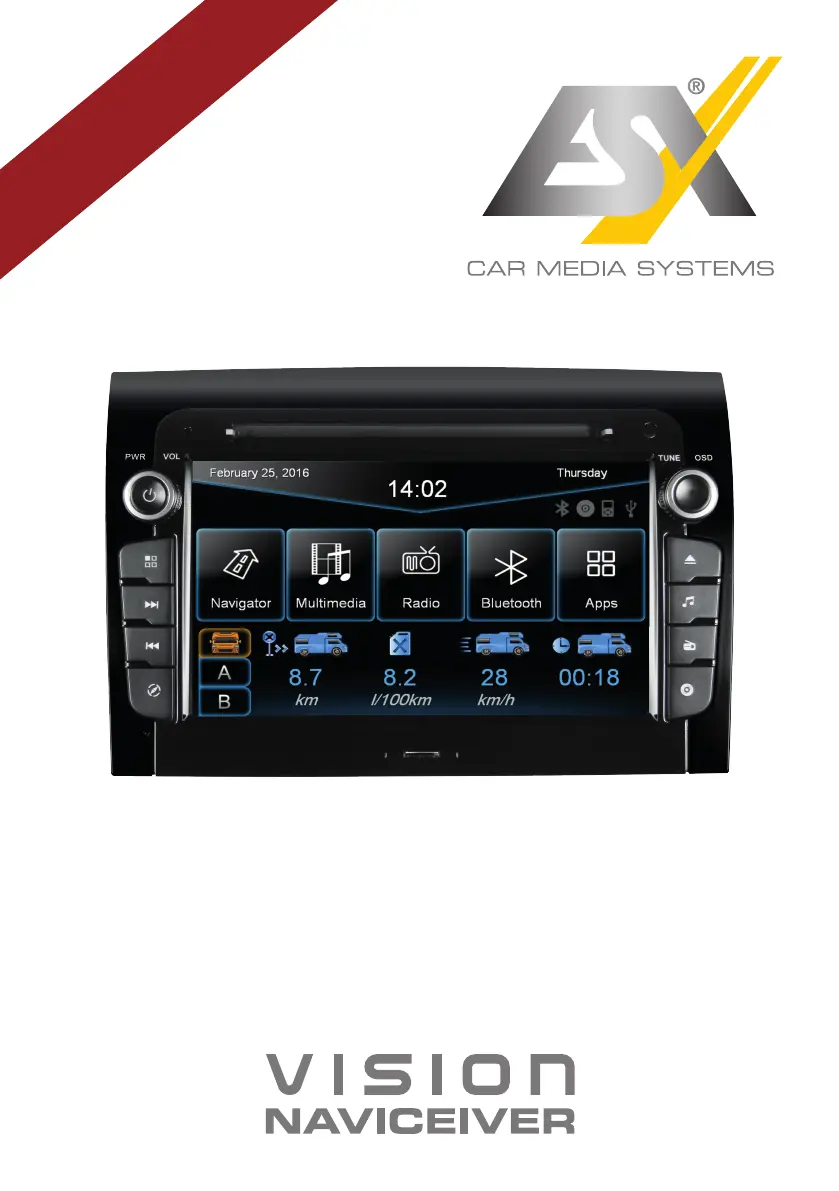
ESX VNC730 FI-DUCATO - User Manual

ESX VNC730 FI-DUCATO
48 pages
Print Icon
To Next Page IconTo Next Page
Loading...
VNC730 FI-DUCATO
VN730 FI-DUCATO
R-
CH
V1. 1
OWNER‘S
MANUAL

Other manuals for ESX VNC730 FI-DUCATO

Questions and Answers

  • L
    Lisa ClineAug 21, 2025
    Why is there no sound coming from my ESX Car Receiver?
    • D
      Dalton MooreAug 22, 2025
      If there's no sound from your ESX Car Receiver, the connection or installation might be faulty, or a cable could be defective. Check all connections and replace any damaged cables. Also, your audio settings might be incorrect or incompatible with the vehicle sound system. Review the audio settings under Apps - Audio - Advanced, testing each function step by step. As an additional step, try disconnecting the vehicle's battery for at least 30 minutes.
  • R
    Robert FieldsSep 4, 2025
    How to improve GPS signal on ESX VNC730 FI-DUCATO Car Receiver?
    • A
      Ashlee RodriguezSep 4, 2025
      If your ESX Car Receiver can't find your current location or the route guidance is disturbed, the GPS antenna might not be connected properly. Check the GPS antenna connection or get a new one if it's defective. You may be in an area with a weak GPS signal, such as a tunnel or remote road. Continue driving until the GPS signal is available again.
  • S
    sarah73Sep 2, 2025
    Why is my ESX VNC730 FI-DUCATO Car Receiver navigation app not starting?
    • M
      mbrownSep 2, 2025
      If the navigation application on your ESX Car Receiver isn't starting, the software might not be compatible with the device. Check the software's compatibility with Windows CE 6, or obtain a compatible version. The software may not have been installed correctly. Check the settings under Apps - Options - System and correct the navigation software path if necessary. Finally, the license of the installed software or its useful life may have expired. Contact the software supplier in this case.
  • S
    Samuel Brown Jr.Sep 1, 2025
    What to do if my ESX VNC730 FI-DUCATO USB drive is not recognized?
    • S
      Stephanie DonaldsonSep 1, 2025
      If your ESX Car Receiver isn't recognizing a USB drive or microSD card, the storage or data format might be incorrect. Format the storage with the MS-DOS file system (FAT32).
  • B
    Brenda PerezAug 30, 2025
    How to fix Bluetooth pairing issues with ESX Car Receiver?
    • M
      Michelle Taylor DVMAug 30, 2025
      If you're experiencing Bluetooth connection or pairing issues with your ESX Car Receiver, first ensure that the Bluetooth function on your phone is enabled. If it is enabled but the phone isn't visible, enable the “visible” setting in your phone's Bluetooth settings. Compatibility issues can also cause pairing problems, so use a compatible phone. Finally, too many Bluetooth devices registered in the device can cause connection problems. Delete unused Bluetooth devices from the storage of the device.
  • J
    Justin WigginsAug 29, 2025
    Why is my ESX VNC730 FI-DUCATO not finding radio stations?
    • P
      Paul SanchezAug 29, 2025
      If your ESX Car Receiver isn't finding radio stations during an automatic search, check if a program type is selected under PTY that isn't available in your current area. Select “None” under PTY to disable the search for a specific program type. Also, disable the AF and TA functions and start the search again. Finally, check the plug connection of the original antenna to the radio or check the car antenna system.
  • B
    bmillerAug 27, 2025
    Why is my ESX VNC730 FI-DUCATO screen black?
    • K
      Kayla Rodriguez MDAug 28, 2025
      If the screen on your ESX Car Receiver is black, the display may be disabled. Tap on the screen to activate it. Alternatively, the device might be in standby mode. Press the left knob on the device to exit standby mode.
  • J
    Johnny RiggsAug 27, 2025
    How to fix inaccurate touchscreen input on ESX VNC730 FI-DUCATO?
    • E
      Eduardo FullerAug 27, 2025
      If the touchscreen function of your ESX Car Receiver is inaccurate or delayed, the touch-screen might not be properly calibrated. Calibrate the touch screen under Apps - Option - System. Alternatively, the device may be processing something. Wait until the process is completed.
  • P
    pjonesAug 25, 2025
    What to do if my ESX VNC730 FI-DUCATO won't turn on?
    • B
      Brandi HansenAug 26, 2025
      If your ESX Car Receiver won't turn on, and the ignition is off, press and hold the power button for about 2 seconds. Note that the device automatically switches off after 30 minutes. If that doesn't work, the fuse or a fuse in the vehicle electronics may be defective. Replace the blown fuse with a new fuse of the same type and value.
  • A
    Andrea WilcoxAug 23, 2025
    How to fix distorted sound on ESX VNC730 FI-DUCATO?
    • M
      Matthew HamiltonAug 23, 2025
      If the sound from your ESX Car Receiver is distorted, overdriven, or noisy, the equalizer settings or volume settings for each application may be unfavorable. Check the audio settings under Apps - Audio or Advanced, and correct the settings to see if the sound improves.

ESX VNC730 FI-DUCATO Specifications

General IconGeneral
BrandESX
ModelVNC730 FI-DUCATO
CategoryCar Receiver
LanguageEnglish

Related product manuals