12
2013/05/15 04:52 WEDNESDAY T=25
MENU SETUP
MENU SETPOINT1
MENU SETPOINT2
MENU CALIBRAZTION
MENU ALARM
MENU SETUP
MENU MODE SIMPLE
YEAR 2013
MONTH 5
DAY 15
HOUR 4
MINUTE 52
7. PROGRAMMING THE CONTROLLER
All programming parameters and modes of operation of the instrument can be set using its keyboard and
dedicated display.
7.1. STARTING CONTROLLER OPERATION
The instrument, according to its initial configuration, can be set to control three distinct types of measurements:
pH, Rx or Chlorine.
To perform that, when switching on the controller for the first time, the operator have to select the intended type
of measurement by operating as follows:
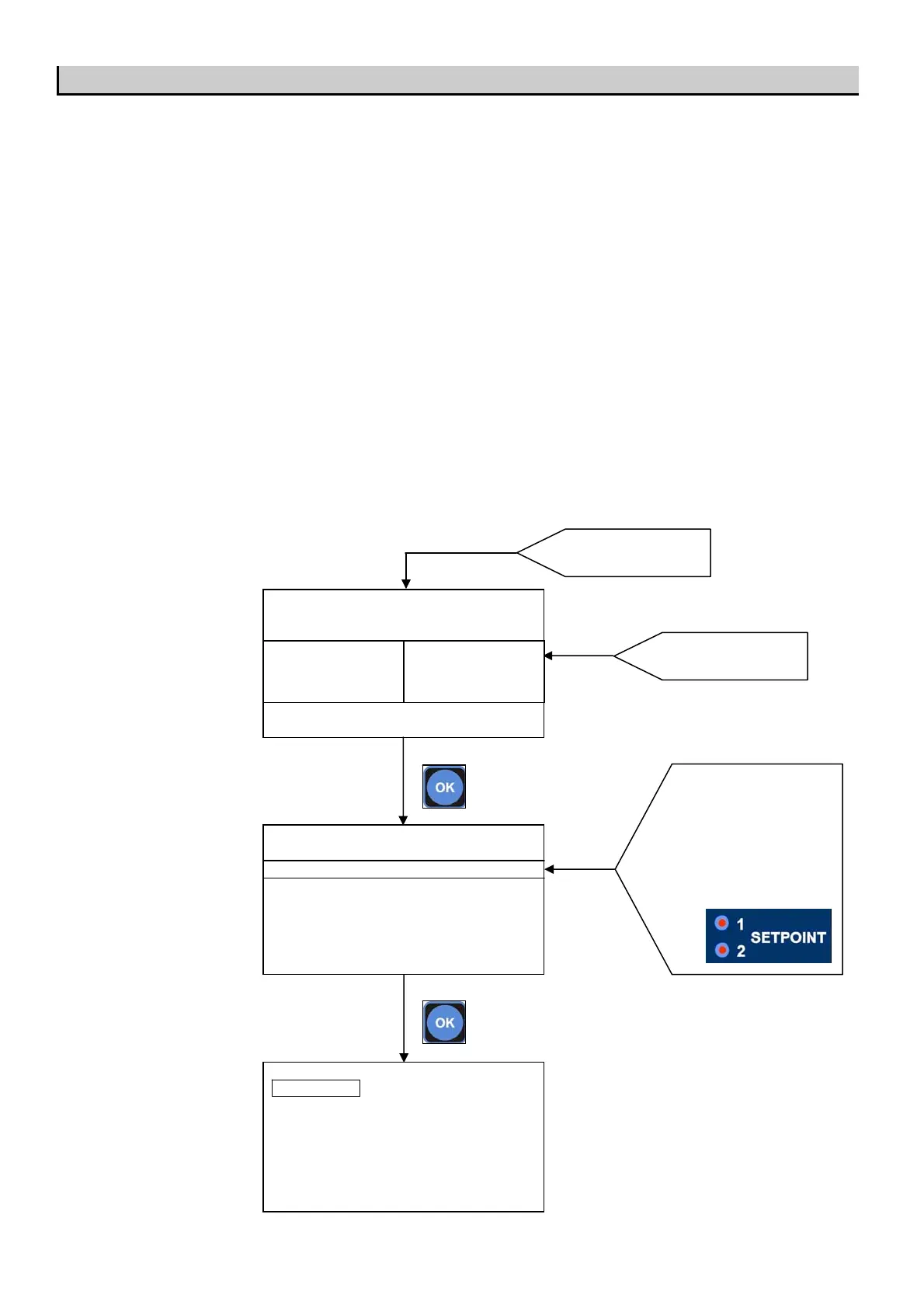
Upon switching on the instrument, press OK key to enter in the MENU SETUP.
Than press OK to enter in MENU MODE and change SIMPLE with EXPERT by press + or – key.
Than change the METER TYPE in the complete MENU SETUP.
Press OK key to enter
into MENU
MAIN SCREEN
620mV
SET1:OFF mA1:10,4
SET1:ON mA2:10,4
7.47 pH
SET1:ON mA1:12,4
SET1:OFF mA2:12,4
Press METER key to
choose METER 1, METER 2
or METER 3.
When METER key is pressed
the two red lamp associated to
the setpoint of the METER
choosed will light-on.



 To Next Page