18
MENU SETUP
1/2
MENU MODE EXPERT
METER TYPE pH
T SENSOR NONE
SET TEMPERATURE 25.0
CALIBRATION MENU TIMEOUT 05:00
DELAY AT STARTUP 00:05
AUX OUTPUT MODE OFF
YEAR 2013
MONTH 5
DAY 15
MENU SETUP
1/2
MENU MODE EXPERT
METER TYPE pH
T SENSOR NONE
SET TEMPERATURE 25.0
CALIBRATION MENU TIMEOUT 05:00
DELAY AT STARTUP 00:05
AUX OUTPUT MODE OFF
YEAR 2013
MONTH 5
DAY 15
MENU SETUP
1/2
MENU MODE EXPERT
METER TYPE pH
T SENSOR NONE
SET TEMPERATURE 25.0
CALIBRATION MENU TIMEOUT 05:00
DELAY AT STARTUP 05:00
AUX OUTPUT MODE OFF
YEAR 2013
MONTH 5
DAY 15
If PT100 will be set a PT100 sensor have to be connected to the dedicated connector. Selecting PT function, the
temperature measured by PT100 probe is shown on the display (while the visualization of the measure is in
progress).
If NONE will be set it is possible to set the real temperature as show in next paragraph.
7.4.4. SET TEMPERATURE
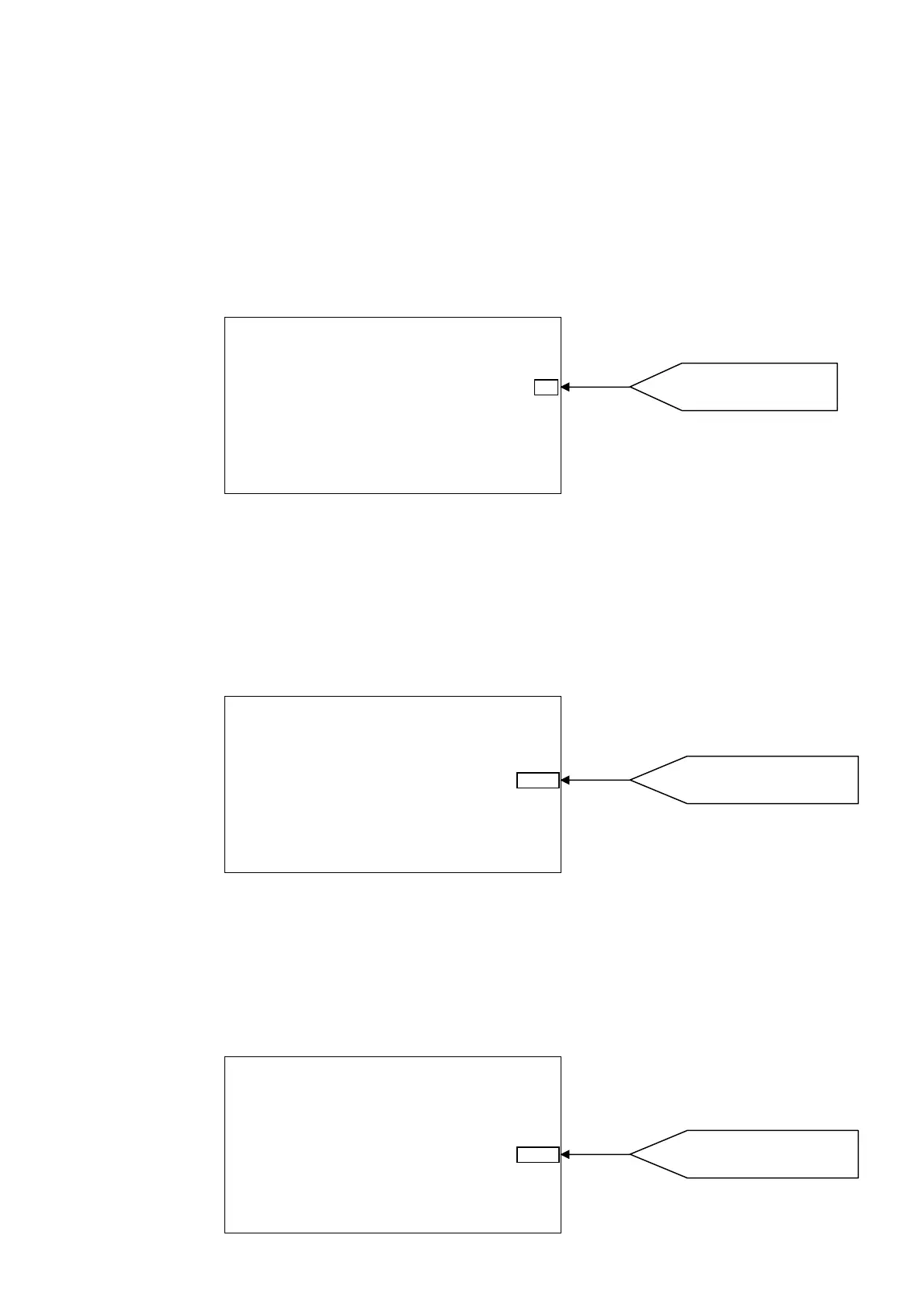
Starting from the MENU SETUP screen, if the PT100 sensor is not setted, enter in SET TEMPERATURE menu
by pressing + key or – key.
After selected SET TEMPERATURE press OK key to set the temperature value.
7.4.5. CALIBRATION MENU TIMEOUT
It represent the exit delay time from the programming menu in case no keys are pressed during the probe
calibration stage.
Starting from the MENU SETUP screen, enter in CALIBRATION MENU TIMEOUT by pressing + key or – key.
After selected CALIBRATION MENU TIMEOUT press OK key to set the time value.
7.4.6. DELAY AT STARTUP
It define the delay time of measurement actuation from switching on the instrument.
Starting from the MENU SETUP screen, enter in DELAY AT STARTUP by pressing + key or – key.
After selected DELAY AT STARTUP press OK key to set the time value.
Press + or – to choose the
tem
erature value.
Press + or – to choose the time
value
minutes and seconds
.
Press + or – to choose the time
value
minutes and seconds
.



 To Next Page