24
MENU SETUP
MENU SETPOINT1
MENU SETPOINT2
MENU CALIBRAZTION
MENU ALARM
MENU SETUP
MENU SETPOINT1
MENU SETPOINT2
MENU CALIBRATION
MENU ALARM
MENU CALIBRATION
CALIBRATE pH 7/REF. POINT 8.40
CALIBRATE BUFFER 4/9 8.40
2013/05/15 04:52 WEDNESDAY T=25
METER 3: ALARM: MAX
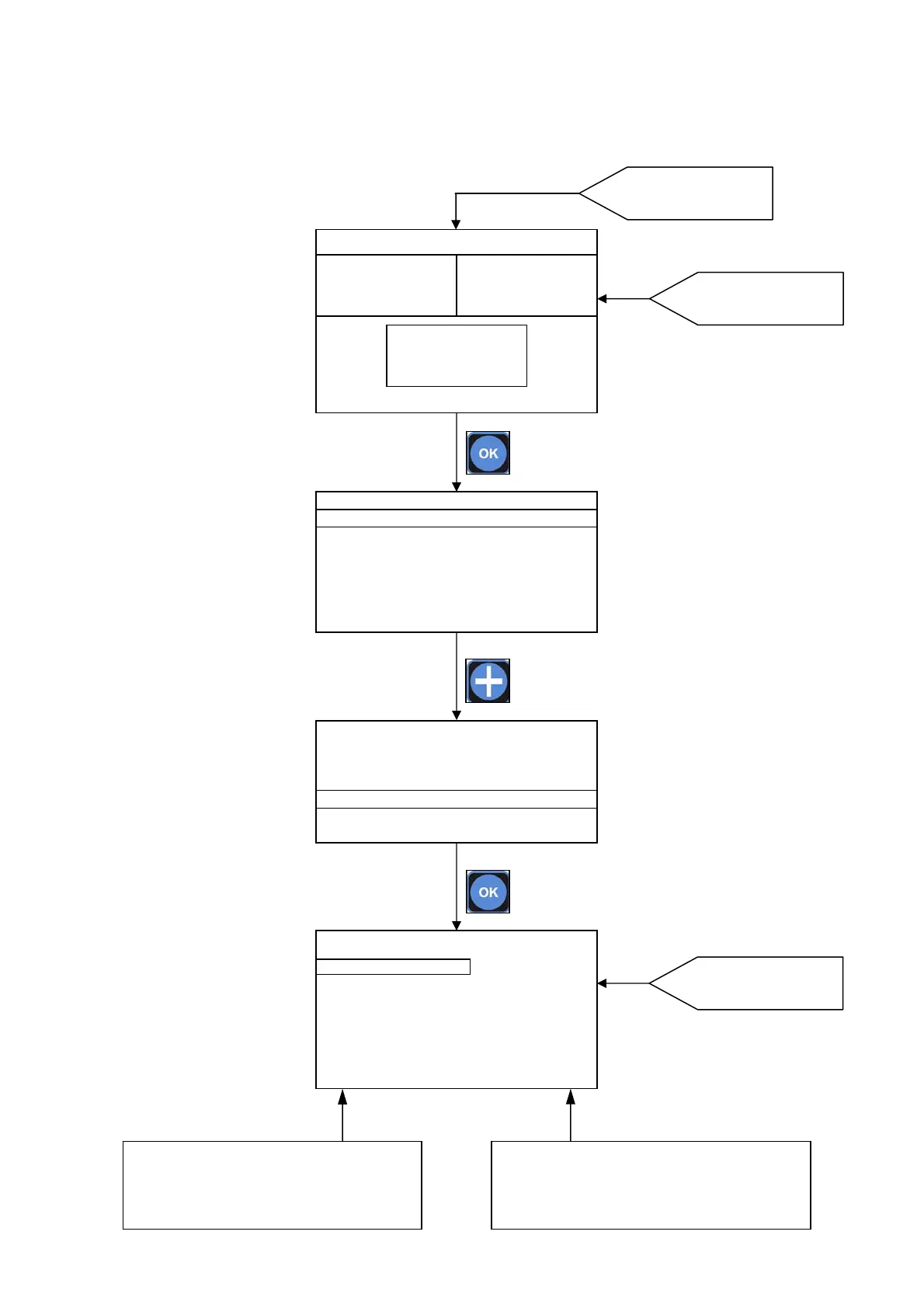
7.6. MENU CALIBRATION
Starting from the MAIN SCREEN press OK key than press + key to move the selector on MENU
CALIBRATION.
Press OK key to enter.
Press OK key to enter
into MENU
MAIN SCREEN
Chose the parameter by press + or – keys.
Press
OK key to confirm the choice and set the
value for the parameter on right column.
Modify the value for the parameter by press + or – and
►keys. Press
OK
ke
to confirm the choice and return
on left column to set an other parameter.
Calibration Menu for pH
mode
620mV
SET1:OFF mA1:10.4
SET1:ON mA2:10.4
7.47 pH
SET1:ON mA1:12.4
SET1:OFF mA2:12.4
11.63 Cl ppm
SET1:OFF mA1:10.4
SET1:ON mA2:10.4



 To Next Page