25
MENU SETUP
MENU SETPOINT1
MENU SETPOINT2
MENU CALIBRAZTION
MENU ALARM
MENU SETUP
MENU SETPOINT1
MENU SETPOINT2
MENU CALIBRATION
MENU ALARM
2013/05/15 04:52 WEDNESDAY T=25
METER 3: ALARM: MAX
7.6.1. CALIBRATE pH 7/REF.POINT
The menu CALIBRATION allows the user to calibrate the instrument through the use of buffer solutions.
After press CALIBRATE pH 7/REF. POINT dipping the probe in the pH 7 buffer solution is the calibration
procedure’s first step. When the reading is stable, adjust the value by using the + and – keys and press ►key to
confirm.
The next step is to put the probe into pH 4 or pH 9 buffer solution and press OK on CALIBRATE BUFFER 4/9.
When the reading is stable, adjust the value by using the + and – keys and press ►key to confirm.
The instrument is so calibrated.
For Redox and Chlorine, calibrate first calibration point by using buffer solution (e.g. 650mV) o by using a
photometer ( CALIBRATE BUFFER for REDOX and CALIBRATE DPD1 for CLORINE ).
Second calibration point (available in EXPERT mode only) is the "ZERO", which is possible to calibrate
by disconnect the probe and shortcutting BNC input connector.
7.7. MENU ALARM
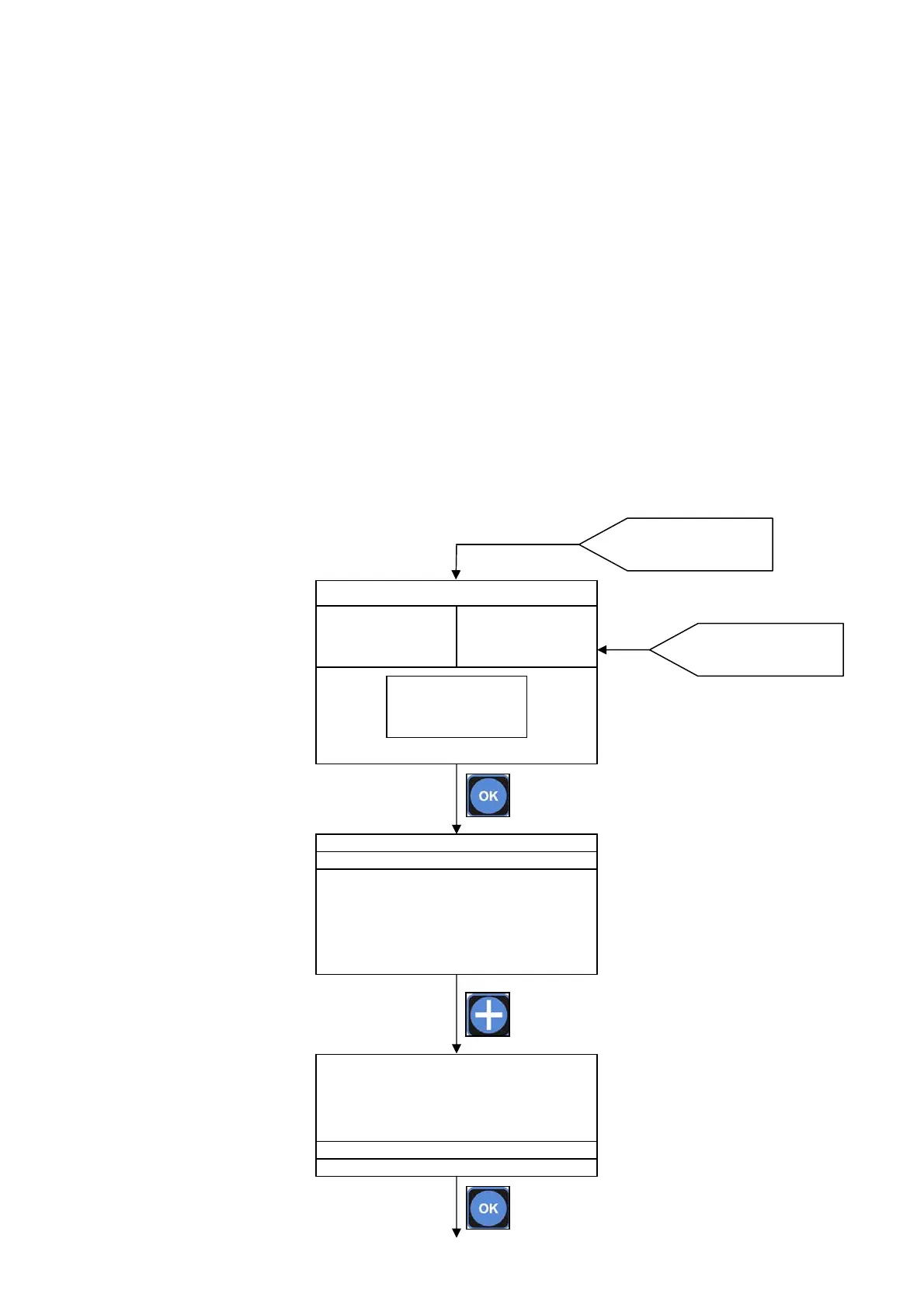
Starting from the MAIN SCREEN press OK key than press + key to move the selector on MENU ALARM.
Press OK key to enter.
Press OK key to enter
into MENU
MAIN SCREEN
620mV
SET1:OFF mA1:10.4
SET1:ON mA2:10.4
7.47 pH
SET1:ON mA1:12.4
SET1:OFF mA2:12.4
11.63 Cl ppm
SET1:OFF mA1:10.4
SET1:ON mA2:10.4



 To Next Page