APOLLO user manual
Issue G
26
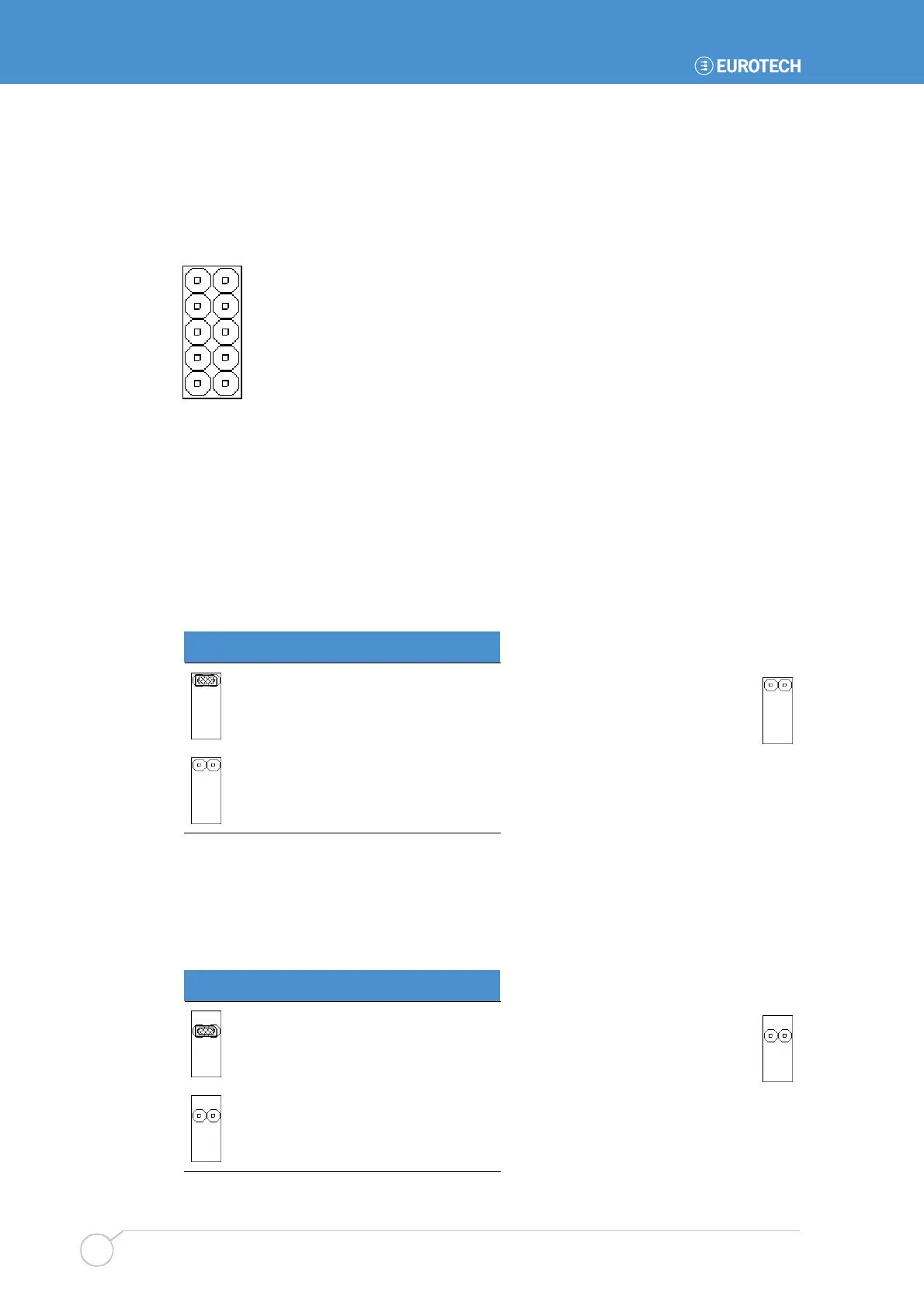
JP2 on APOLLO V1Ix – User-configurable, CMOS reset and tamper detect
This consists of four individual jumper positions. Two of these are user-configurable
(USR1 and USR2). The third (CMOS) is used to clear the battery backed CMOS memory,
whilst the fourth (TPM) provides a tamper detect option. This is illustrated in the following
diagram:
The individual positions are explained further in the following sections.
APOLLO V1Ix: USR1 – User-defined jumper 1/CMOS Reload
This jumper is user-configurable and can be used by an application program to signify a
configuration setting. The status of this jumper is read through the firmware hub general
purpose inputs, located at memory location FFBC0100H bit 1. This is an 8-bit read and a
read-only memory location; writing to this bit has no effect.
The USR1 jumper has an alternate function to reload the default CMOS values from the
system BIOS; care should be taken to ensure that this jumper is not fitted at power on.
USR1 Description
Bit is low ‘0’.
Bit is high ‘1’.
APOLLO V1Ix: USR2 – User-defined jumper two
This jumper is user-configurable and can be used by an application program to signify a
configuration setting. The status of this jumper is read through the firmware hub general
purpose inputs, located at memory location FFBC0100H bit 2. This is an 8-bit read and a
read-only memory location; writing to this bit has no effect.
USR2 Description
Bit is low ‘0’.
Bit is high ‘1’.
JP2 – APOLLO V1Ix
Default setting:
Default setting:



 To Next Page