PhoenixBIOS features and setup
Issue G 73
CPU control settings
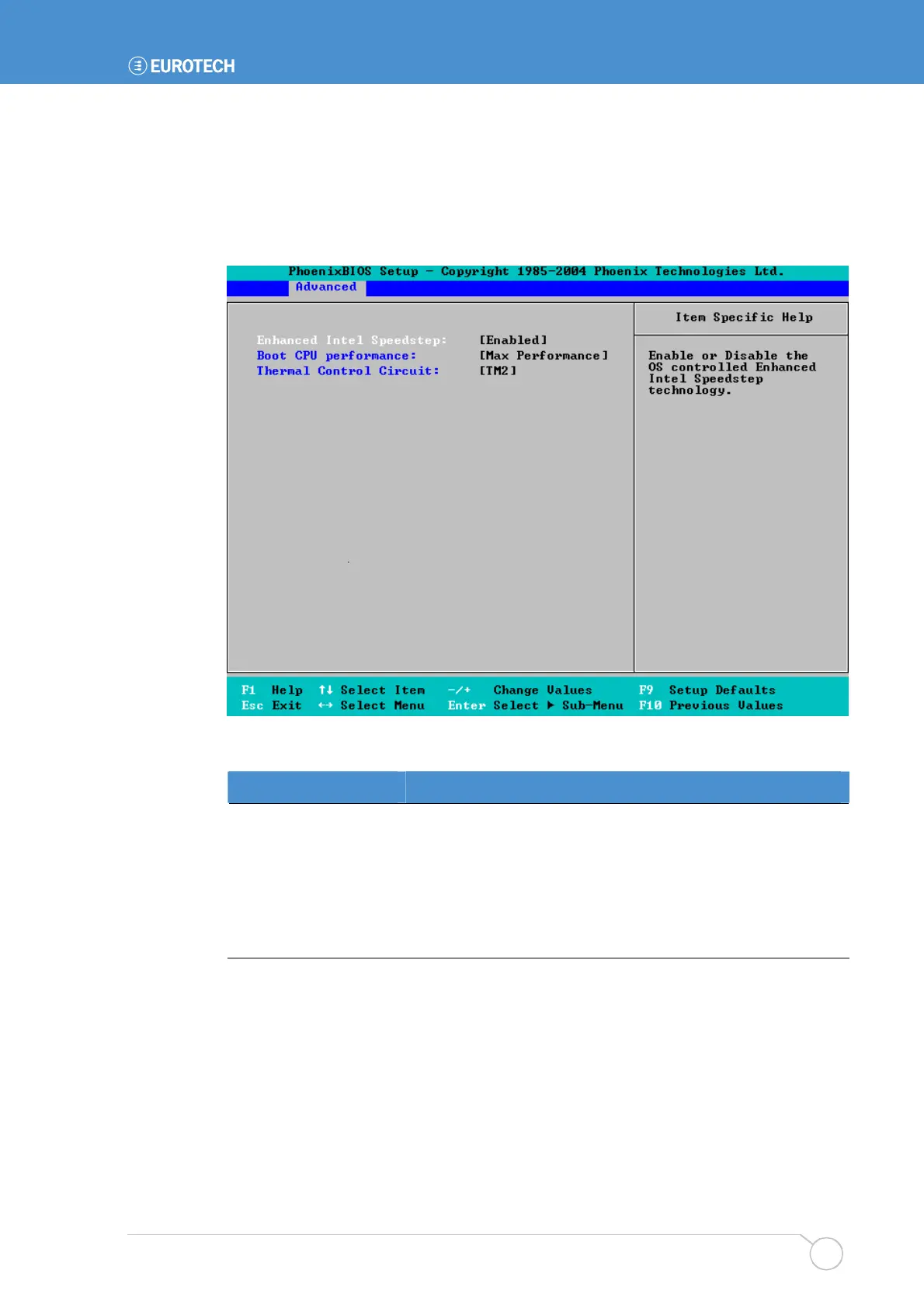
You can specify settings that affect how the CPU operates.
To specify CPU control settings, highlight CPU Control Sub-Menu in the Advanced
menu and press Enter. The following screen is displayed:
The details you are prompted to specify are explained in the following table:
Field Explanation
Enhanced Intel
Speedstep
Choose whether Enhanced Intel Speedstep is to be enabled.
This feature is available with Intel Pentium M
®
processors and
is supported by most operating systems.
Boot CPU Performance
Choose the level of CPU performance required on boot. The
options available from are explained in the Item Specific Help
panel on the right-hand side of the screen.



 To Next Page