APOLLO user manual
Issue G
72
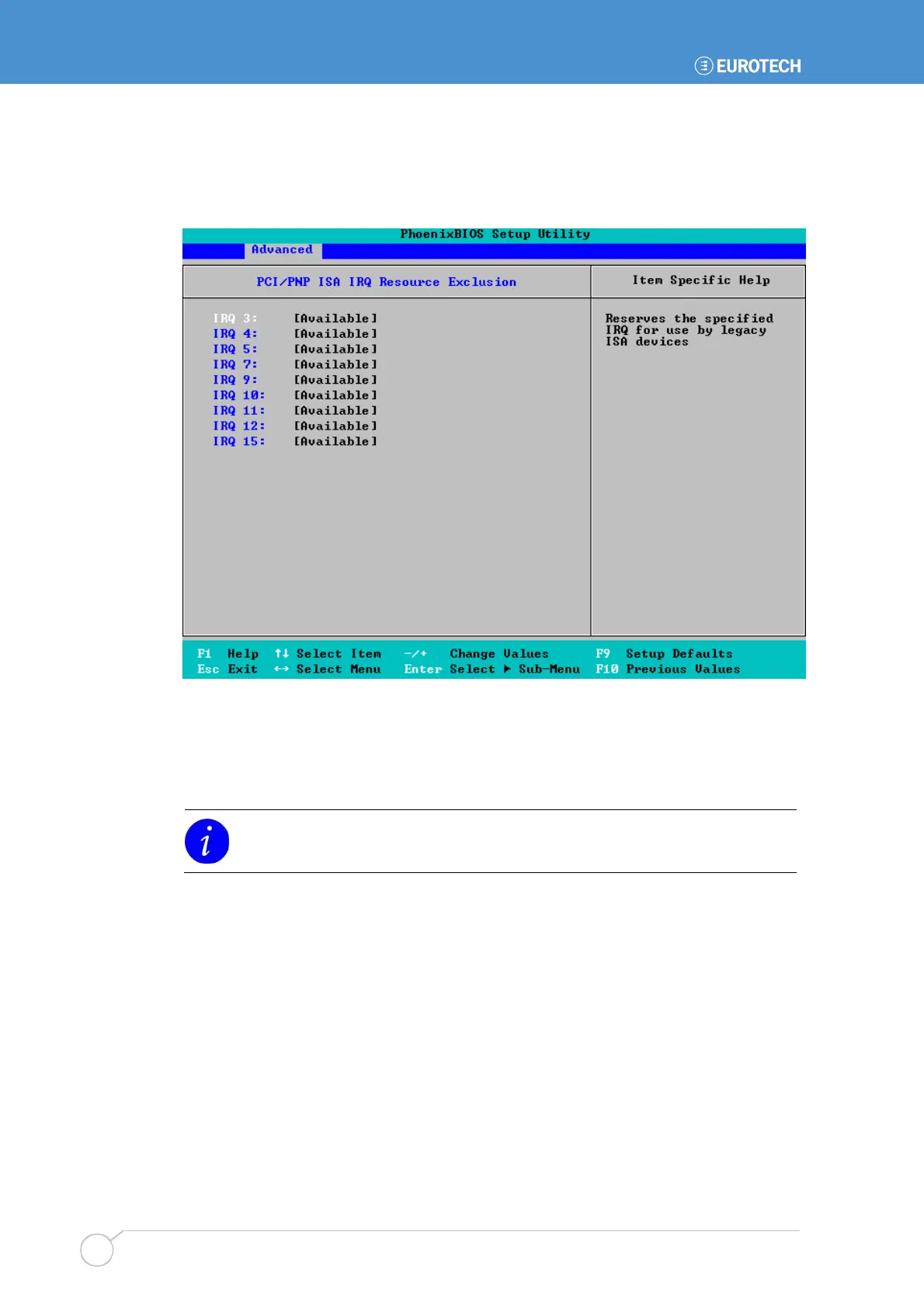
PCI/PNP ISA IRQ resource exclusion settings
When you select PCI/PNP ISA IRQ Resource Exclusion, the following screen is
displayed:
The IRQs in the system are listed. They are all Available by default. To reserve an IRQ,
simply change the corresponding selection from Available to Reserved.
If you no longer want to reserve an IRQ (e.g. you reserved the wrong one by mistake),
change the selection back to Available.
IRQ 15 is used for CompactFlash
®
boot. This cannot be changed.



 To Next Page