PhoenixBIOS features and setup
Issue G 71
The options available to select from the PCI Configuration sub-menu are explained in the
following table:
Field Explanation
PCI/PNP ISA UMB
Region Exclusion
Displays a sub-menu containing options you can use to reserve
blocks of memory for use by legacy ISA devices. See the
following page for details.
PCI/PNP ISA IRQ
Resource Exclusion
Displays a sub-menu containing options you can use to reserve
IRQs for use by legacy ISA devices. See page 72
for details.
PCI/PNP ISA UMB region exclusion settings
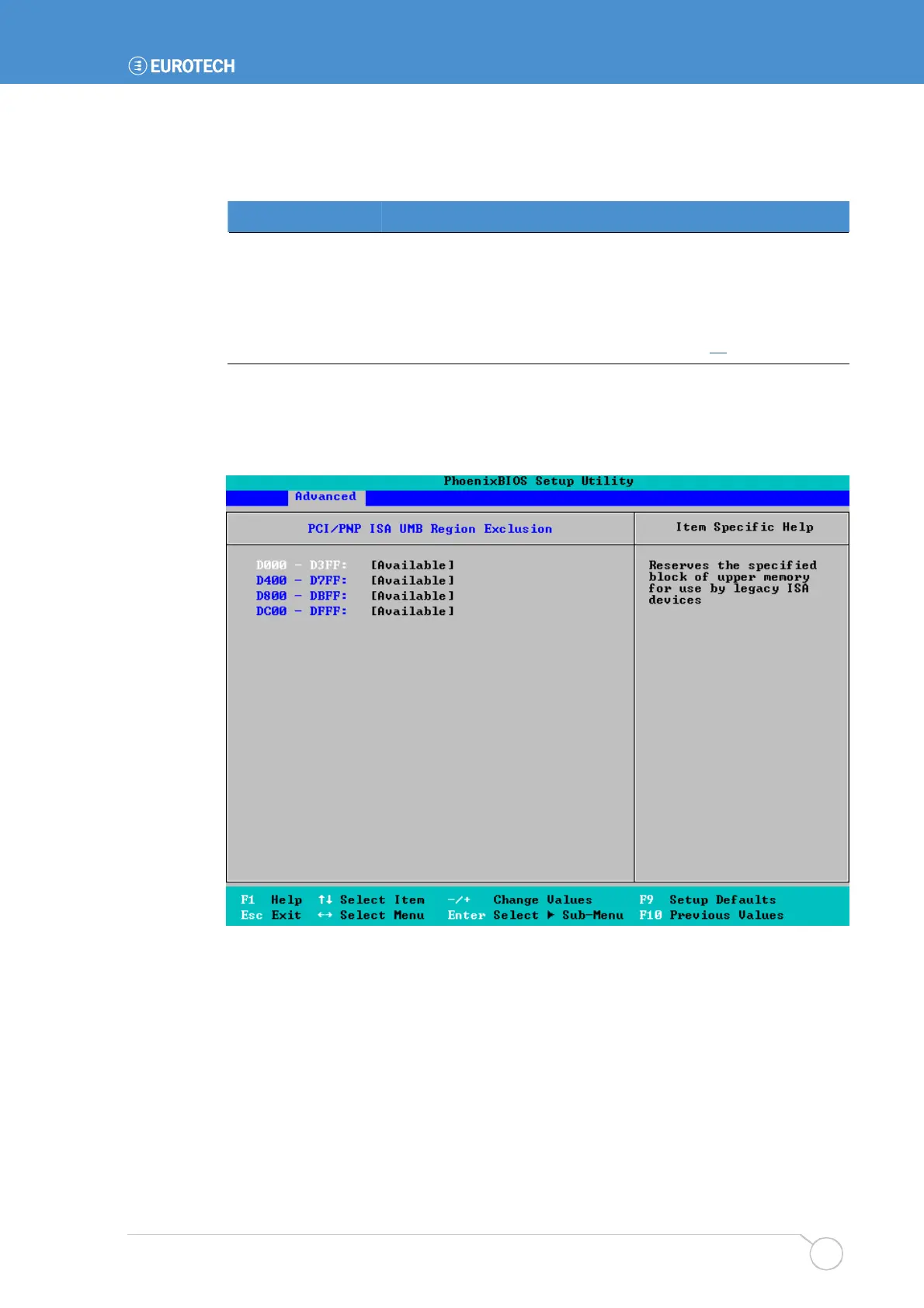
When you select PCI/PNP ISA UMB Region Exclusion from the PCI Configuration menu,
the following screen is displayed:
The blocks of memory in the system are listed. They are all Available by default. To
reserve a block of memory, simply change the corresponding selection from Available to
Reserved.
If you no longer want to reserve a block of memory (e.g. you reserved the wrong block by
mistake), change the selection back to Available.



 To Next Page