APOLLO user manual
Issue G
70
Field Explanation
Cache Video BIOS
area
Choose whether to cache the video BIOS to improve
performance. You are offered Write Protect by default. This
means the video BIOS is cached. (The video BIOS is always
write protected.)
If you don’t want to cache the video BIOS, choose uncached.
Please note that performance may decrease rapidly as a
result.
Cache Extended
Memory Area
Choose whether to cache system memory above 1MB. You
can choose uncached, Write Through, Write Protect or
Write Back.
Cache A000 - AFFF to
Cache DC00 - DFFF
Used to control caching of individual segments of memory.
The options you can choose for each segment are listed in the
Item Specific Help panel on the right.
Specifying PCI configuration settings
PCI devices are those that communicate with the CPU via the PCI bus. You can reserve
memory blocks and IRQ for use by installed PCI devices.
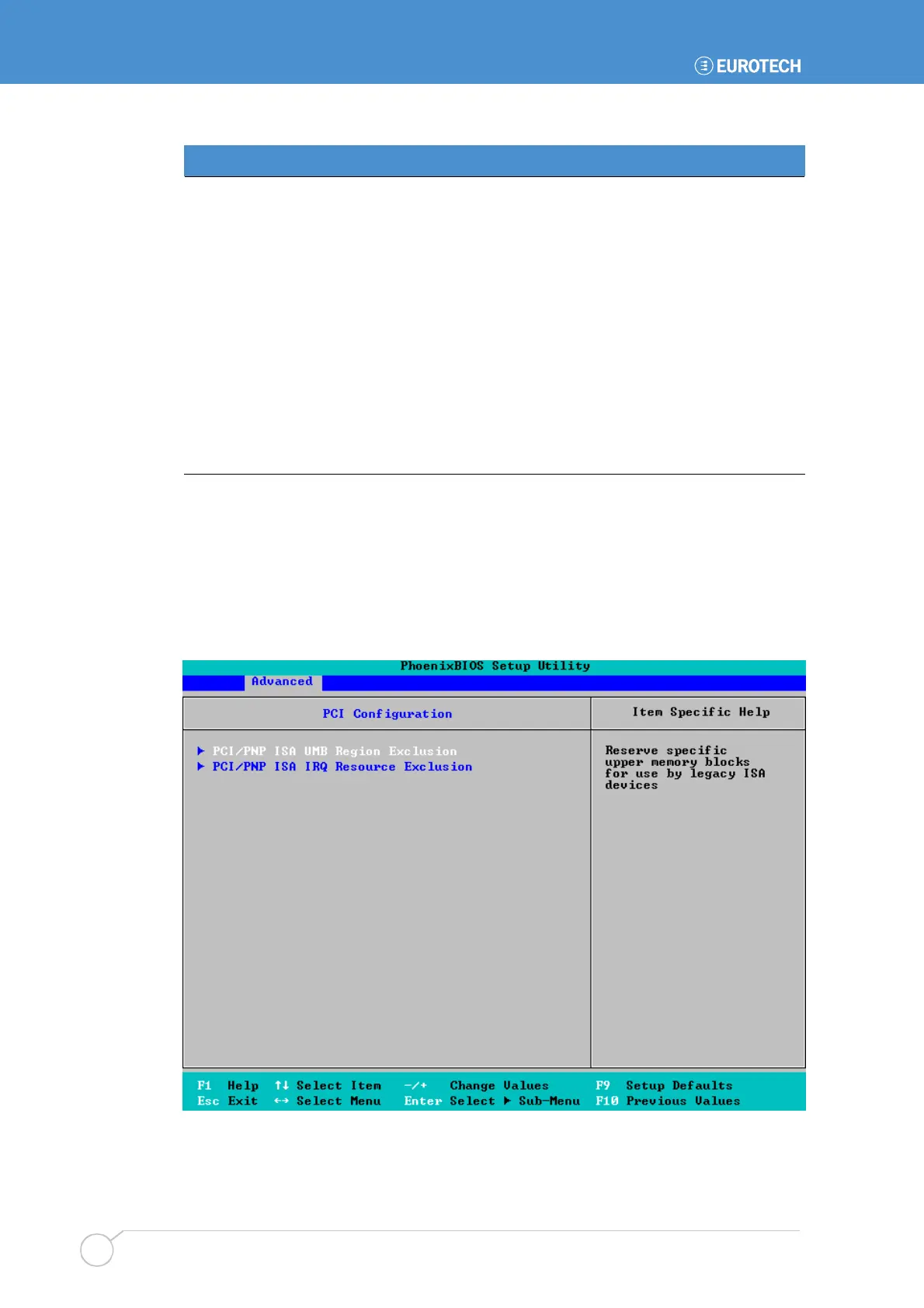
To specify PCI configuration settings, highlight PCI Configuration in the Advanced menu
and press Enter. The following sub-menu is displayed:



 To Next Page