5151
Helm Control Systems
After depressing a trim tab switch, always wait a
few seconds for the change in the trim plane to
take effect. Avoid depressing the switch while
awaiting the trim plane reaction. By the time the
effect is noticeable the trim tab plane will have
moved too far and thus the boat will be in an
overcompensated position.
When running at a speed that will result in the
boat falling off plane, lowering the tabs slightly,
bow down, will improve the running angle and
operating efciency. Too much bow down tabs can
reduce operating efciency and cause substantial
steering and handling difculties.
Be extremely careful when operating in a following
sea. The effect of trim tabs is amplied under such
conditions. Steering and handling difculties can
result from improper trim tab usage, particularly
in a following sea. Always raise the tabs to the
full bow up position in these conditions.
When running at high speeds be sure that the
tabs are in the full “UP” position. Only enough
trim plane action should be used to compensate
for any listing. Trim tabs are extremely sensitive
at high speeds. Adjust for this and be prepared
to slow down if difculties arise.
When running into a chop, a slight bow down at-
titude will improve the ride. Be careful not to over
trim. Handling difculties may result.
4.9 Bow Thruster (Optional)
The optional bow thruster provides the opera-
tor additional control of the bow while docking
or anchoring the boat in tight quarters or high
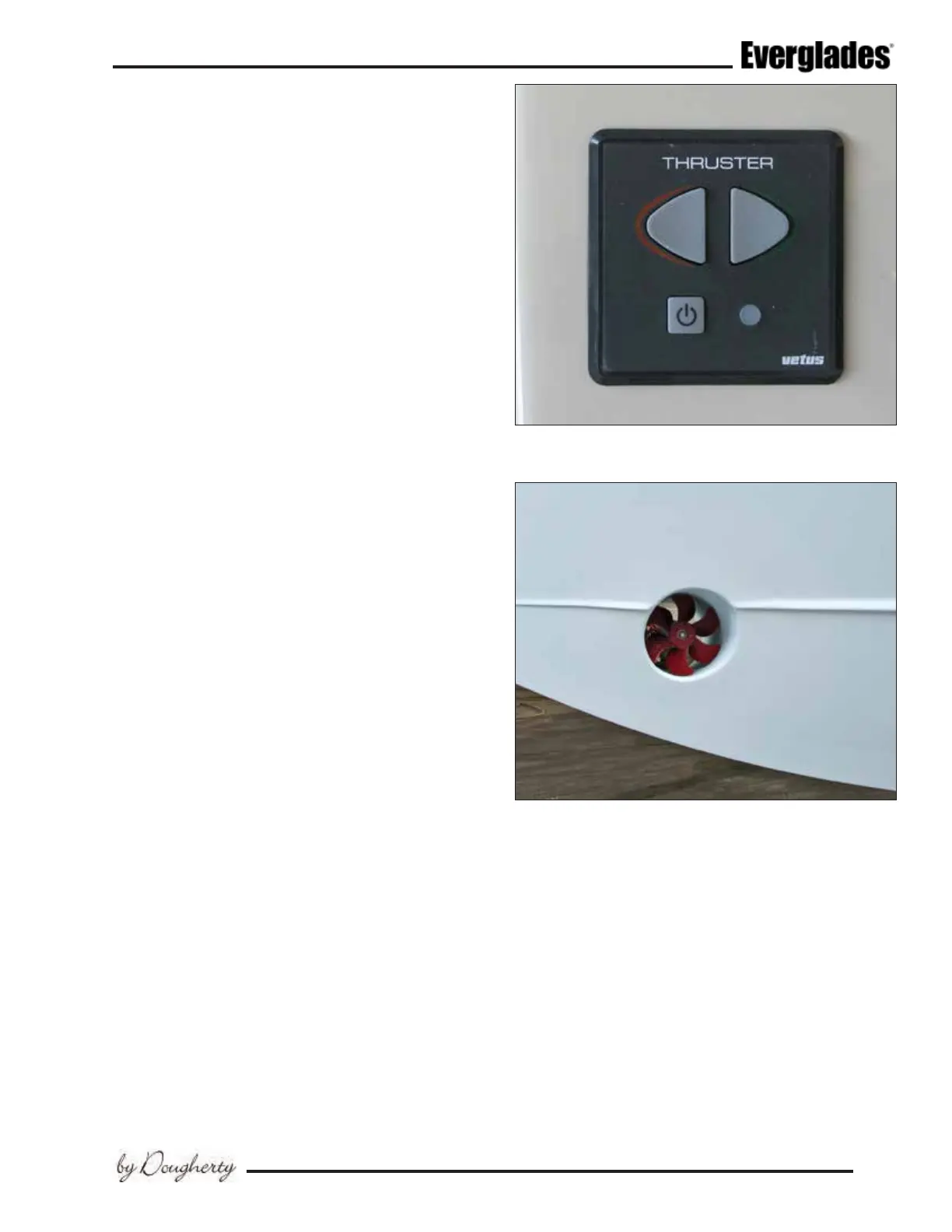
winds and strong currents. The control touch
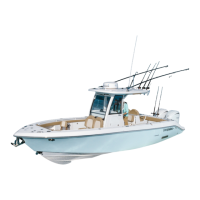
pad is located in the helm and controls the bow
thruster that is mounted to the hull in the bilge
near the bow.
The momentary touch pad buttons are activated
by the pressing and holding the power button in
the touch pad for 1 second. Press the button for
the direction you wish to thrust. Press the op-
posite button to change direction. A 1 second
delay protects the thruster when the direction is
changed. The arrow on each button indicates the
direction the bow will move when it is pressed. The
bow thruster will stop when the button is released.
Press and hold the power button for 1 second
to deactivate the bow thruster control pad. The
bow thruster will power down automatically if it
Typical Bow Thruster
Bow Thruster
is operated constantly for 3 minutes or senses no
operation for 15 minutes.
The bow thruster circuit is protected by a fuse or
circuit breaker and emergency shut off button/
battery switch located in the forward bilge com-
partment. It is activated automatically when the
thruster control panel is switched on and turns off
when the panel is deactivated. It can also be ac-
tivated manually with the red knob on the switch.
Refer to the bow thruster owner’s manual for
details on operating the bow thruster and using
the control pad.



 To Next Page