26
Component Identification and Explanation
Starting-up the Welder
WHAT TO EXPECT ON START UP.
Before the rst start and use of the machine, check all your connections.
Make sure all ttings are tight and that your gas cylinder valve is fully
open. Put on proper safety equipment (PPE) and re resistant clothing.
Make sure all accessories are uncoiled and properly connected. Inspect
the accessories and ensure that they are in good working order.
WARNING! Accidental arc flashes and burns could be possible if the foot
pedal or torch switch is depressed at the time of start up. Uncoiling acces-
sories and dismounting them from the cart is important to prevent acci-
dental triggering, arc flashing, welder damage and possible injury.
When the welder is switched on at the rear of the unit and the start-up
process begins, it will greet you with the start-up screen while it is booting
up. All LED lights on the front panel will light up on the front to allow you
to inspect their functionality. The boot-up will take a few seconds as the
machine re-adjusts for the voltage input and recalls the last settings used.
The boot up screen should look similar to this:
During the boot-up process you may hear a series of slight clicks, thuds,
or thumps as the machine switches relays and solenoids. This is normal.
It’s important to note that similar thuds or clicks that are heard on start up
can also be heard as the machine swaps processes or when certain func-
tions are selected. This is normal and should not be of concern.
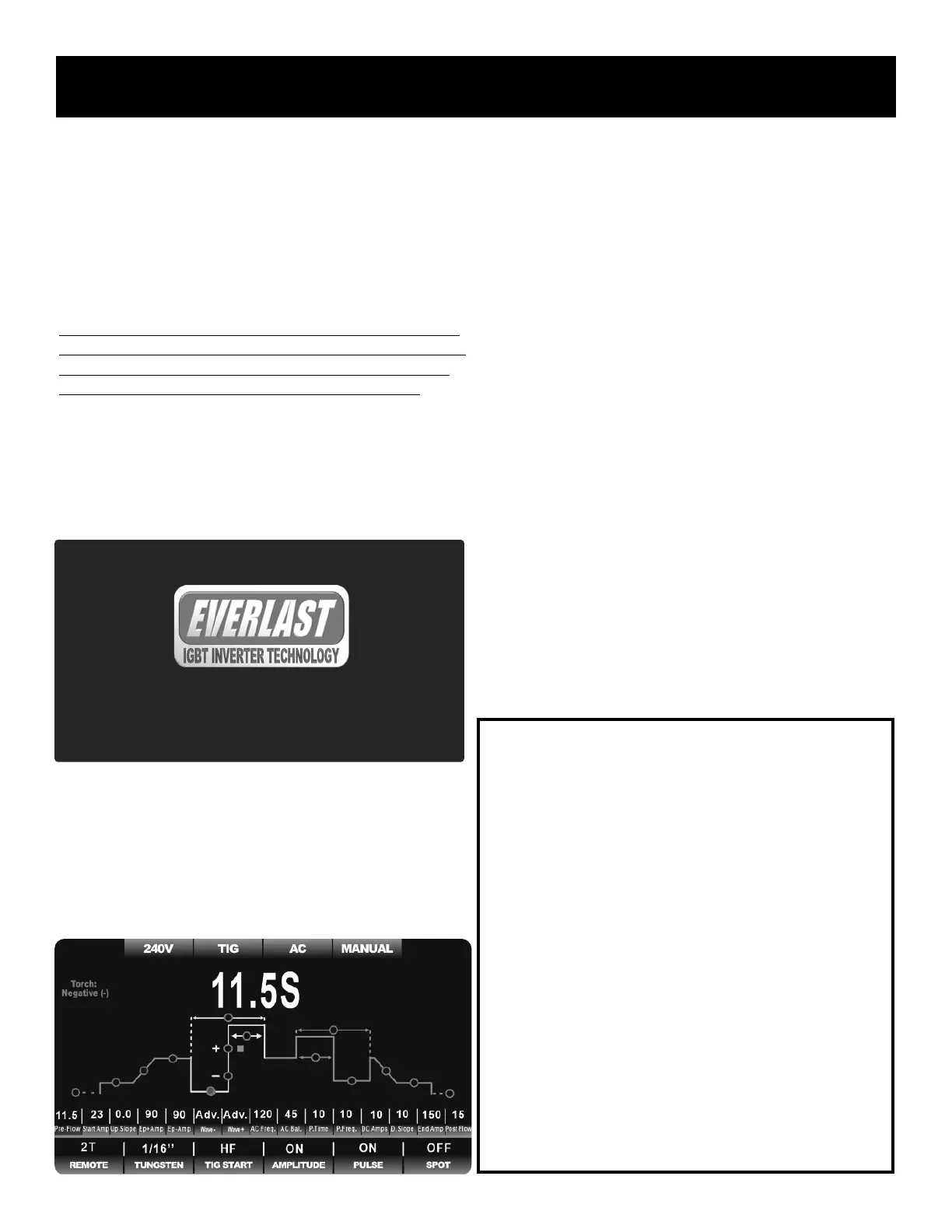
When fully booted up, the screen should look similar to this, depending
upon the actual process and functions selected:
Depending on the fan settings in the background menu, the fan may or
may not start when the machine is switched on. Be sure to check the fan
setting is on your machine before welding and select the type of fan opera-
tion you desire. See discussion about fan settings and how to access the
fan and cooler controls found in the Quick Start-Up Guide and in other
information found later in in the this manual.
It is recommended that all functions be checked for proper operation every
few months so that any malfunction can be noted and reported before it is
needed. If any malfunction of the control screen or the welder is ob-
served, contact Everlast Tech Support.
TAKE CARE OF THE LCD SCREEN.
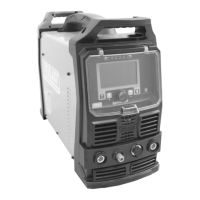
The screen is a high resolution 7.2” TFT color LCD screen. It’s important
to take care of it. Keep the cover shut when welding or when not in use.
Additionally, cut-to-t screen protectors can be used with the screen (and
it is recommended to do so) to offer a second layer of protection and keep
the screen in like new conditions. These are customer-supplied and availa-
ble at local stores that sell electronic items such as computers or mobile
phones. These should be periodically removed and replaced. Lightly clean
the screen only when needed with standard screen cleaning solution and
lint free cloth designed for cleaning screens. Do not use harsh detergents
or alcohol. The front protective cover is plastic and may get scratched if it
is wiped dry. If heavy dust has accumulated, use dry compressed air to
blow off the screen. Do not dry wipe with dirty rags, sleeves or gloves.
USE THIS AREA FOR MAKING OPERATION NOTES:
Typhoon 330


 To Next Page