49
Eversense XL CGM User Guide
6
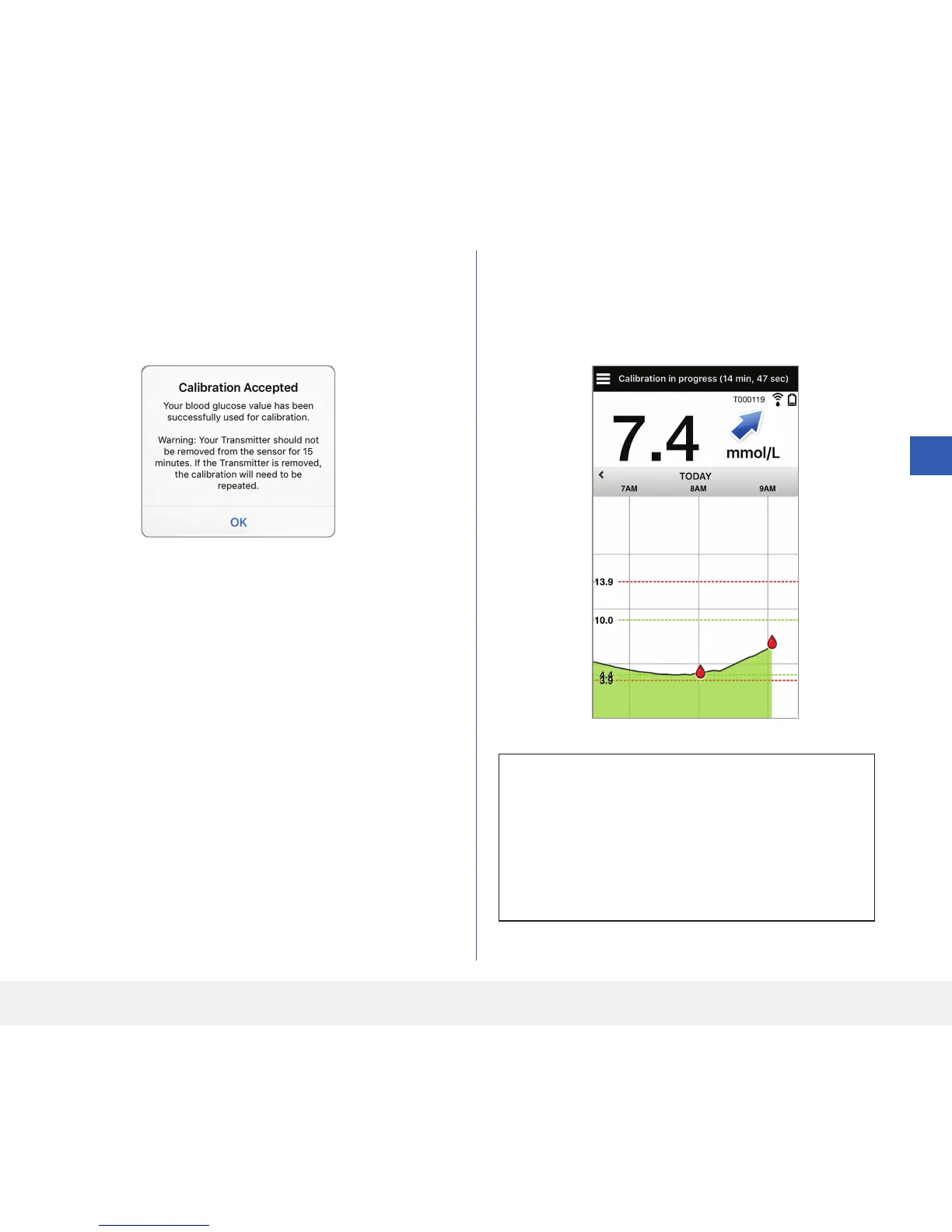
7. The CALIBRATION ACCEPTED screen
appears.
• Tap OK.
8. The MY GLUCOSE screen appears with a
red blood drop icon to identify your fingerstick
calibration.
IMPORTANT: The smart transmitter should
not be removed from over the sensor for at least
5 minutes before the test to 15 minutes after the
test while calibration is in progress. The Status
Bar at the top of the screen lets you know when
calibration will be complete.
Note: There may be conditions when your
calibration result is NOT accepted. See Calibrating
the System for more information.



 To Next Page