86
Eversense XL CGM User Guide
9
Alert Descriptions and Actions (continued)
Alerts
App DisplayDescription
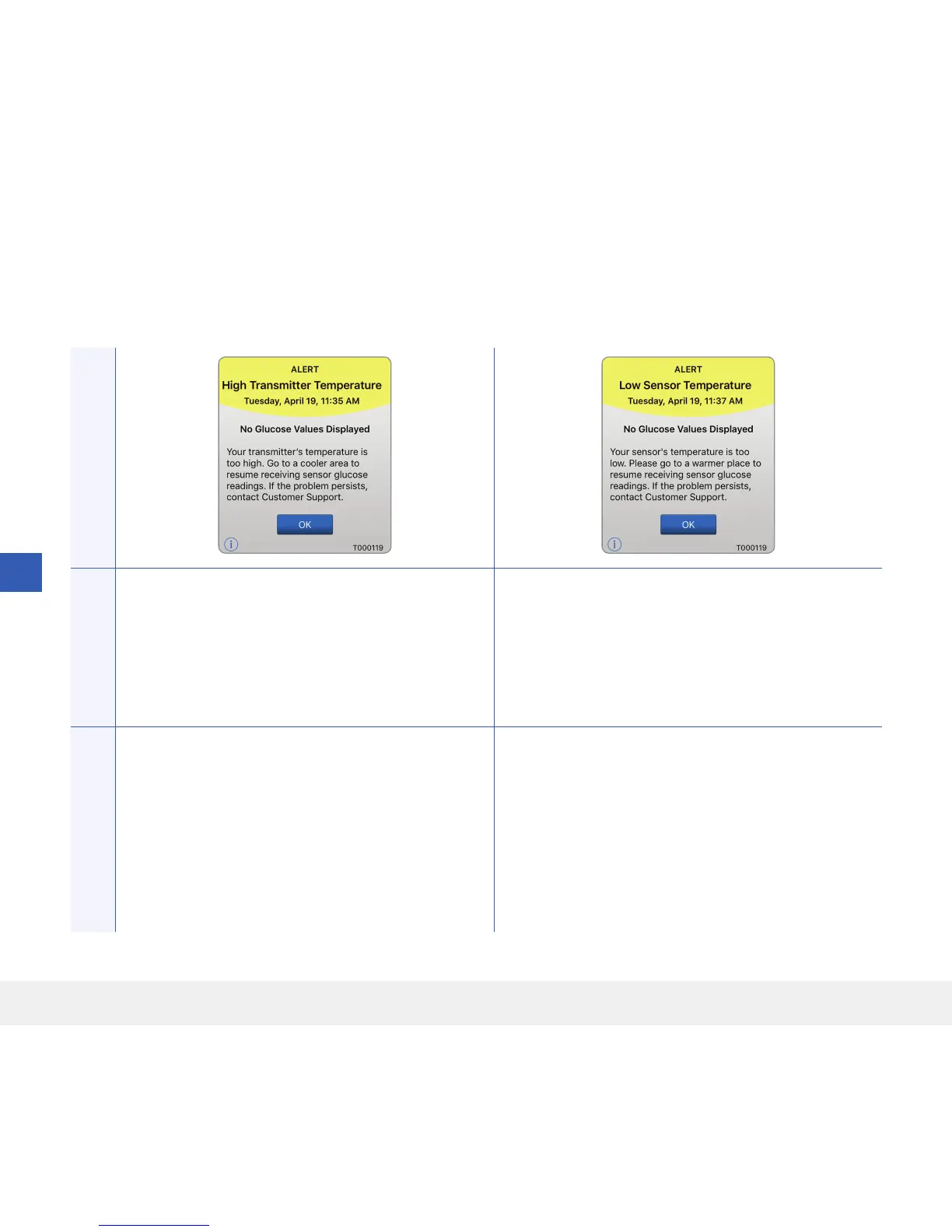
High Smart Transmitter Temperature*
Appears every 20 minutes when your smart
transmitter temperature is too high.
No glucose reading is displayed until the smart
transmitter temperature is within normal operating
conditions.
Low Sensor Temperature*
Appears every 20 minutes when the sensor
temperature is too low.
No glucose reading is displayed until the sensor
temperature is within normal operating conditions.
Actions
Reduce the smart transmitter temperature by moving
to a cooler environment. Once the smart transmitter
temperature is below 42 °C (108 °F), it will resume
displaying glucose values.
You may temporarily remove the smart transmitter
to cool it down. Once the smart transmitter is back
to a lower temperature, be sure to replace it over the
sensor.
Go to a warmer environment to increase the sensor
temperature. Keep your smart transmitter turned
on so you will start receiving glucose values when the
sensor temperature is between 26 - 40 °C
(81 - 104 °F).



 To Next Page