Model 5600ACO2 Automatic Changeover Unit
2. INSTALLATION
2.1. REAR PANEL
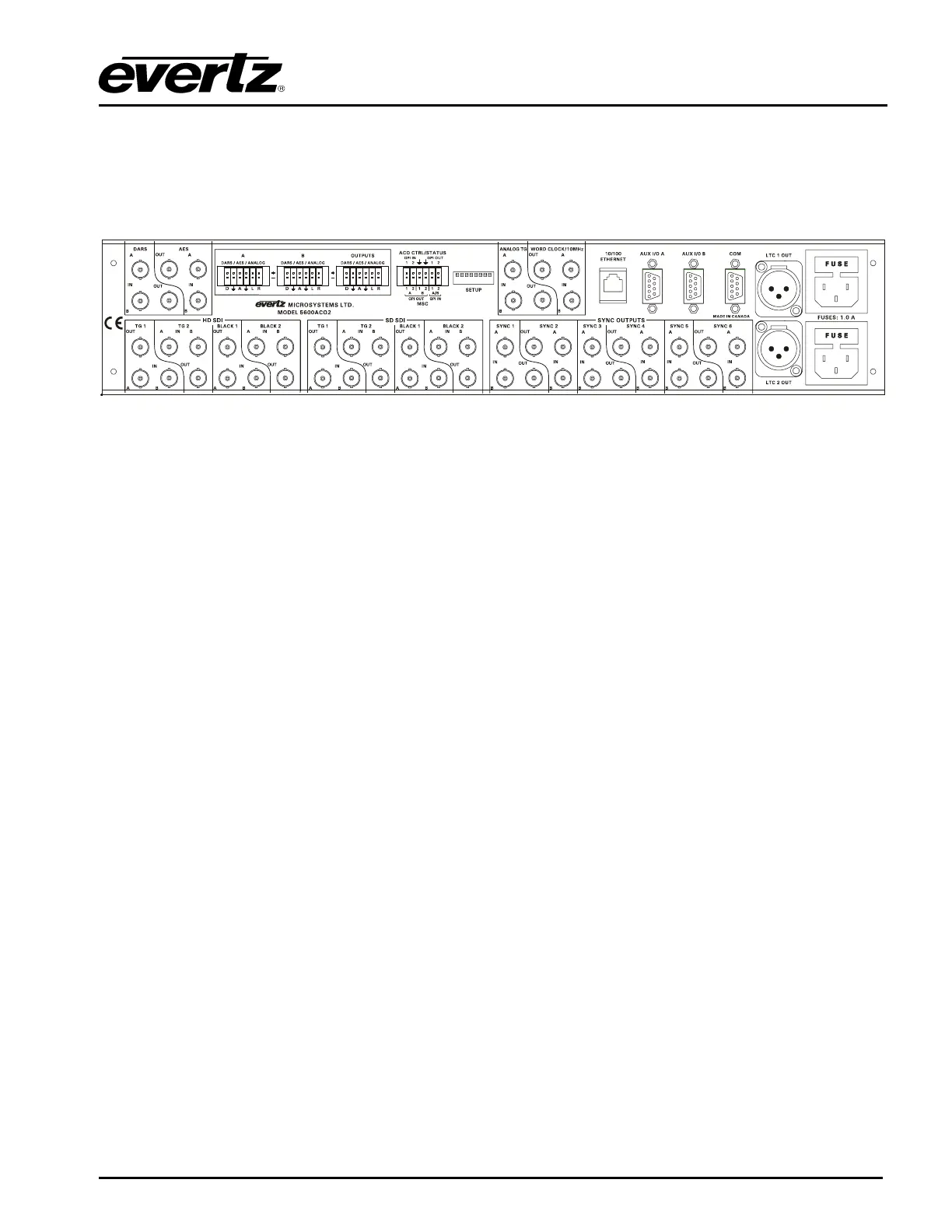
Figure 2-1: 5600ACO2 Rear Panel
The following sections describe the purpose of the rear panel connectors of the 5600ACO2. Sections
2.1.1 to 2.1.4 describe the specific signals that should be connected to the 5600ACO2. Sections 2.4
and 2.5 give more detail on connecting the system.
2.1.1. Coaxial Connections
There are 18 groups of 3 BNC connectors on the 5600ACO2 rear panel. In each group there is one
labelled A, another labelled B for connection of the indicated signal from the respective 5600MSC
Master Clock/SPG. The BNC labelled OUT provides the output from the auto-changeover unit for
further distribution throughout your plant.
DARS OUT: This group of BNC connectors is for connecting the Digital Audio Reference Signal
(DARS) outputs.
AES OUT: This group of BNC connectors is for connecting the Unbalanced AES Audio outputs.
SYNC 1 to 6: These groups of BNC connectors are for connecting the sync pulse / colour black
outputs.
HD SDI: These groups of BNC connectors are for connecting the HD Test signal generator
outputs.
SD SDI: These groups of BNC connectors are for connecting the SD Test signal generator
outputs.
ANALOG TG: This group of BNC connectors is for connecting the Analog Video Test signal generator
outputs.
WORD CLOCK/10 MHz: This group of BNC connectors is for connecting the 10 MHz outputs. When
the 5600ACO2 is fitted with firmware version 2.1 build 1 or later these BNC connectors
can also be used for connecting the Word Clock outputs. On early versions of the
5600ACO2 this BNC group was labelled 10 MHz.
INSTALLATION
Revision 1.3 Page 2-1



 To Next Page