Topaz Router
Page 16 Revision 2.0
A total of 32 devices can be supported by Q-Link. This includes the router frames and remote control
panels.
Each unit connected to the Q-Link, router and control panel, has its own address which are set via two
rotary address switches.
Figure 3-4: Router & Control Panel address switches
3.8.2. Ethernet Port
The Ethernet port will support TCP/IP protocol and can be used for the following functions:
• Setup download from WinSetup using TCP/IP protocol
• Router Control using TCP/IP protocol
3.8.3. Serial Port
The serial port is used to connect to computers or other third party equipment. This feature is always
available but is controlled by the rear panel DIP switch.
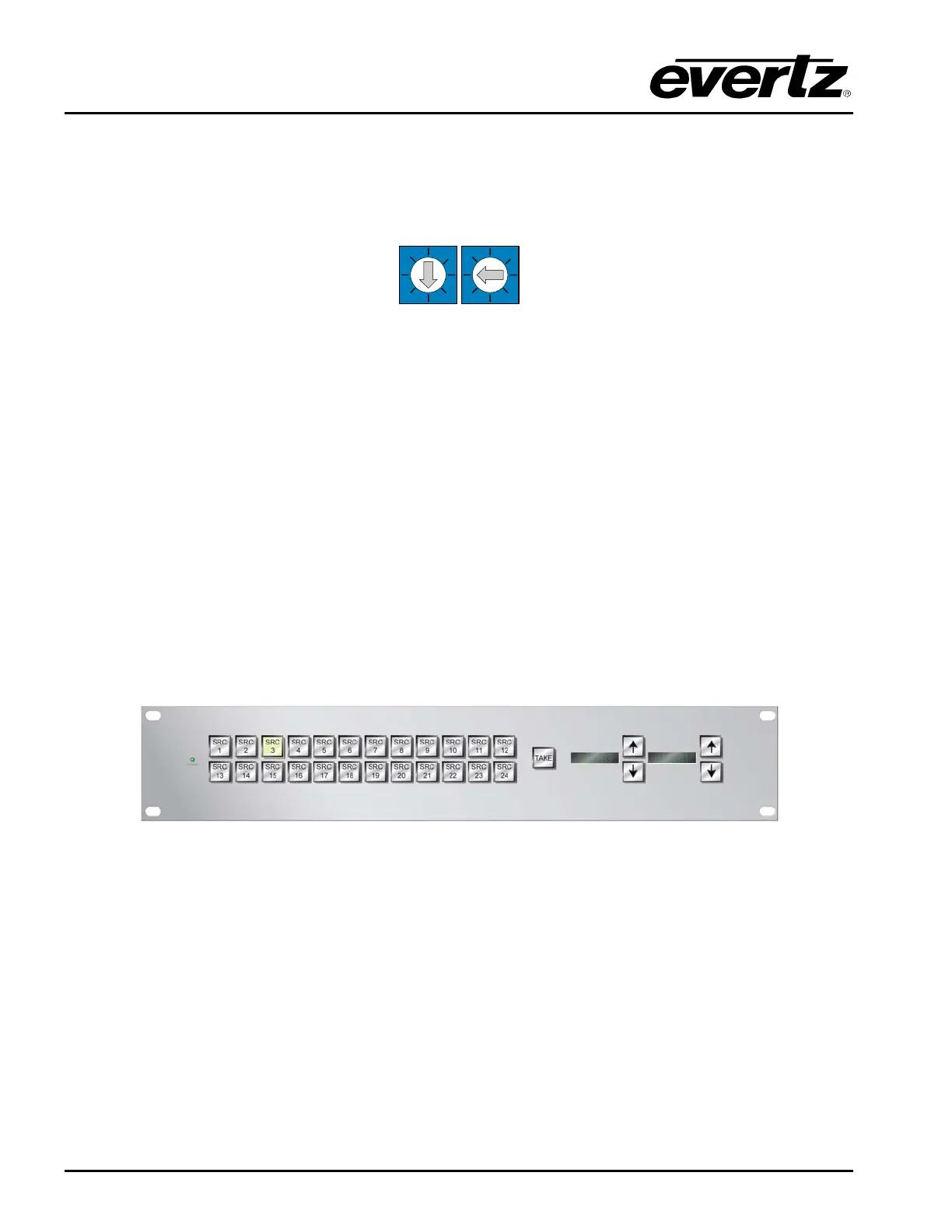
3.9. LOCAL CONTROL PANEL
The Topaz Local Control Panel can be installed on to the latest Topaz frames. It is fully programmable
and provides control to all of the router I/O’s.
Figure 3-5: Local Control Panel
3.10. REMOTE CONTROL PANELS
Any of the Quartz Q-Link remote panels may be connected to the Topaz. Their operation is determined
by the configuration of the master unit in the system. Refer to Quartz manual MANUAL-05 for details of
the Q-Link control panels and their operation.



 To Next Page