--------------------------------------------------------------------------
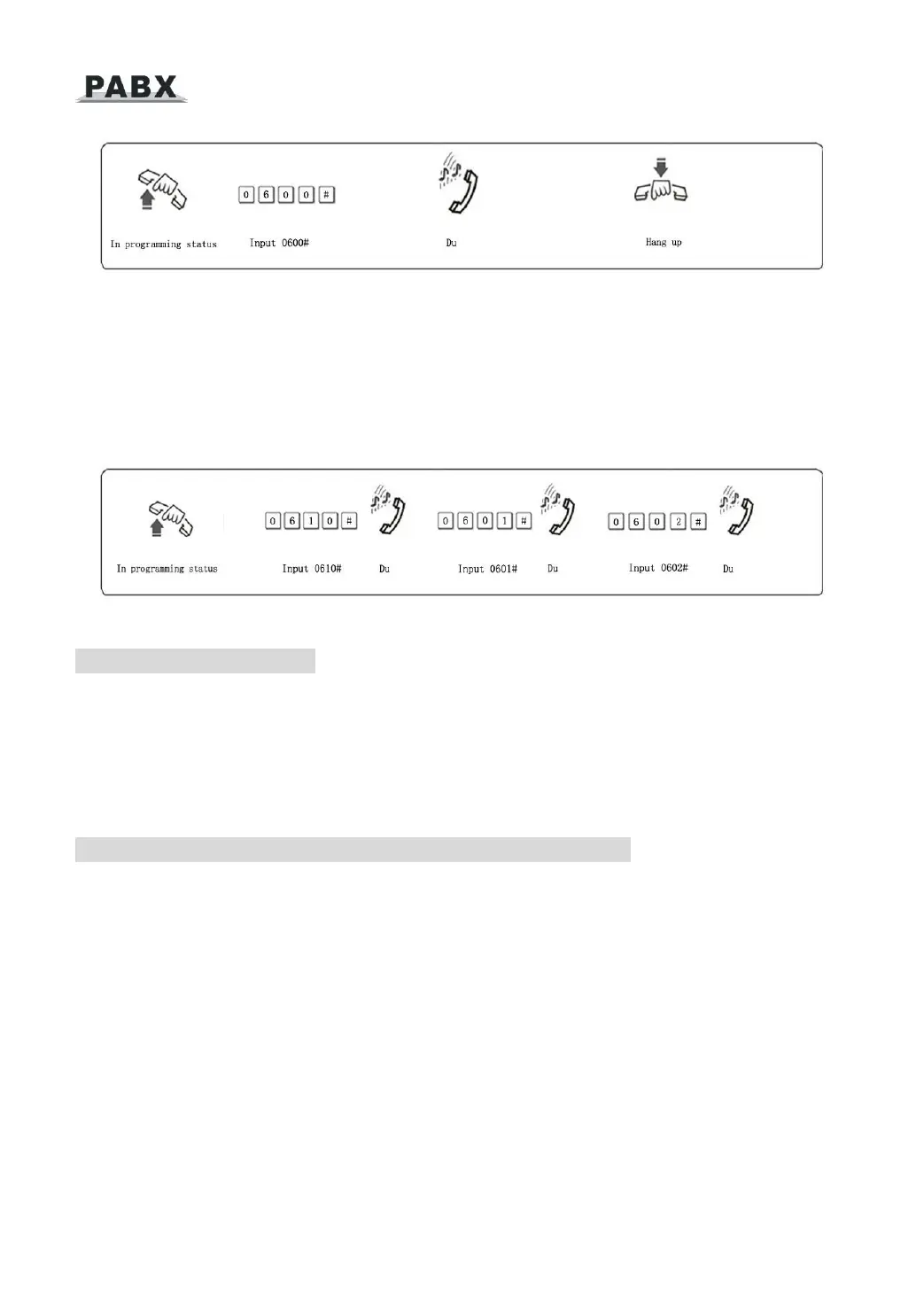
Format: 060M#
Explanation: M: C.O. line No. M = 1 - 4
Description: Enable the M C.O. line
Example: You have 308 model product, you want use C.O. line 1 and C.O. line 2, and the line
3 is not in use.
3.3.2 Disable C.O. Lines
Format: 0610#
Description: Disable all C.O. lines
Format: 061M#
Description: Disable the M C.O. line
3.3.3 Trunk lines (C.O.lines) working assignment (UCD)
Format: 0 6 2 0 #
Description: This setting make the system assign the different trunk lines working averagely, it
means the system will use the trunk lines circulating. (For example: the system will use trunk line 1,
then line2….line4 circulating). This setting can avoid the user always use some trunk lines, this is
default setting.
Format: 0 6 2 1 #
Description: This setting make the system use trunk lines in sequence, it means the system
always choose the trunk line of lower number if available. (line1 is the lowest
number)



 To Next Page