Operating the Optical Switch
28 Optical Switch
Installing the RTUe-9110/RTUe-9120 External Switch in a Rack
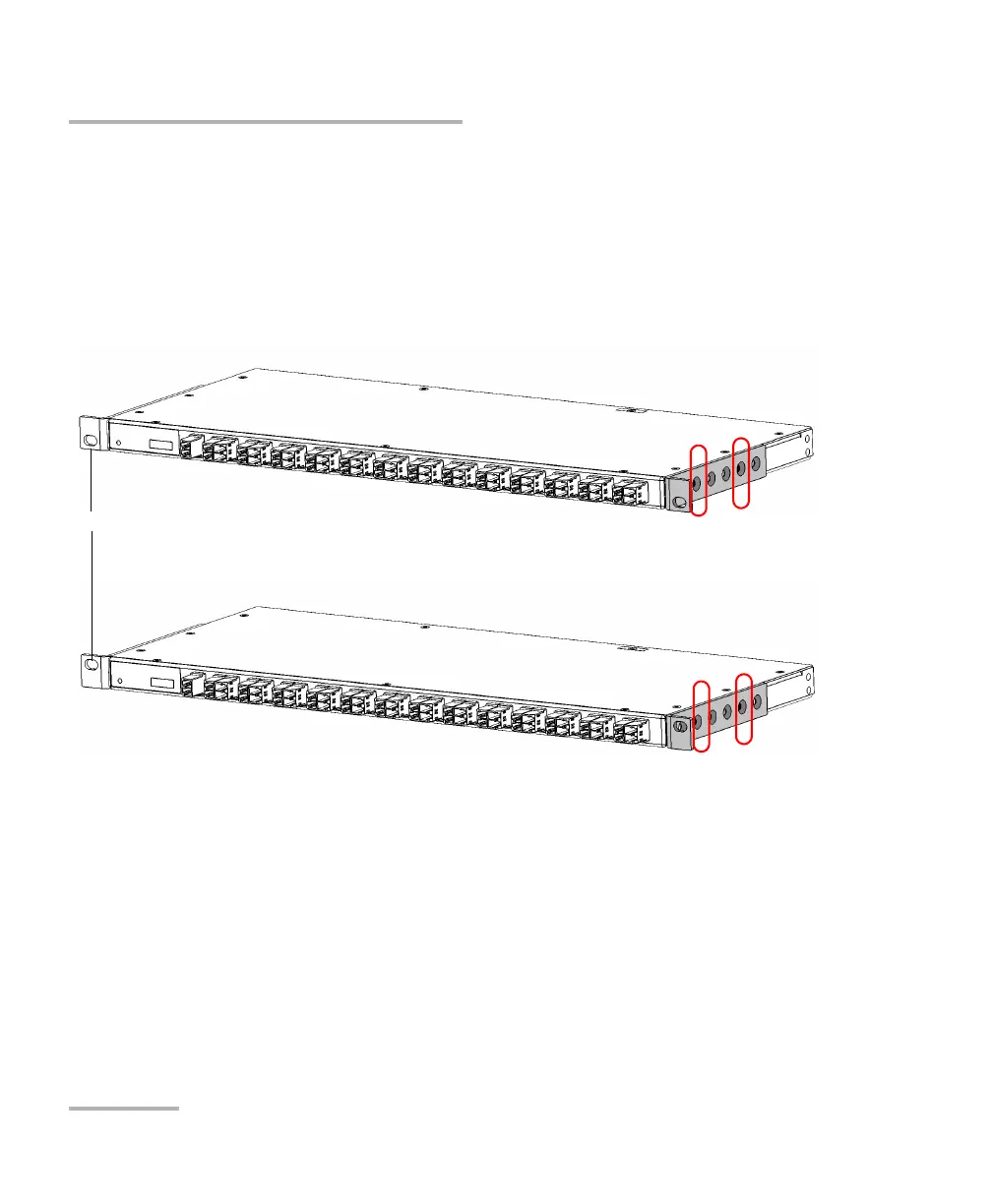
3. Align the holes of the first bracket with the holes of the switch’s casing
at the position that best suits your installation needs. You can even
invert position of the mounting bracket if necessary.
Brackets in standard position
RTUe-9110 - Rack screw holes at the bottom
RTUe-9110 - Rack screw holes at the top
Rack screw holes



 To Next Page