Operating the Optical Switch
Optical Switch 29
Installing the RTUe-9110/RTUe-9120 External Switch in a Rack
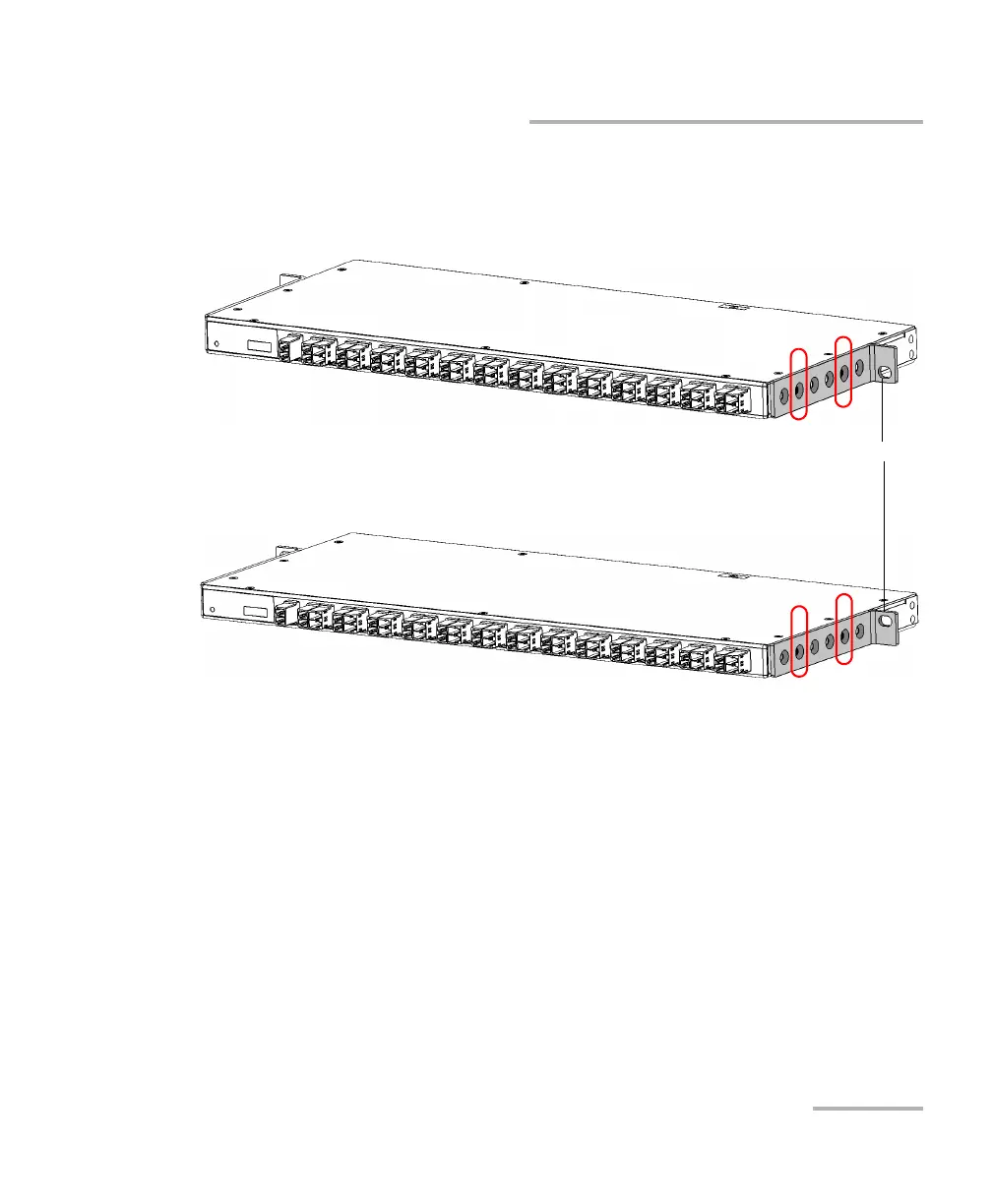
4. Fix the first bracket on the switch with the supplied screws (two
screws per bracket).
5. Repeat steps 3 and 4 with the other bracket, ensuring that you place
the bracket at the exact same position (orientation of the bracket, set
of holes on the bracket and on the switch’s casing).
Brackets in inverted position
Rack screw holes
RTUe-9110 - Rack screw holes at the bottom
RTUe-9110 - Rack screw holes at the top



 To Next Page