Setting Up Your Variable Attenuator
16 FVA-3100
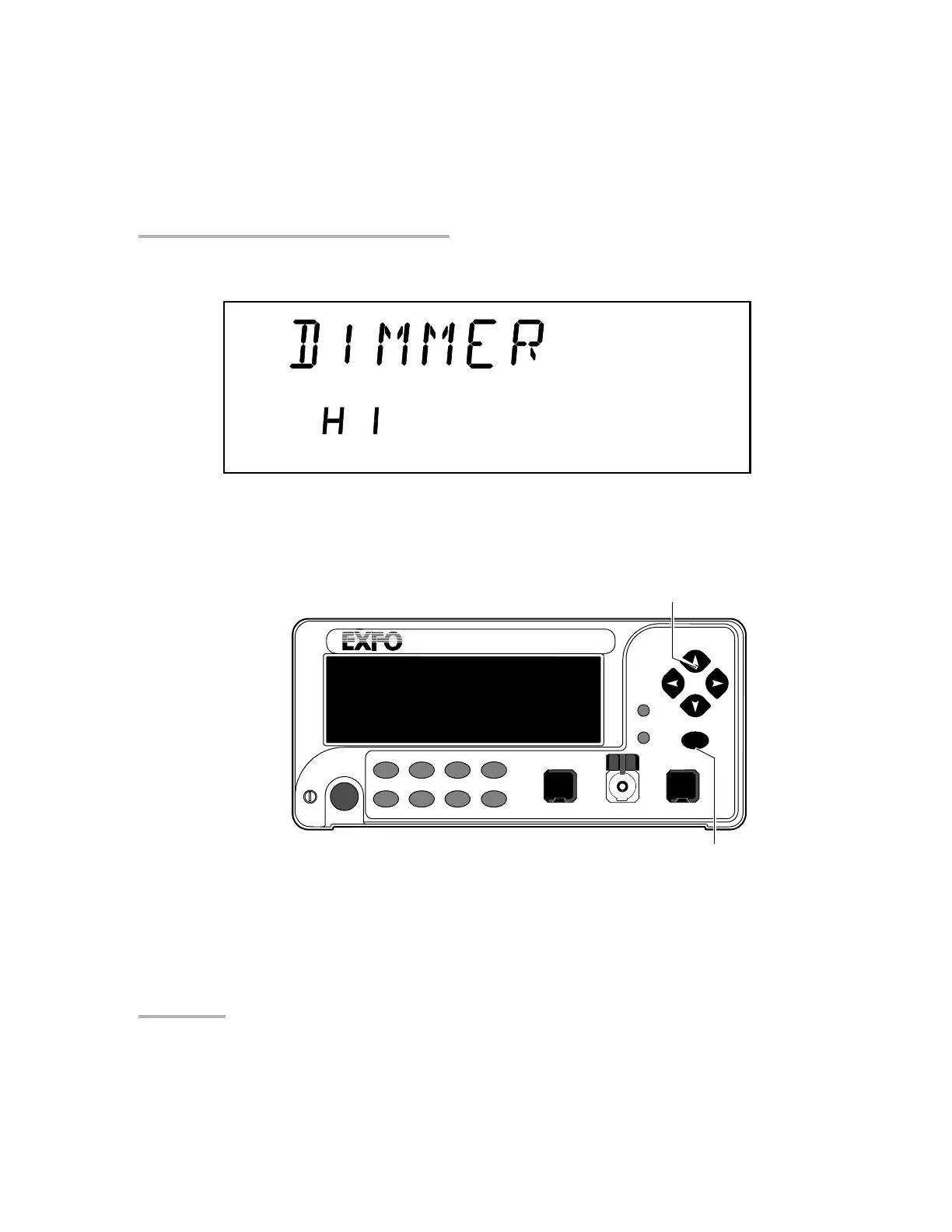
Selecting the Display Intensity
2. Use the left/right arrows to move until it displays DIMMER.
3. Press ENTER. The current dimmer state will start flashing.
4. Use the up/down arrows to modify the dimmer status: LO, HI, or OFF.
5. Press ENTER.
Note: Setting the dimmer to OFF turns off the display. Press any button to turn the
display back on.
VARIABLE ATTENUATOR
FVA-3100
Offset
ENTER
Abs Up Shutter
Ref
λ
Down Attenuation
Program
Setup
Confirmation
button
Arrow buttons for
menu navigation and
parameter setting
Step
In Monitor Out
Shutter
Artisan Technology Group - Quality Instrumentation ... Guaranteed | (888) 88-SOURCE | www.artisantg.com













 To Next Page