Setting Up Your Variable Attenuator
Variable Attenuator 27
Selecting and Using an Attenuation Display Mode
Selecting and Using an Attenuation Display
Mode
Note: The total or absolute attenuation referred to in this manual is the actual
optical insertion loss between the input and output ports, including the
connectors.
The Variable Attenuator offers the following three attenuation display
modes:
➤ Absolute attenuation mode
➤ Offset attenuation mode
➤ Reference attenuation mode
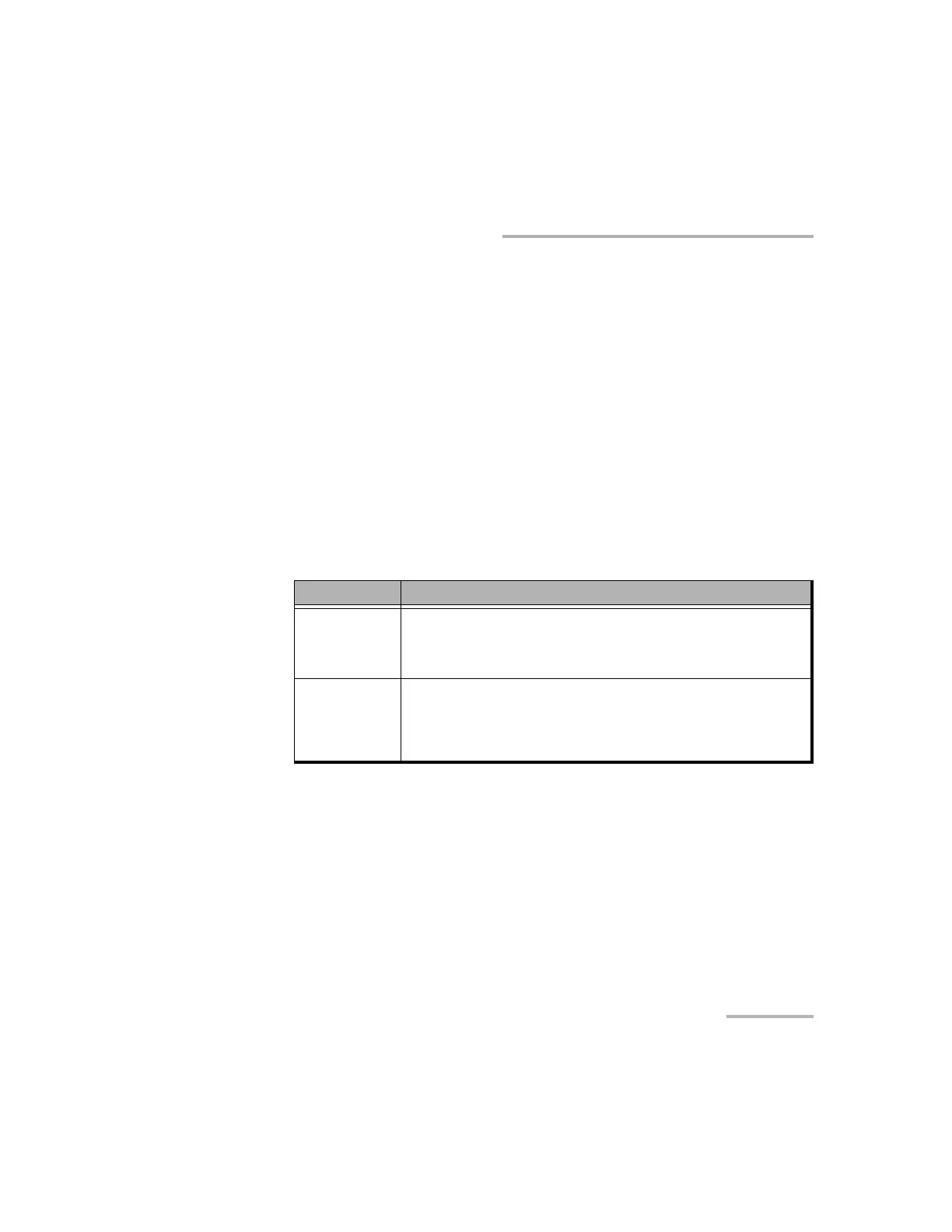
Display Mode Description
Absolute The displayed attenuation value takes into account both
the absolute value and the offset value.
Default mode upon initial activation.
Reference
(relative)
The displayed attenuation value is the attenuation relative
to a defined reference value, which can be any value
within the unit’s attenuation range and may be selected as
the reference.
Artisan Technology Group - Quality Instrumentation ... Guaranteed | (888) 88-SOURCE | www.artisantg.com













 To Next Page