Variable Attenuator 15
4 Setting Up Your Variable
Attenuator
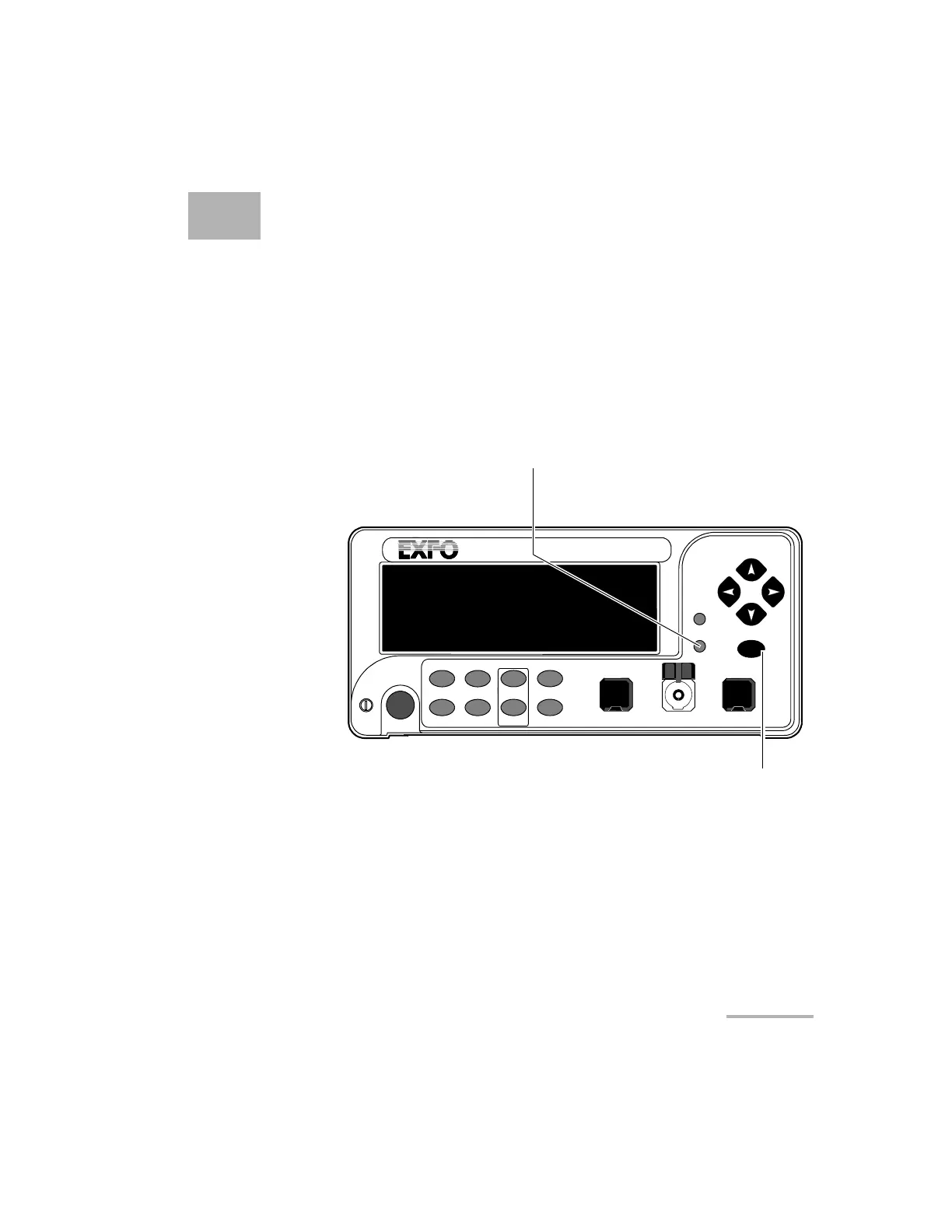
Selecting the Display Intensity
Display intensity may be set to high or low. You can also turn off the display
without turning off the unit.
To select the display intensity:
1. Press on the Setup.
VARIABLE ATTENUATOR
FVA-3100
Offset
ENTER
Abs Up
Shutter
Ref
λ
Down Attenuation
Program
Setup
Confirmation
button
Step
In Monitor Out
Setup menu access
Shutter
Artisan Technology Group - Quality Instrumentation ... Guaranteed | (888) 88-SOURCE | www.artisantg.com













 To Next Page