Setting Up Your Variable Attenuator
Variable Attenuator 17
Locking Control Key Access
6. To exit the Setup menu, press on the Setup button.
Locking Control Key Access
To prevent unintended use of the FVA-3100 Variable Attenuator during
operation, you can lock the control keys (the blue buttons on the front
panel of the unit).
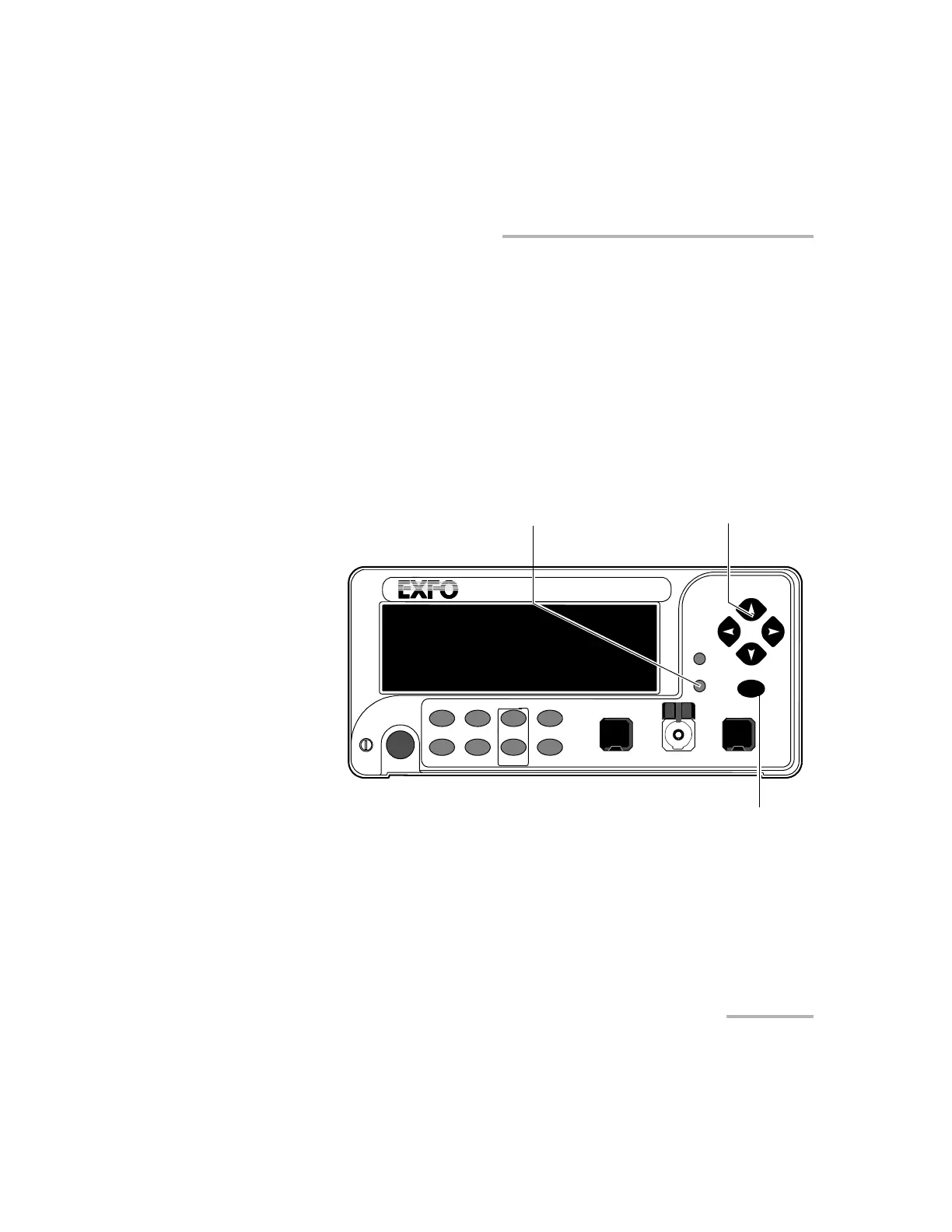
To lock the control key access:
1. Press Setup.
2. Use the left/right arrows until LOCKOUT is displayed.
3. Press ENTER.
VARIABLE ATTENUATOR
FVA-3100
Offset
ENTER
Abs Up Shutter
Ref
λ
Down Attenuation
Program
Setup
Arrow buttons for menu
navigation and parameter setting
Step
In Monitor Out
Setup menu access
Shutter
Confirmation
button
Artisan Technology Group - Quality Instrumentation ... Guaranteed | (888) 88-SOURCE | www.artisantg.com













 To Next Page