Setting Up Your Variable Attenuator
Variable Attenuator 23
Selecting the Attenuation
Selecting the Attenuation
The attenuation can be set using two methods:
➤ By using the up and down arrows buttons, the attenuation is modified
one step (up or down) at a time.
➤ By using the Attenuation button, you can quickly and precisely set the
attenuation to a specific value
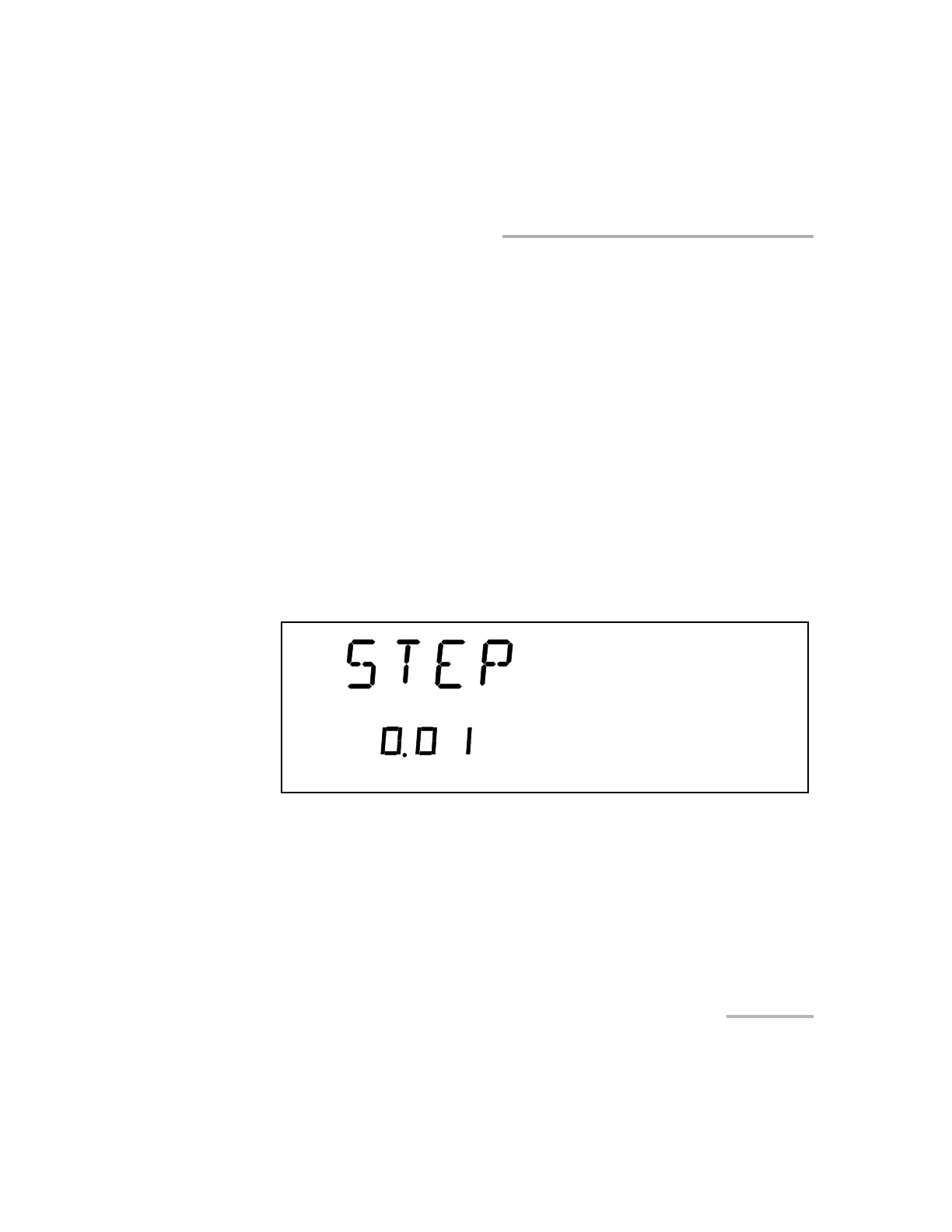
➤ The available step sizes are: 0.01, 0.02, 0.05, 0.1, 1, 2, 5, 10, 20, and
50 dB.
Note: Selecting a larger step size allows for faster attenuation scanning.
To change the step size:
1. Press Setup
2. Press the left/right arrows until STEP is displayed.
3. Press ENTER. The current step size will start flashing.
4. Using the up/down arrows, choose one of the available step sizes.
5. Press ENTER.
6. To exit the Setup menu, press Setup.
Artisan Technology Group - Quality Instrumentation ... Guaranteed | (888) 88-SOURCE | www.artisantg.com













 To Next Page