Setting Up Your Variable Attenuator
24 FVA-3100
Selecting the Attenuation
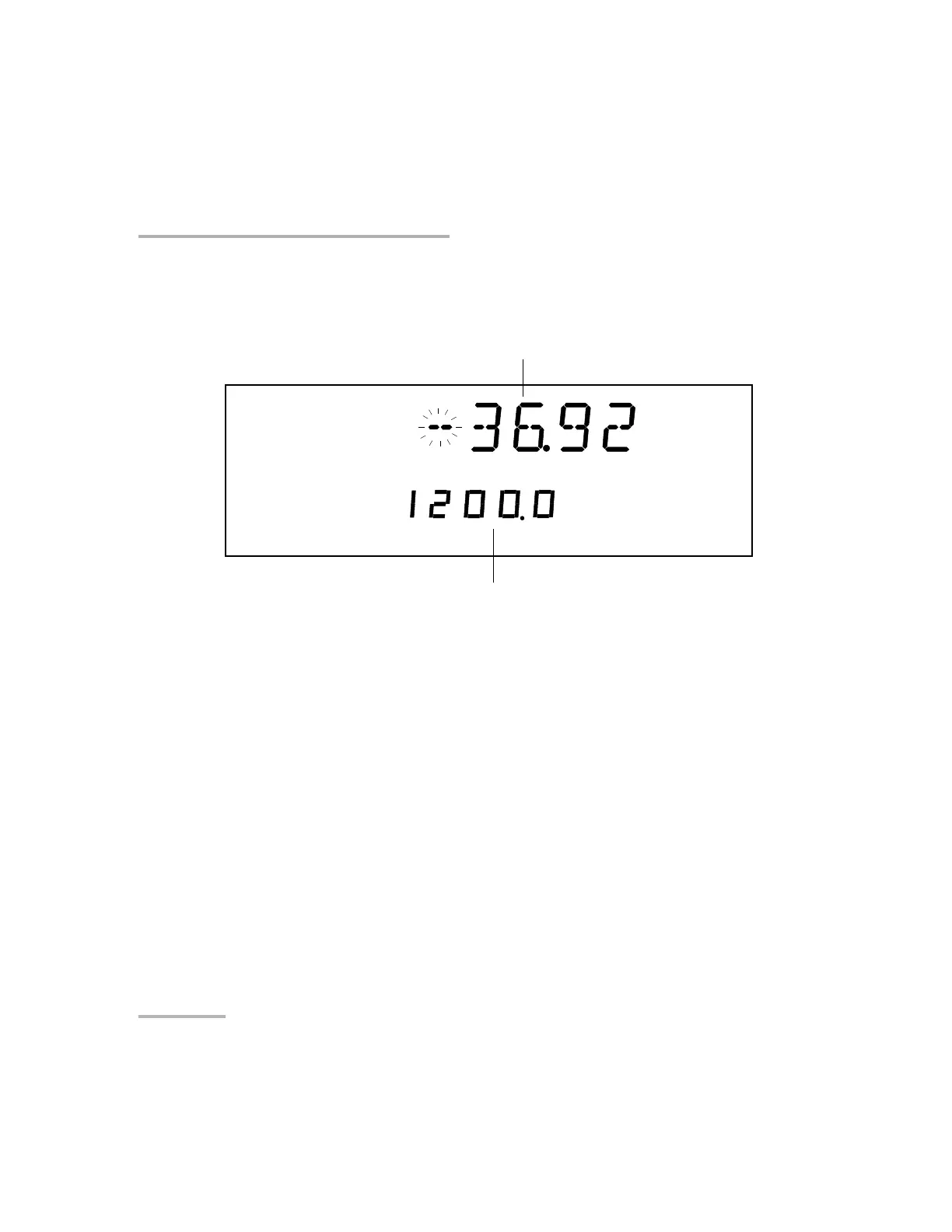
To enter a specific attenuation value:
1. Press the Attenuation button. The first segment of the attenuation
setting starts flashing.
2. Enter a new attenuation value. Use the up/down arrows to change the
flashing digit and the left/right arrows to activate the next digit.
Note: Since the optical resolution of the singlemode Variable Attenuator is
0.005 dB, the third digit after the decimal point must always be 5. The new
attenuation setting will be rejected if its third digit is not 5. For more
information on the variable attenuator optical resolution see Technical
Specifications on page 79.
3. Once you have entered all the segments, press ENTER.
Note: If you try to set an attenuation value that is outside the attenuation range,
the Variable Attenuator will default to the minimum or maximum setting.
dB
Abs
nm
Attenuation setting
Current wavelength
Artisan Technology Group - Quality Instrumentation ... Guaranteed | (888) 88-SOURCE | www.artisantg.com













 To Next Page