Setting Up Your Variable Attenuator
Variable Attenuator 19
Managing the Wavelength Shortlist
Managing the Wavelength Shortlist
The FVA-3100 Variable Attenuator can test at many wavelengths. The
accepted wavelengths depend on the configuration of your unit. You can
store the wavelengths you use most often in a shortlist so you can quickly
access them. The shortlist includes up to 20 wavelengths.
Note: When switching to a new wavelength, the attenuator motor will reposition
itself to keep the current attenuation value for the new wavelength.
Refer to Technical Specifications on page 79 for more information on the
wavelength ranges that you can enter.
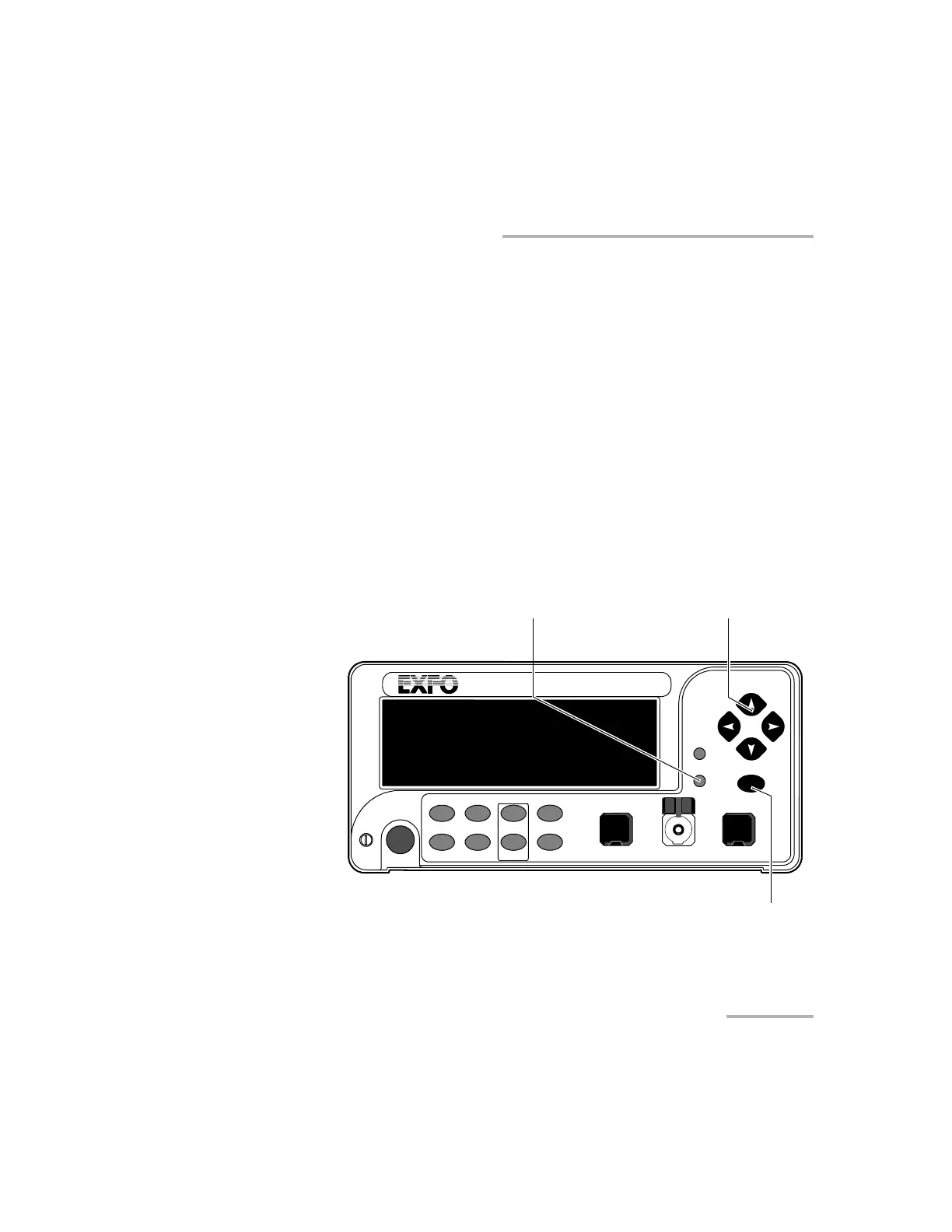
To add a wavelength to the shortlist:
1. Press Setup.
VARIABLE ATTENUATOR
FVA-3100
Offset
ENTER
Abs Up
Shutter
Ref
λ
Down Attenuation
Program
Setup
Confirmation
button
Arrow buttons for menu navigation
and parameter setting
Step
In Monitor Out
Setup menu access
Shutter
Artisan Technology Group - Quality Instrumentation ... Guaranteed | (888) 88-SOURCE | www.artisantg.com













 To Next Page