Setting Up Your Variable Attenuator
20 FVA-3100
Managing the Wavelength Shortlist
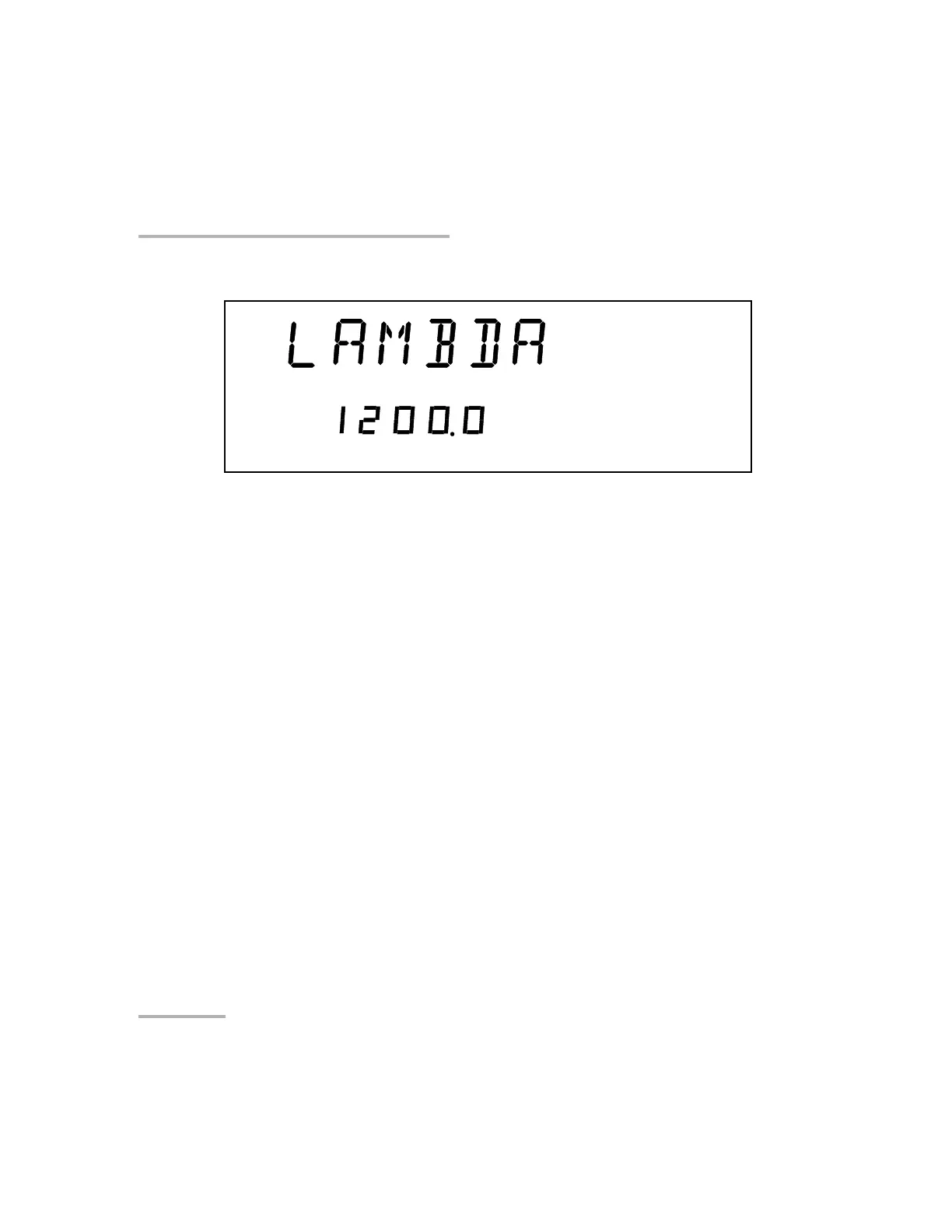
2. Use the left/right arrows to move until LAMBDA is displayed.
3. Use the up/down arrows to move until Add is displayed .
4. Press ENTER. A wavelength will be suggested and the first digit will
flash.
5. Use the up/down arrows to change the flashing digit and the left/right
arrows to activate the next digit.
6. Once all digits are set, press ENTER.
7. To exit the Setup menu, press the Setup button.
Note: If you are trying to enter a wavelength that is outside the wavelength range,
the Variable Attenuator will beep and reject the wavelength.
Artisan Technology Group - Quality Instrumentation ... Guaranteed | (888) 88-SOURCE | www.artisantg.com













 To Next Page