Setting Up Your Variable Attenuator
Variable Attenuator 21
Managing the Wavelength Shortlist
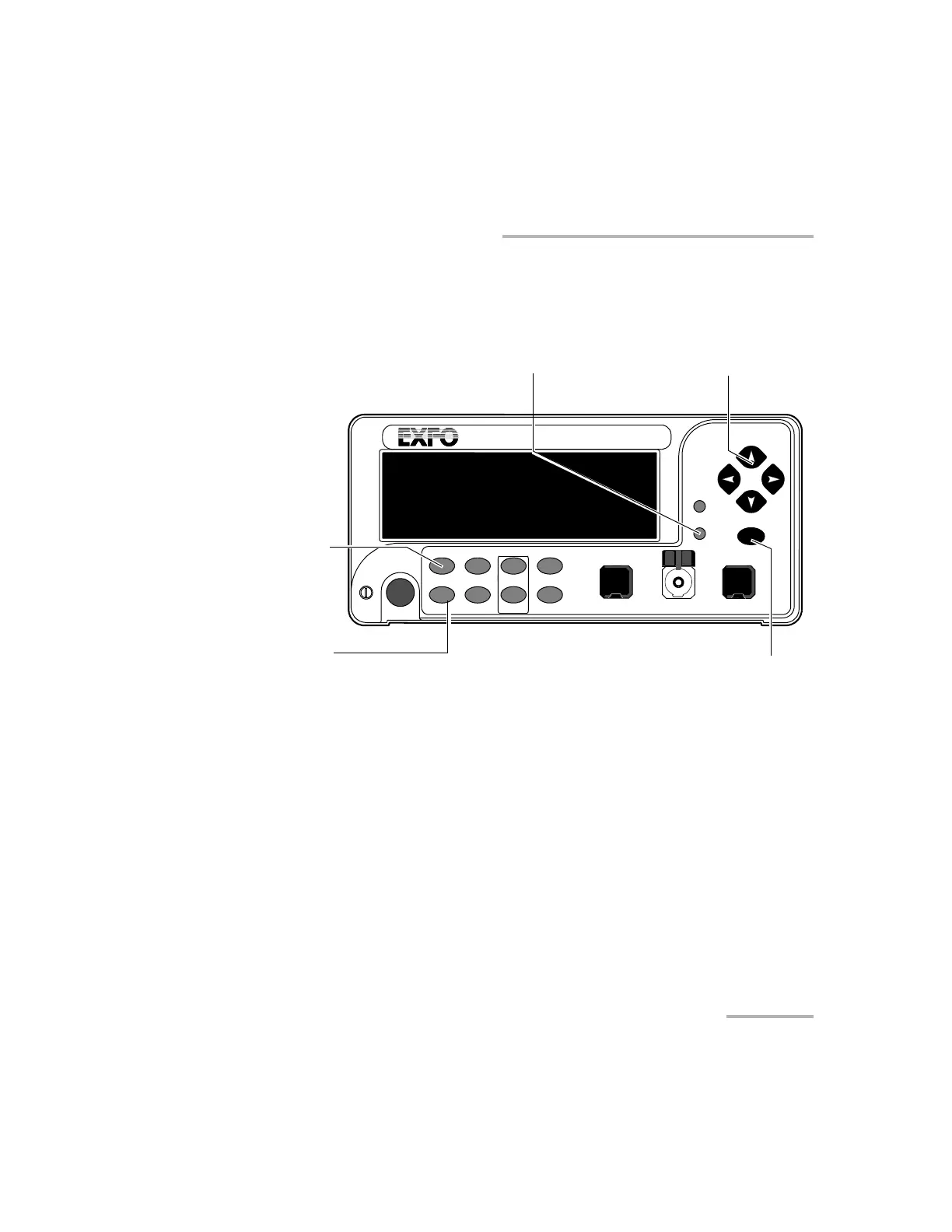
To delete a wavelength from the shortlist:
1. Press the Setup button.
2. Press the left/right arrows until LAMBDA is displayed.
3. Use up/down arrows to move until the wavelength you want to delete
appears in the lower portion of the display.
4. Press ENTER. The wavelength will start flashing.
5. Set all the wavelength digits to zero. To do so, use the up/down arrows
to change the flashing digit and the left/right arrows to activate the next
digit.
6. Press ENTER.
7. To exit the Setup menu, press the Setup button.
VARIABLE ATTENUATOR
FVA-3100
Offset
ENTER
Abs Up
Shutter
Ref
λ
Down Attenuation
Program
Setup
Confirmation
button
Absolute mode access
Wavelength control
Arrow buttons for menu navigation
and parameter setting
Step
In Monitor Out
Setup menu access
Shutter
Artisan Technology Group - Quality Instrumentation ... Guaranteed | (888) 88-SOURCE | www.artisantg.com













 To Next Page