Operating Your Variable Attenuator
46 FVA-3100
Performing an Attenuation Routine
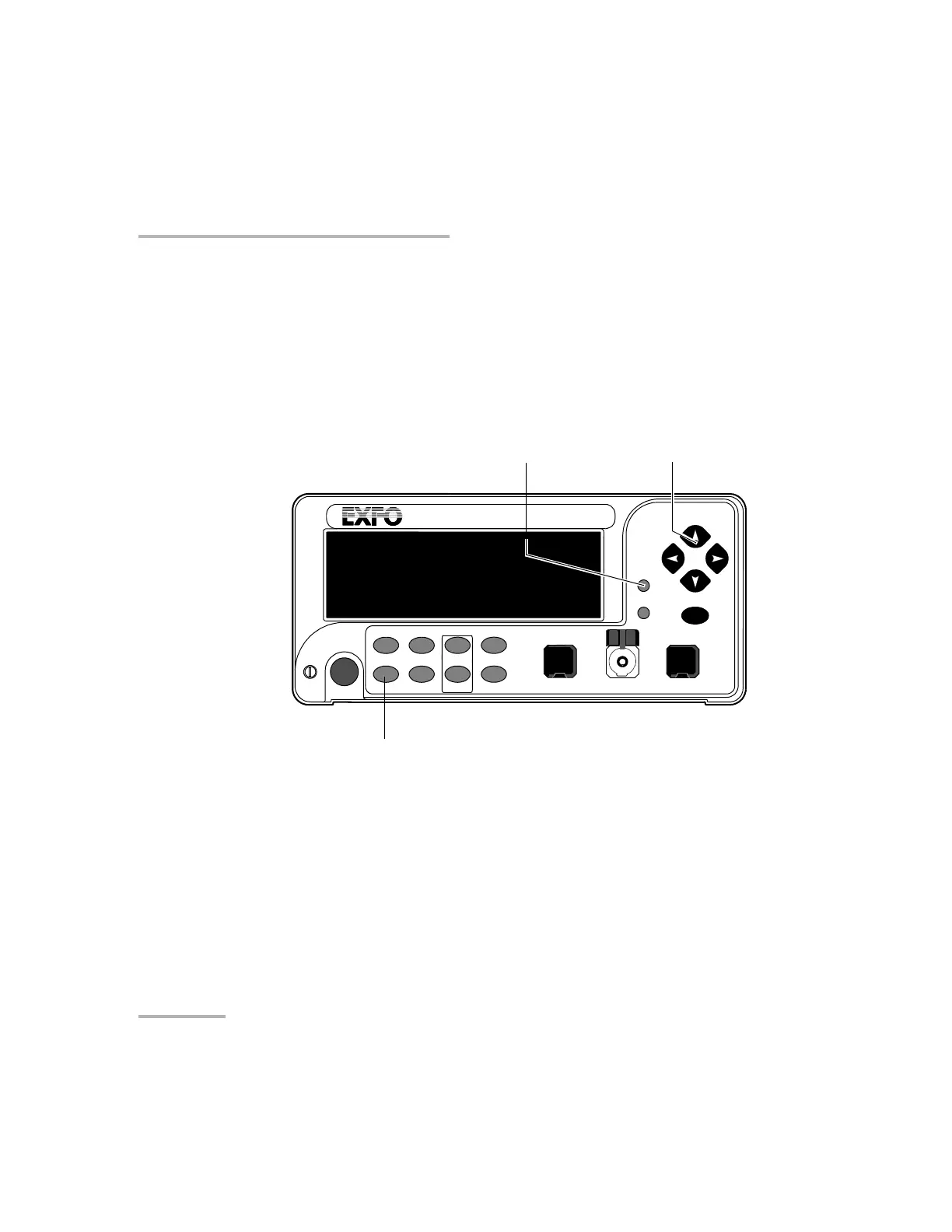
To start a routine:
1. Set the wavelength by pressing the wavelength control until you reach
the desired wavelength.
2. Set the Variable Attenuator to the initial attenuation.
3. Press Program.
4. Press left/right arrows until START is displayed.
5. Press ENTER. Program, in the lower left portion of the display,
indicates that an attenuation routine is in progress.
Note: During a program, if the attenuation reaches the limit of the attenuation
range, it will remain set at this value until the routine is completed.
Once you have started the routine, the display goes back to the current
attenuation mode display.
VARIABLE ATTENUATOR
FVA-3100
Offset
ENTER
Abs Up
Shutter
Ref
λ
Down Attenuation
Program
Setup
Arrow buttons for menu
navigation and parameter settin
Program menu access
Step
In Monitor Out
Shutter
Wavelength control
Artisan Technology Group - Quality Instrumentation ... Guaranteed | (888) 88-SOURCE | www.artisantg.com













 To Next Page