Setting up and Using Your PX1
Optical Power Expert 19
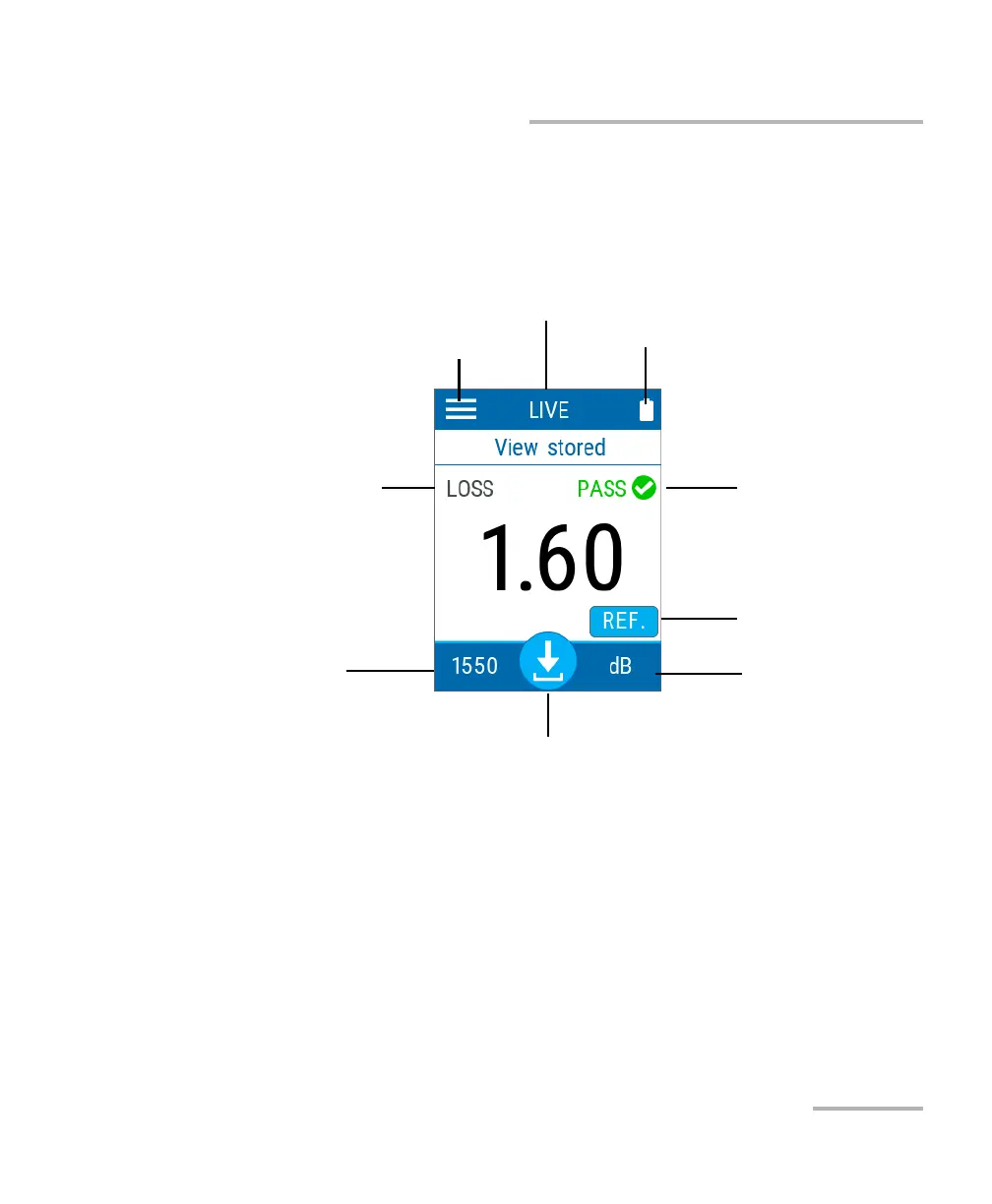
Understanding the Main Window
Understanding the Main Window
The Optical Power Expert can be seen as the starting point of the
application. You can perform measurements and navigate through the
results.
Settings menu
Battery charge status indicator
Measurement status
Tap to set reference
measurement
Tap to change
measurement mode
Tap to store measurement
Tap to select wavelength
Measurement mode
Current viewing mode (live or stored measurements)



 To Next Page