Setting up and Using Your PX1
Optical Power Expert 31
Nulling Electrical Offsets
Nulling Electrical Offsets
Temperature and humidity variations affect the performance of electronic
circuits and optical detectors. Nulling the electrical offsets eliminates these
effects.
To perform an offset nulling:
1. If you have not done so already, put a cap on the detector.
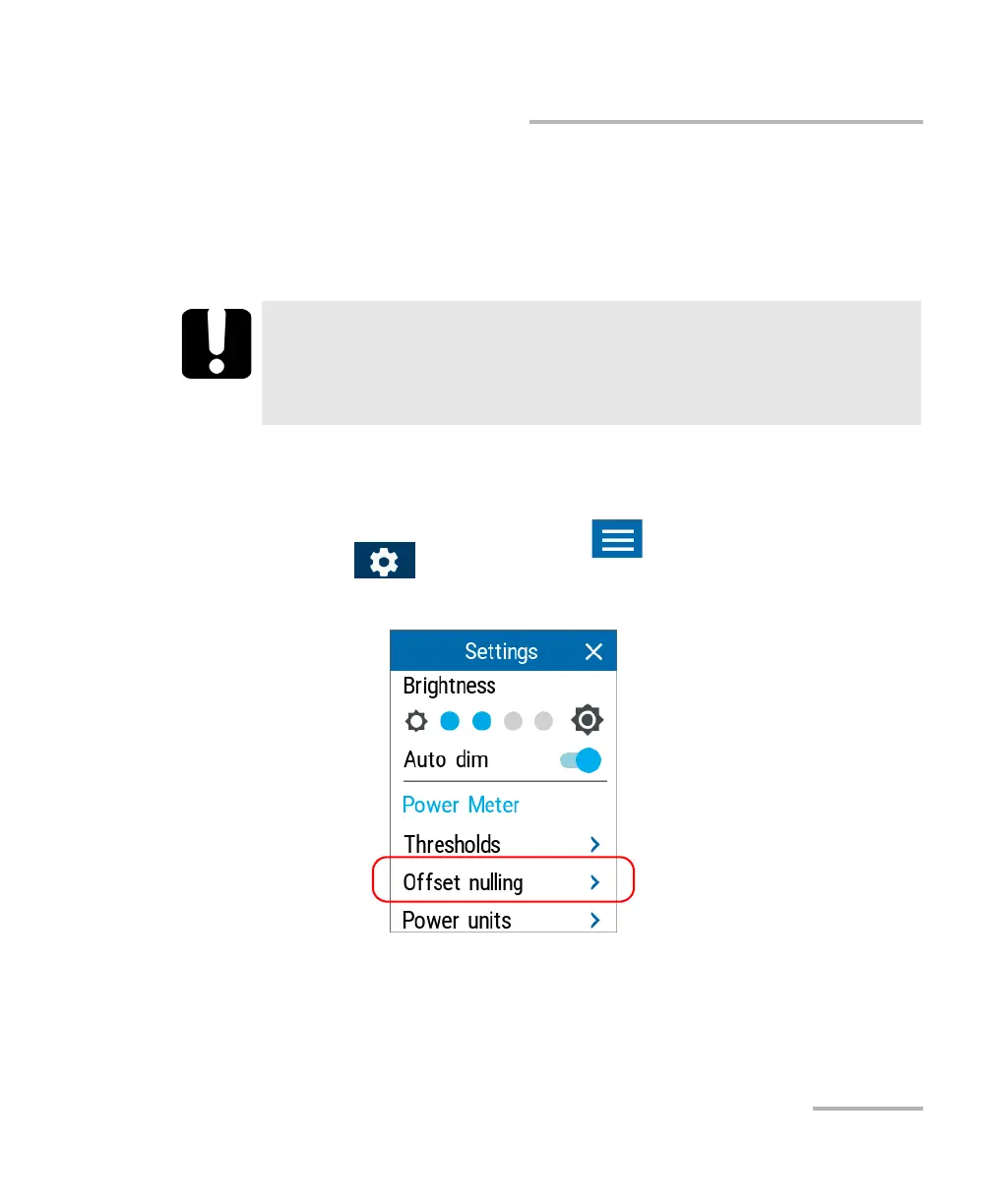
2. From the main PX1 page, tap the icon to access the menu, then
select .
3. Under Power Meter, tap Offset nulling.
4. Tap Nulling and wait for the operation to complete. Once it is done, tap
OK to return to the Settings page.
IMPORTANT
If light reaches the detector when nulling offsets, you will be
notified and the nulling is not performed. You can retry after
putting a cap on the detector.



 To Next Page