Managing Test Results
44 PX1
Deleting Measurements (Clearing Data)
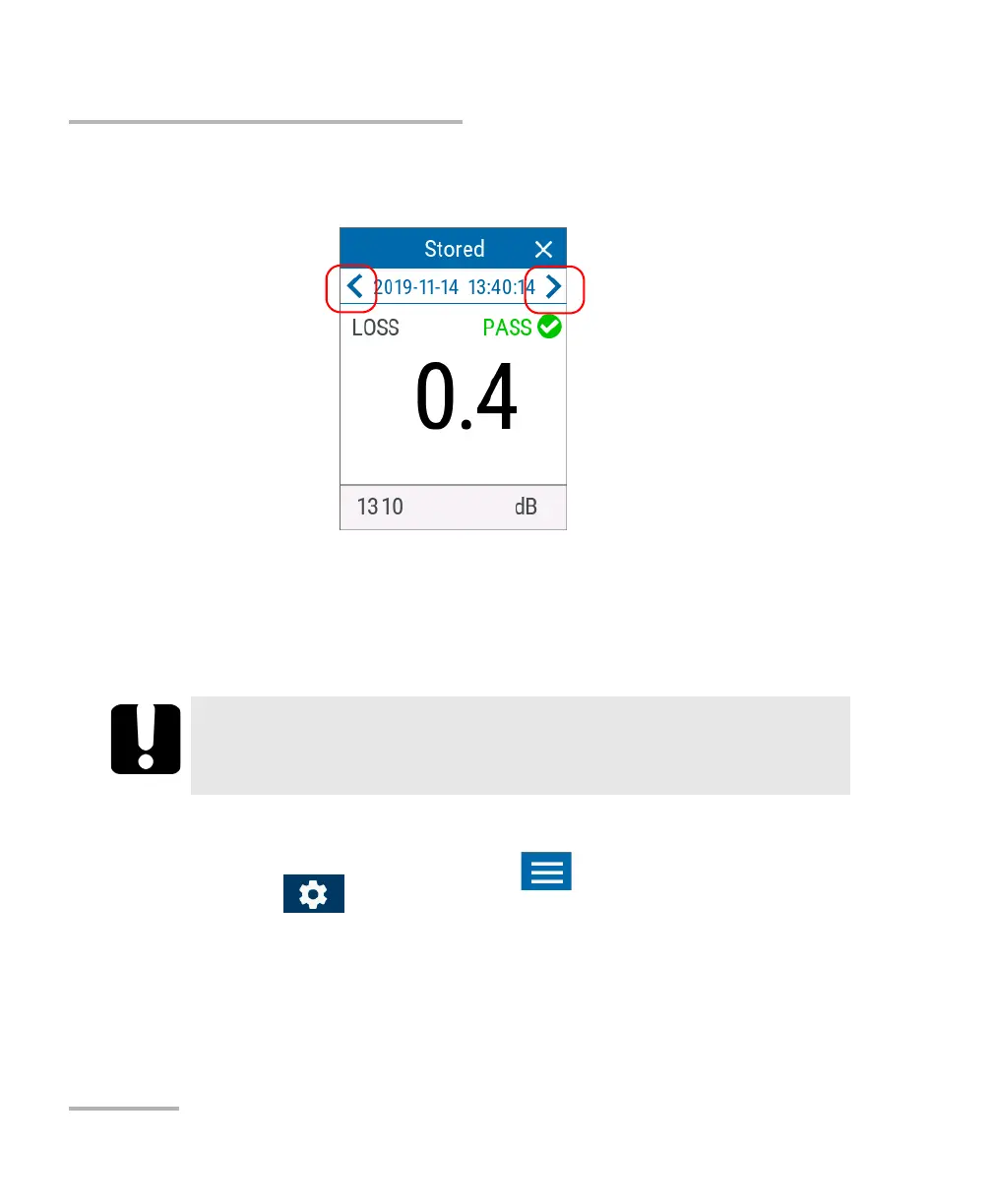
2. Use the arrow button on each side of the page to go to the previous or
next measurement.
Deleting Measurements (Clearing Data)
To free up some disk space on your unit, you can manually delete the
stored measurements.
To delete measurements:
1. From the main PX1 page, tap the icon to access the menu, then
select .
2. Scroll down to the Unit settings section.
IMPORTANT
All of the stored measurements will be deleted, you cannot select
them. Deleted measurements cannot be recovered.



 To Next Page