Setting up and Using Your PX1
32 PX1
Setting Reference Values on Your PX1
Setting Reference Values on Your PX1
In loss measurement mode, your unit displays on screen the loss created
by the fiber under test, since it subtracts a reference value from the
measured power.
You can set a different reference value for each wavelength. The reference
value are kept in memory until you select new ones.
To set reference values:
1. Inspect your fibers and clean them properly.
2. Using the proper adapter and test jumpers, connect a light source to
your unit.
3. Select the wavelength for which you want to take a reference, as
explained in Changing Wavelengths on page 27.
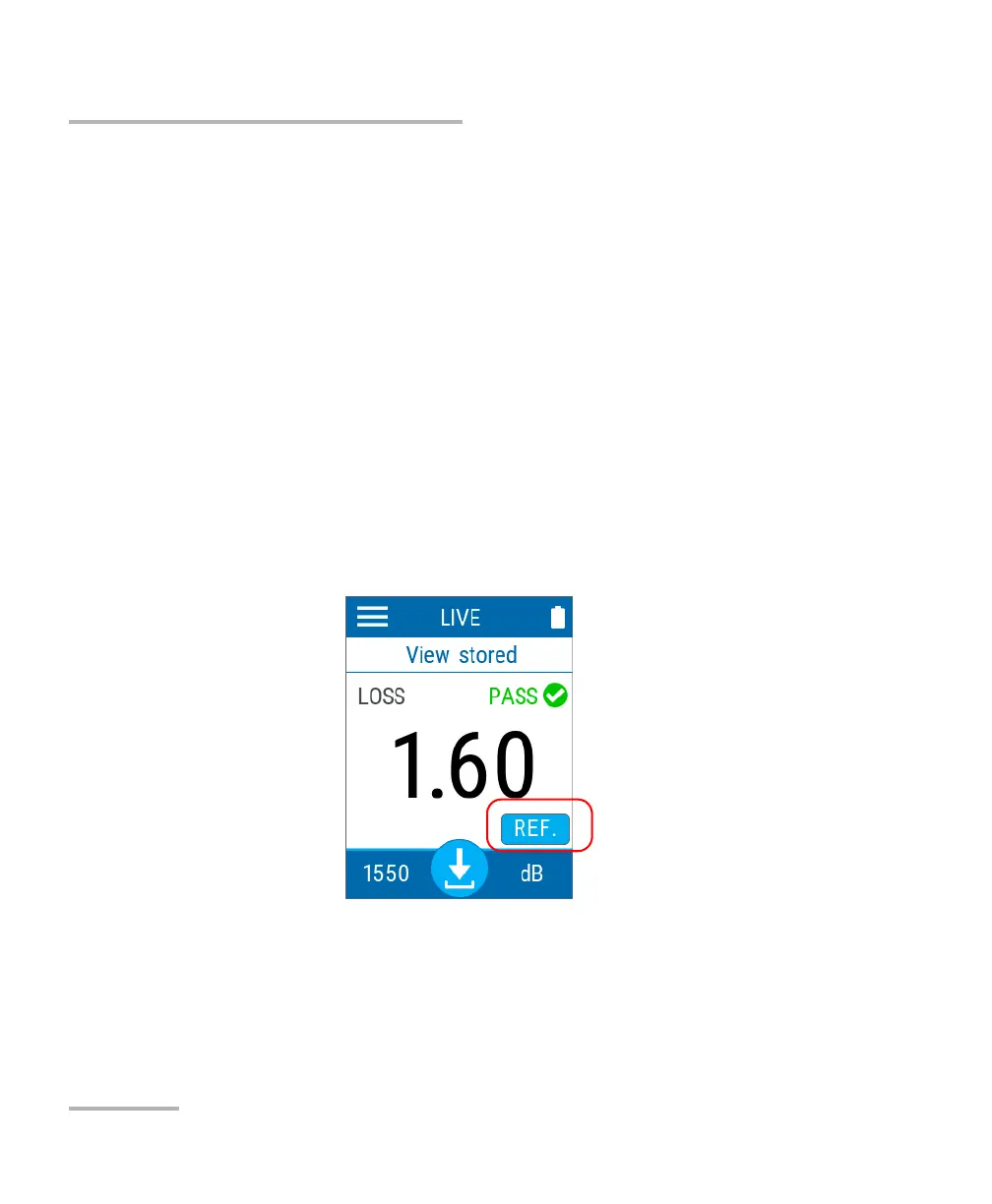
4. From the main window, tap REF.



 To Next Page