Setting up and Using Your PX1
22 PX1
Adjusting Brightness
Adjusting Brightness
You may want to adjust the display brightness yourself to better fit your
work environment or preferences.
You may also want to reduce the display brightness to save battery power
(the higher the brightness level, the higher the power consumption).
The brightness value is kept in memory even when you turn the unit off.
To adjust the display brightness:
1. From the main PX1 page, tap the icon to access the menu, then
select .
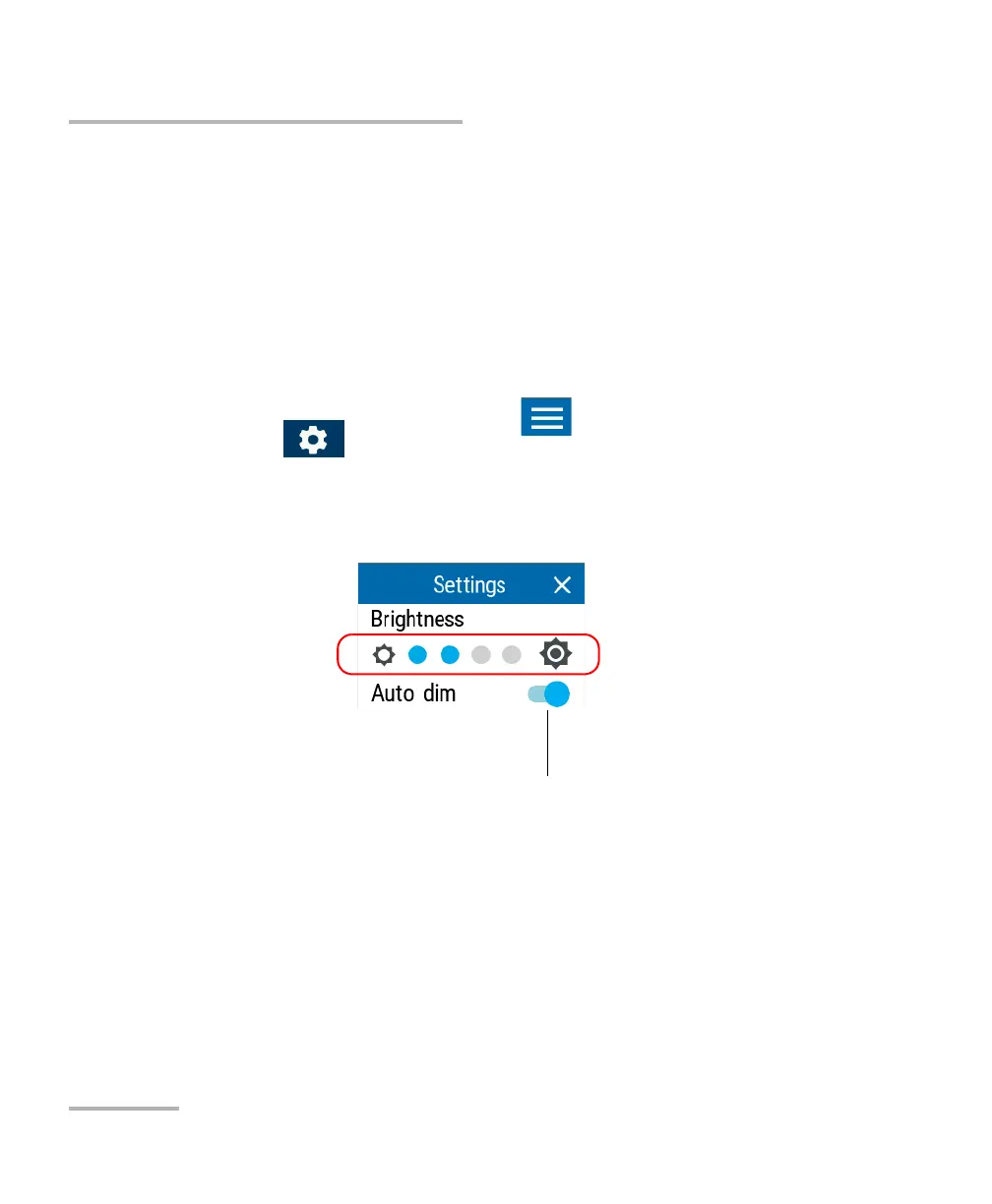
2. Under Brightness, tap the dots until the screen appearance is to your
liking. You can also tap the desired brightness icon to quickly set the
brightness to the minimum or the maximum value.
The new brightness value is taken into account immediately.
The screen will dim automatically after a
while if there is no activity on the unit.



 To Next Page